
Last Updated on: Sep 25, 2026
A chair can look supportive online and still fit the wrong person, desk, or room. Start with your own seated dimensions and the hours you use the workspace. The goal is an adjustable seat that lets you work without continually reaching, shrugging your shoulders, or perching on the front edge. This guide compares eight current retailer listings and gives you a way to test fit before keeping a chair. It is not a claim that any chair cures back pain.
What We'll Cover
Measure your desk height, available floor area, and the clearance under the tabletop first. Think about whether your feet reach the floor, whether the seat edge presses behind your knees, and whether armrests collide with the desk. A headrest, thick padding, or a long list of controls matters less when the chair cannot be positioned comfortably at your keyboard.
Top Office Chairs
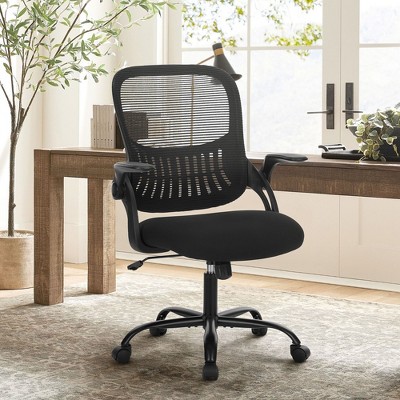
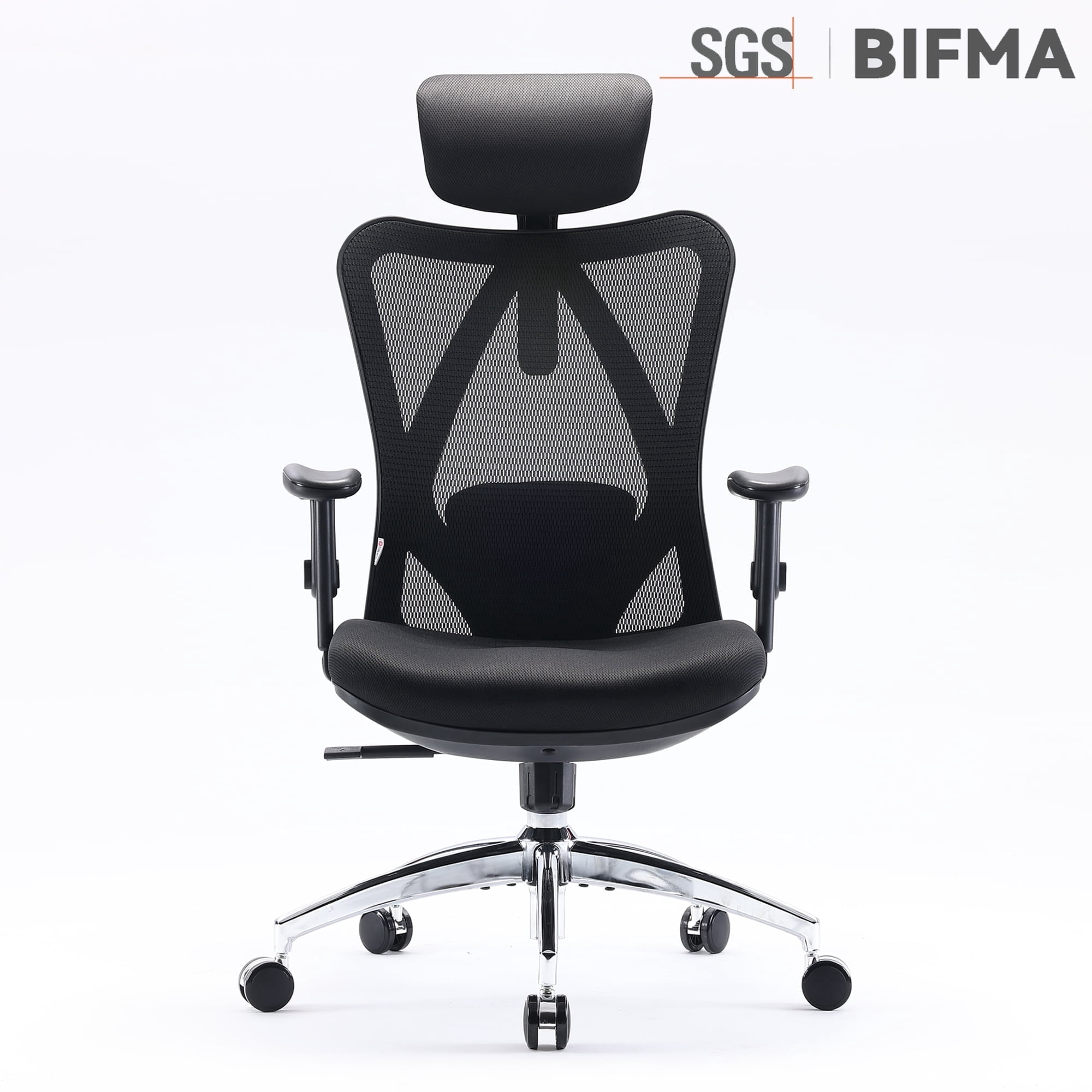
Fit starts with seat height and depth
The Occupational Safety and Health Administration advises choosing a comfortable seat that lets your feet rest flat on the floor or on a footrest. Sit back against the backrest and adjust the seat height while wearing the shoes you normally use at the desk. If the desk forces the chair too high for your feet to reach, a stable footrest can help. If it is too low for comfortable typing, the chair alone may not solve the workstation problem.
Seat depth is just as important as the height. When your back contacts the backrest, leave a little space between the front edge of the seat and the backs of your knees. A seat that is too deep can make you scoot forward and lose back support; a shallow seat may not support your thighs. Manufacturer dimensions tell you where to start, but cushions compress and bodies differ. Try the chair when possible and use the return window as a fit test.
- Seat height: Confirm the adjustment range, not just a label saying adjustable.
- Seat width: Allow comfortable movement without feeling squeezed by the armrests.
- Seat depth: Check the space behind your knees while sitting back.
- Floor contact: Feet should have stable support from the floor or a footrest.
Back support and recline
OSHA recommends a backrest that follows the natural curve of the spine and offers adequate lumbar support. A movable lumbar pad may help you position that support, but more prominent is not automatically better. Set it where it contacts your lower back without pushing you forward. If a chair only changes the depth but not the height of the lumbar piece, make sure it reaches the right place on your body.
Check whether the backrest can move with you as you shift positions. A tilt tension knob, recline stop, or adjustable back angle can be useful, but product pages often lump these separate controls into one vague “tilt” claim. Read the manual for the exact model. A locked upright position may be suitable for focused typing; the ability to recline comfortably can offer variation during reading or calls. Avoid assuming a tall back is inherently more supportive for everyone.
A headrest can be convenient when leaning back, yet it can push the head forward if it is poorly placed. Taller users should look for the headrest height and depth range; shorter users should confirm it can move clear of their working posture. If the headrest is removable, check whether that changes the appearance or warranty. A low-profile task chair without one can be a better fit at a small desk.
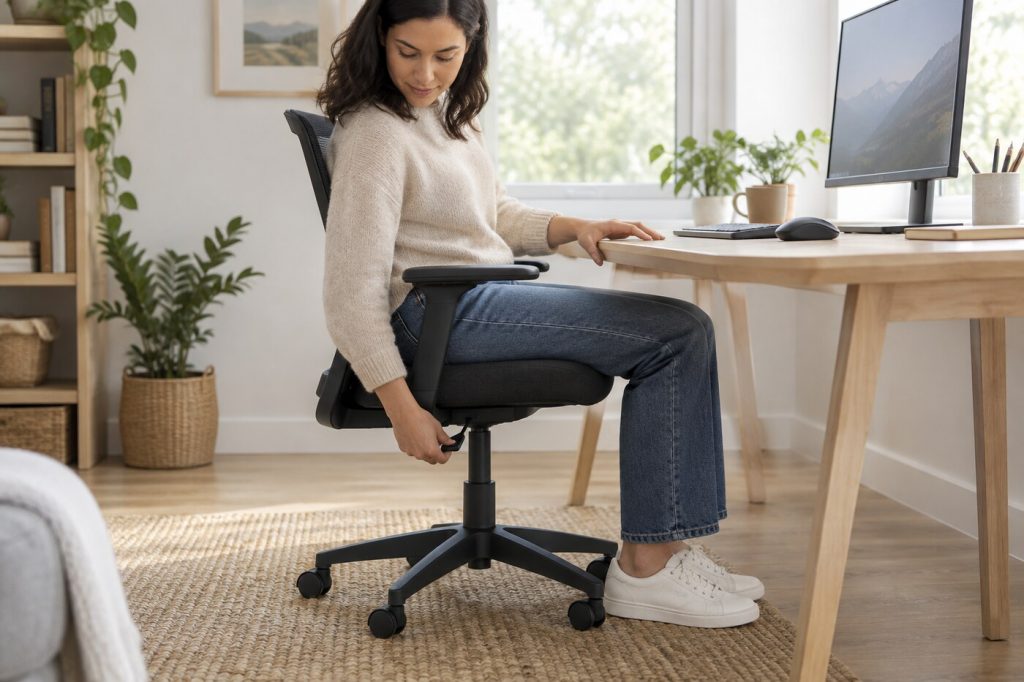
Armrests and desk clearance
Armrests should allow relaxed shoulders and elbows near your body, as OSHA explains. Compare fixed, height-adjustable, sliding, and flip-up designs based on how you use the desk. Height-adjustable arms may better fit an individual user, while flip-up arms may allow the chair to tuck beneath a tight desk. Neither feature is useful if the arm pads strike the desktop or force you to sit too far away from the keyboard.
Measure from the floor to the underside of the desk before ordering. Compare that number with the top of the armrests at your desired chair height, rather than at the chair’s lowest setting. If the chair cannot roll close enough, you may reach forward all day. A wide executive-style armrest may feel generous in a showroom but take up valuable room in a narrow workstation.
Mesh, upholstery, and cushion feel
Mesh backs offer airflow and a light visual footprint. A mesh seat feels different from a padded seat because the frame, tension, and edge shape are part of the support. Fabric cushions can feel warmer and softer; faux leather may be easier to wipe down but may trap heat. These are comfort and maintenance trade-offs, not universal rankings. For any material, check cleaning instructions and whether replacement parts are offered.
Pay attention to the front edge of the cushion. A hard frame or sharp seam can create pressure on the legs even when the advertised cushion is thick. After sitting for more than a few minutes, note whether you keep shifting away from the edge or leaning sideways. Some chairs become more comfortable only after adjustment; others simply do not fit. No amount of extra lumbar hardware fixes an unsuitable seat pan.
Eight retailer listings to compare
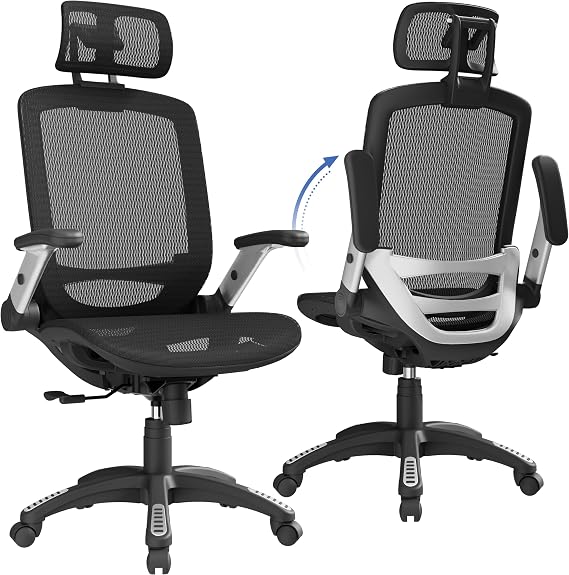
【ERGONOMIC OFFICE CHAIR】- The ergonomic chair provides 4 supporting points(head/ back/ hips/ hands) and a proper lumbar support. Suitable for people of about 5'2" to 6'1"(Please refer to the height...
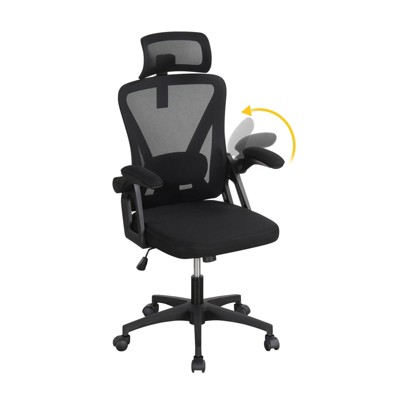
The GABRYLLY high-back chair lists a headrest, flip-up arms, and a 90- to 120-degree tilt lock. Check its seat measurements against your legs and desk clearance before choosing it for its tall silhouette.
Target’s Costway mesh chair lists adjustable lumbar support and a headrest. Compare the actual range of those adjustments with the intended user’s height, and check the return terms for this seller.
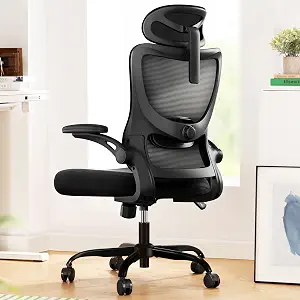
Fully Adjustable Office Chair: Customized chairs, featuring with an adjustable 2D headrest, backrest with 90° to 120° recline, and 3D adjustable armrests for multiple work postures at will and disc...
Marsail lists a high mesh back, adjustable lumbar support, headrest, and 3D armrests. Verify how each control moves in the current manual, especially the arms if the desk has limited clearance.
The JIONJOY task chair on Target lists a mesh back, adjustable height, and flip-up arms. That compact configuration may be useful where the chair must slide under the work surface. Confirm seat dimensions and assembly requirements.
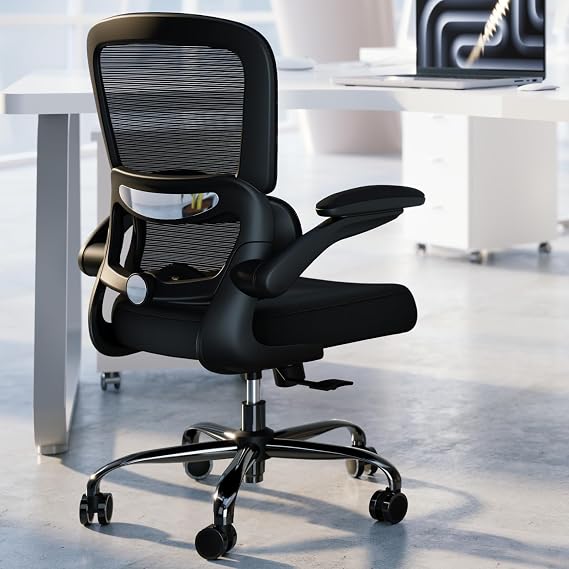
High-Resilience Molded Foam Seat – Won’t Flatten After 1 Year – Instead of budget foam that hardens and sags within months, the seat is built with high-density, high-resilience molded foam that bou...
TRALT’s mesh task chair is another lumbar-adjustable option. Review which component adjusts and how the chair locks or rocks; retailer descriptions can use the same word for different mechanisms.
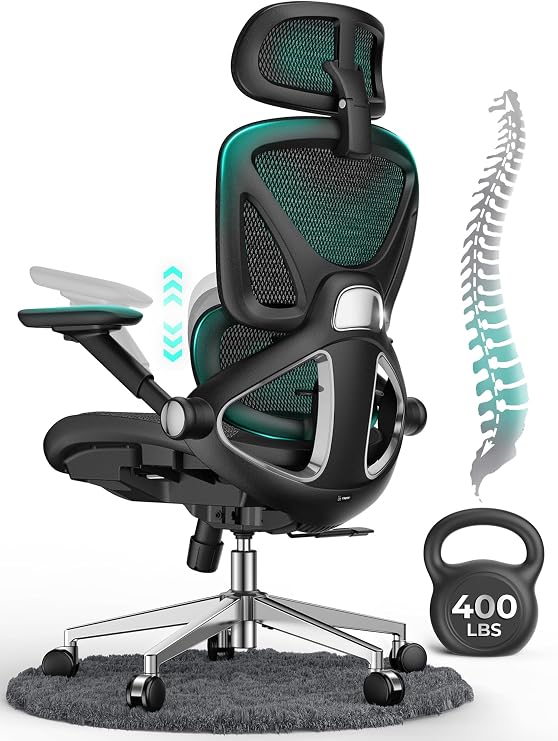
【STURDY, SNUG WORK CHAIR】Made for long sits over 8 hours of desk work. Micro-adjust lumbar support, flip-up arms, and a flexible headrest serve people from 5'5" to 6'2", prolonging comfort. BIFMA X...
The CAPOT listing features adjustable lumbar support, 4D flip-up arms, and a three-position tilt. Many adjustments are only a benefit when their ranges suit the person. Check the assembled width and clearance around the desk.
Walmart lists a SIHOO M18 with a high mesh back and adjustable lumbar support. Check the current seller and model details before buying, since store listings can vary in package and return terms.
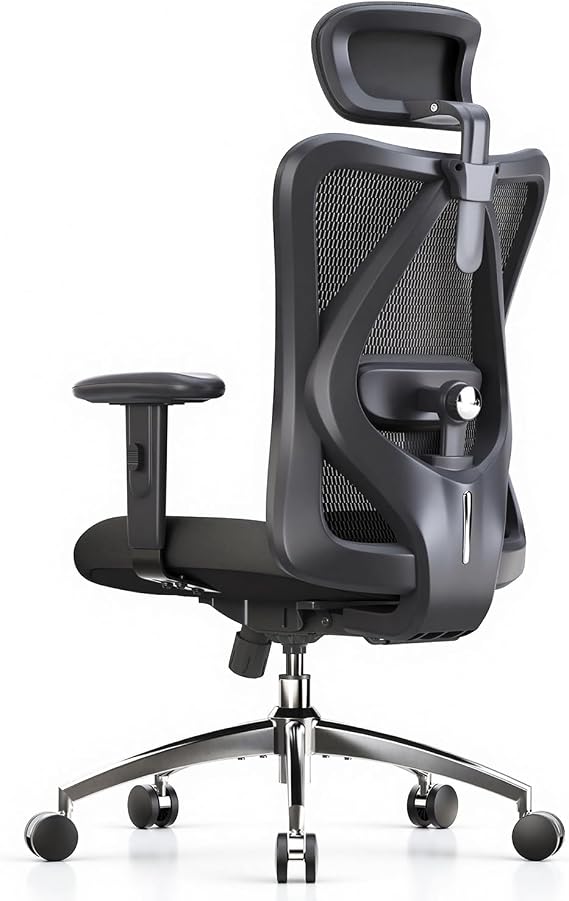
【ERGONOMICE OFFICE CHAIR】- The ergonomic chair provides 4 support points (head/back/hip/hands) and proper lumbar support. SIHOO designs ergonomic chairs to meet different needs, with seat height, h...
Amazon also lists a SIHOO M18 with a headrest and mesh back. Compare this listing directly with the Walmart version rather than assuming that similar names guarantee identical package contents or support.
Base, casters, and assembly
OSHA’s chair guidance favors a five-leg base with casters that let the chair move easily. Match the wheels to the flooring and check whether a protective mat is appropriate for the room. Smooth movement makes it easier to change position without twisting or dragging the chair. A base that is too broad, however, may catch on desk legs or storage drawers in a small space.
Assembly matters more with a heavy chair. Check the listed weight, whether a second person is recommended, and what tools are included. Keep the model number and instructions after building it. If a wheel, arm pad, or gas lift wears out, replacement-part availability can matter more than a minor difference in initial price. Test all levers before discarding packaging and do not use a chair with missing or damaged components.
A ten-minute fit test
- Set the seat height with feet supported and your back against the backrest.
- Place the keyboard and monitor so you are not leaning forward to see or type.
- Adjust lumbar support and armrests while keeping shoulders relaxed.
- Try typing, reading, turning, and rolling toward nearby work areas.
- Check seat-edge pressure and whether the chair fits beneath the desk.
A chair is only one part of a workstation. OSHA also recommends adjusting the monitor, keyboard, and desk along with the chair. Get up and change posture periodically instead of expecting a single seated position to be perfect all day. If pain persists, seek individualized advice from an appropriate health professional rather than buying a chair based on a medical promise.
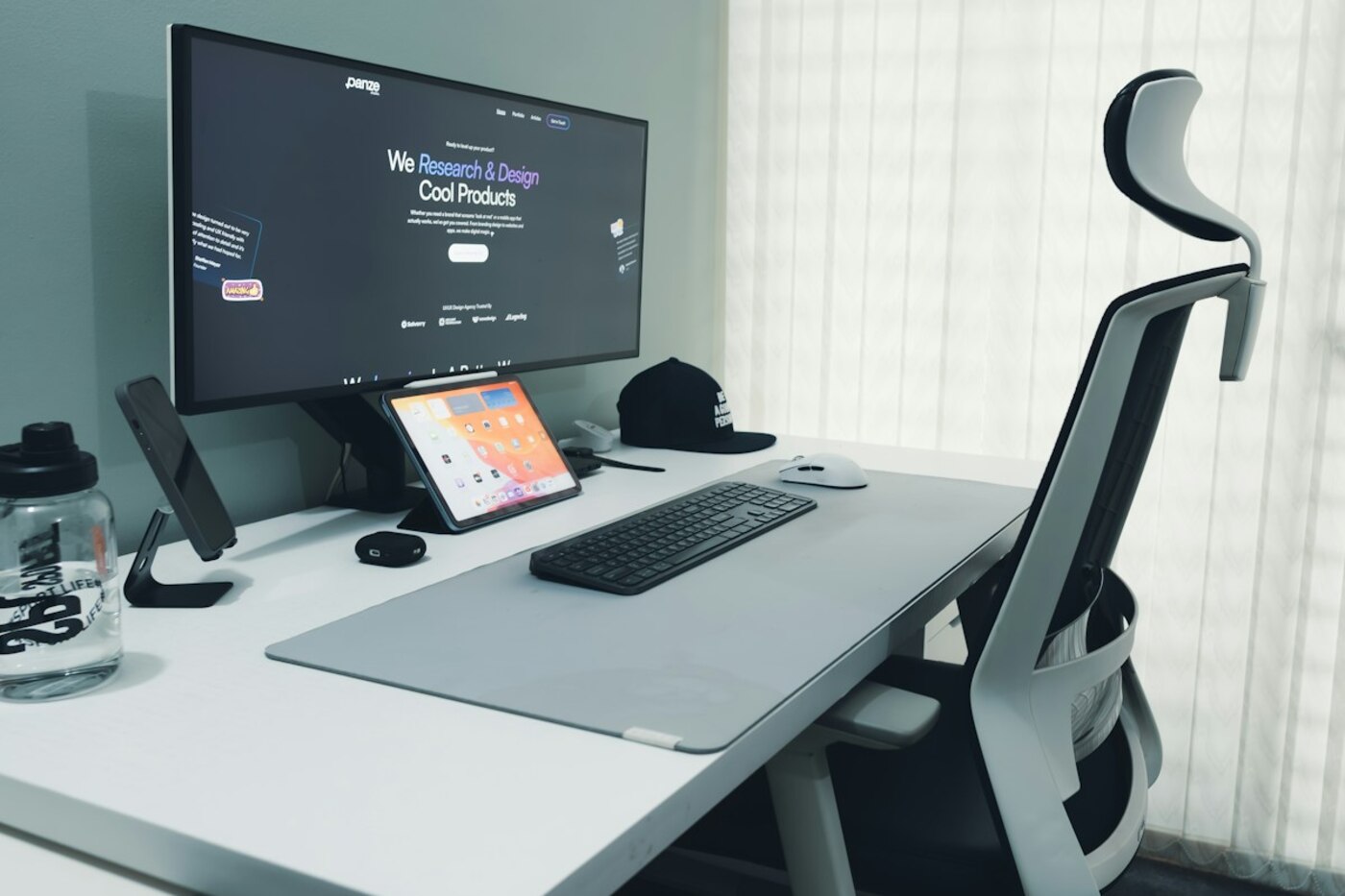
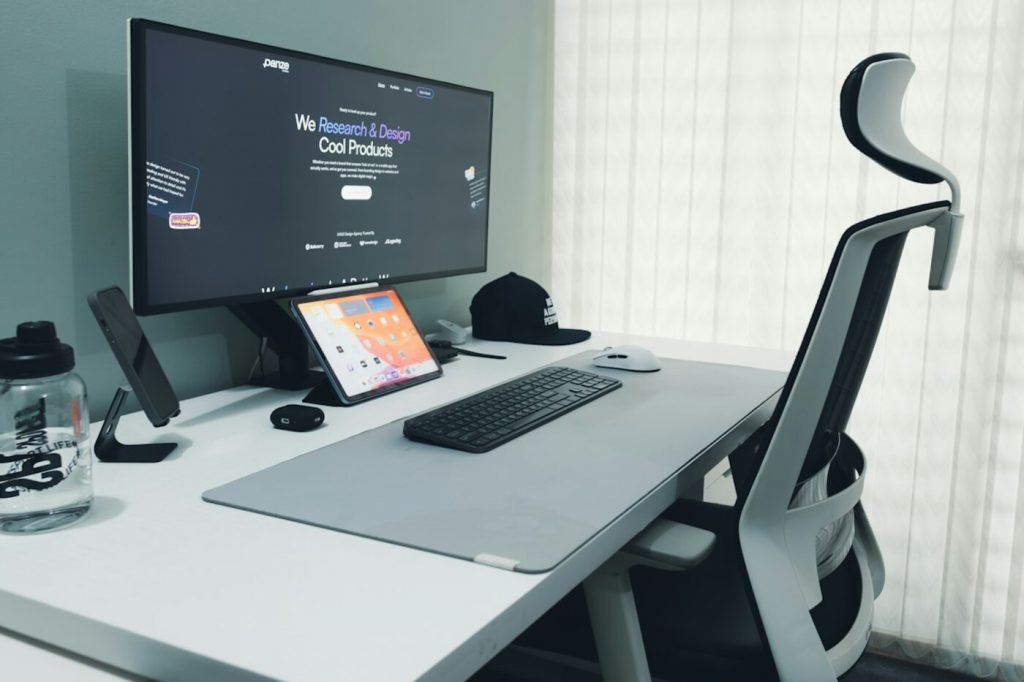
Source for workstation fit: OSHA, Computer Workstations: Chairs. Stock image: Mahmudul Hasan on Unsplash.
The responses below are not provided, commissioned, reviewed, approved, or otherwise endorsed by any financial entity or advertiser. It is not the advertiser’s responsibility to ensure all posts and/or questions are answered.