
Last Updated on: May 11, 2026
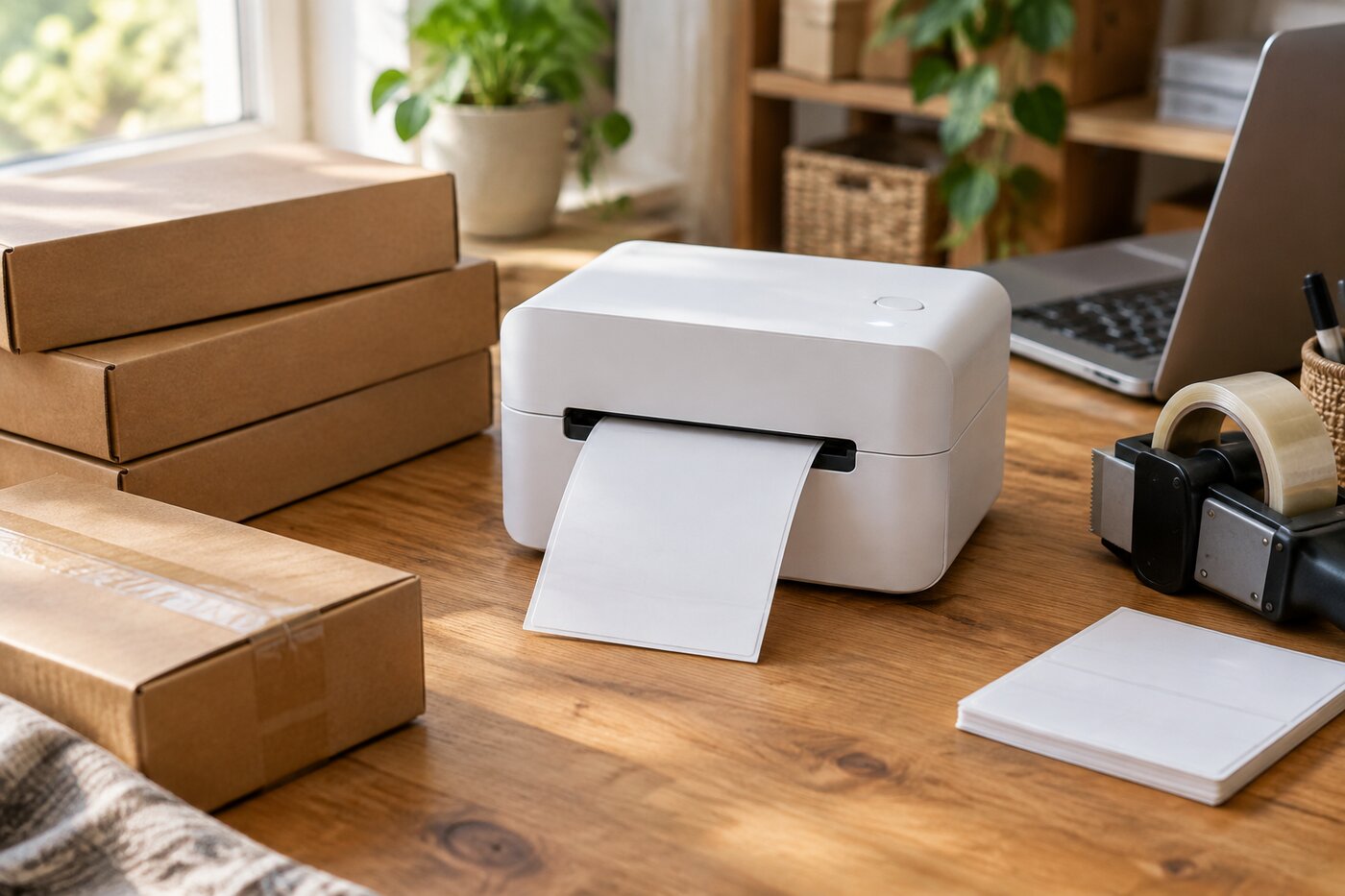
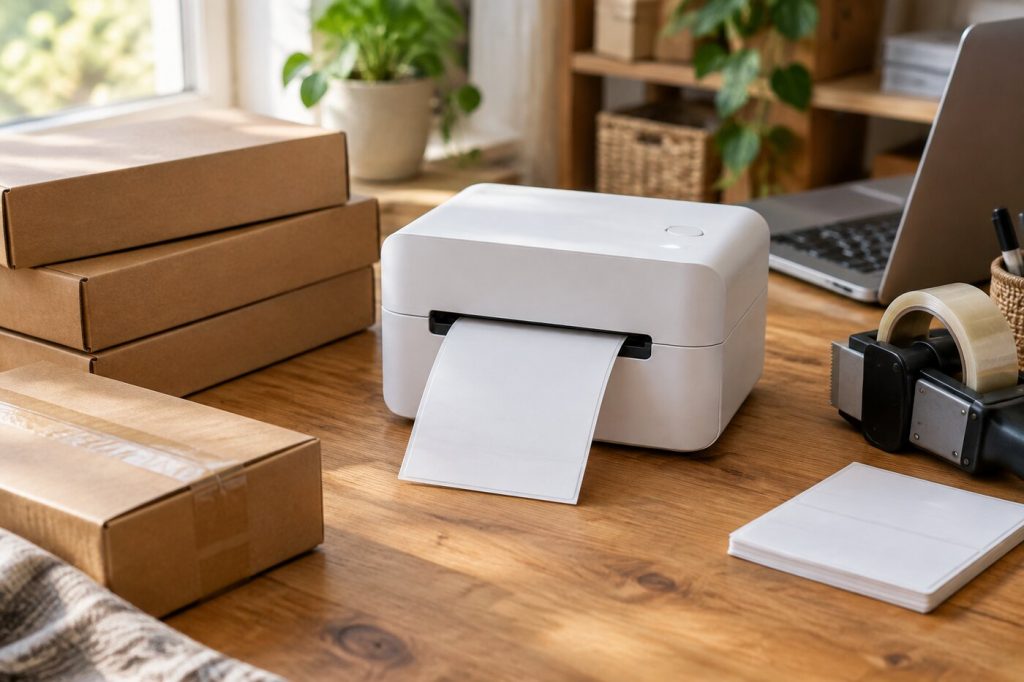
If you sell online, printing shipping labels on regular paper gets old fast. You print a full page, trim it, tape it to the box, and hope the tape holds through a rainy delivery route. A thermal label printer skips all of that. It prints a peel-and-stick 4x6 label in a few seconds, and it never needs ink or toner.
What We'll Cover
- Top Thermal Label Printers
- How thermal label printers work
- Label size and format
- USB, Wi-Fi, or Bluetooth
- Wired and desktop picks
- Wireless picks
- Print speed, resolution, and noise
- Returns, inventory, and other uses
- Setting up for fewer headaches
- Is a label printer worth it for a small business?
- Labels and supplies
- The short answer
For a small shop shipping a handful of orders a week, the time saved is modest. Once you are shipping every day, a label printer is one of the cheapest upgrades you can make. The main choices are how it connects, what labels it takes, and how it fits on your packing table.
Top Thermal Label Printers
How thermal label printers work
Most shipping label printers are direct thermal. The print head heats spots on special heat-sensitive labels, which turn black. There is no ribbon, ink, or toner to buy, so the only running cost is labels. The trade-off is that direct thermal labels can fade over time, especially in sunlight or heat. That does not matter for a label that only needs to last until the package is delivered, but it is not ideal for anything that has to last for years.
Thermal transfer printers, which use a ribbon, make longer-lasting labels, but they cost more and are usually overkill for shipping. Everything in this guide is a direct thermal model.
Label size and format
The 4x6 inch label is the size most shipping platforms and carrier label tools produce. All of the printers here handle it. Many also print smaller labels for barcodes, product stickers, or return addresses, which is handy if you want one machine for everything.
Labels come in two formats. Rolls are compact and easy to load. Fanfold stacks sit behind or under the printer and feed through a slot, and they usually cost less per label. Check which formats your printer supports, and whether it needs its own branded labels or accepts generic ones. Printers that require proprietary labels can cost more to run over time.
USB, Wi-Fi, or Bluetooth
- USB is the most reliable. You plug the printer into one computer and print. It is the right choice if you always pack at the same desk.
- Wi-Fi lets several computers, and often phones, print to one machine on your network. It suits a shared space or a shop with more than one person packing.
- Bluetooth pairs with a phone or laptop nearby. It is convenient for sellers who manage orders from a phone app, but range is short and printing from some desktop programs can take extra setup.
Before you buy, check that the printer works with your computer or phone and with the platforms you sell on. Most makers list supported marketplaces and operating systems on the product page.
Wired and desktop picks
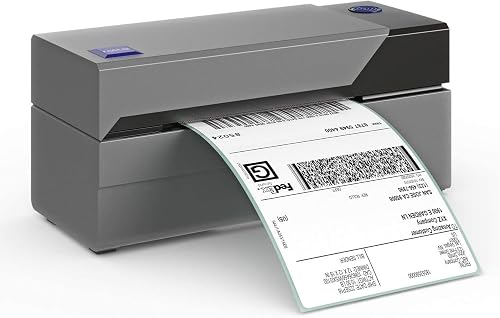
ROLLO PRINTER: Rollo USB is compatible with both Windows (XP and newer) and Mac (10.9 and newer) with easy set up; Print shipping labels, warehouse labels, barcode labels, sticker labels, and more;...
The Rollo USB printer is a simple wired machine for one computer. It prints 4x6 shipping labels without ink and is built for regular daily use. If your packing station never moves, a wired printer like this is the least fussy option.
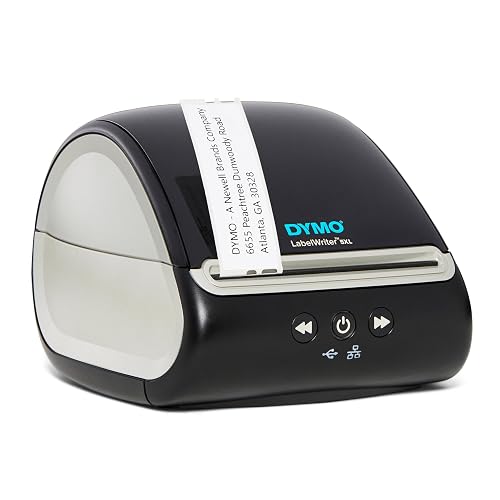
EXCLUSIVELY WORKS WITH DYMO-BRANDED LABELS: LabelWriter 5XL printers are carefully calibrated to only work with DYMO-branded labels saving you time, money and effort
BETTER EFFICIENCY WITH NO MORE ...
The DYMO LabelWriter 5XL prints extra-wide shipping labels and has automatic label recognition, so it knows which label roll is loaded. That makes it easier to switch between shipping labels and smaller address or barcode labels during the day.
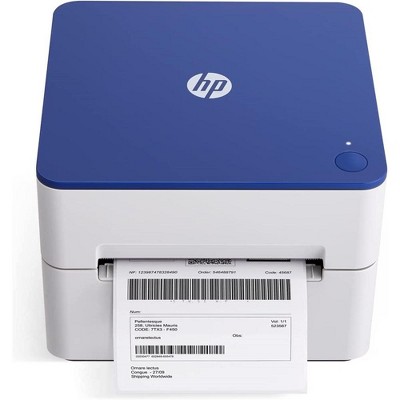
At Target, the HP 4x6 direct thermal label printer prints at 203 dpi and has an internal label tray, which keeps the labels inside the machine instead of trailing behind it. That makes for a tidier desk in a small home office.
Wireless picks
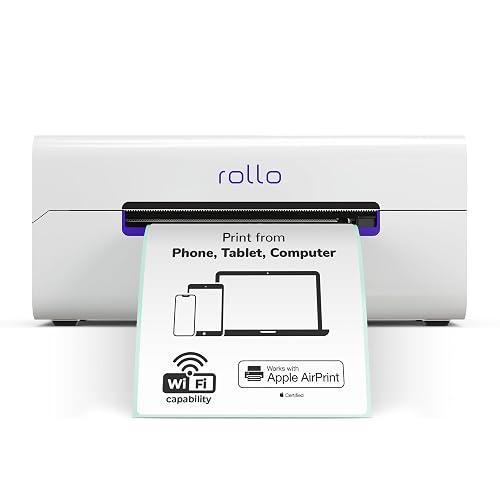
WIRELESS WIFI SHIPPING: Rollo wireless utilizes AirPrint to print labels directly from iPhone, iPad, and Mac or via Wi-Fi for Android, Windows, Chromebook and Linux without Bluetooth or drivers; Si...
The Rollo Wireless printer connects over Wi-Fi, so everyone on your network can send labels to it. It is a good fit when you pack in one room and handle orders on a laptop or phone elsewhere.
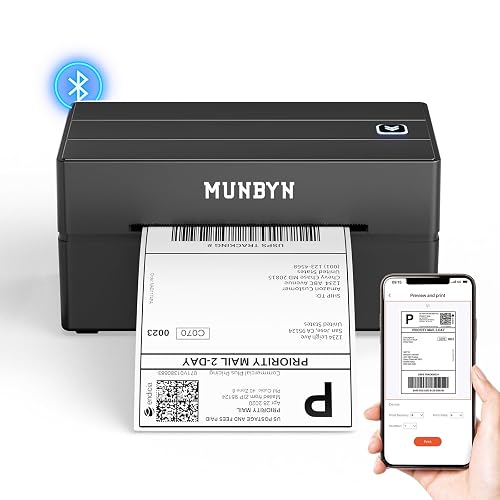
Save Wisely with Munbyn Realwriter Series: Print ultra-clear at 72 pages/min, reducing errors and waste. Cut outsourcing, ink, and toner costs for smart savings with the Munbyn thermal printer 130B...
The MUNBYN Bluetooth printer pairs with a phone or computer and prints 4x6 labels. It suits sellers who run their shop from a phone app and want to print right where they pack.
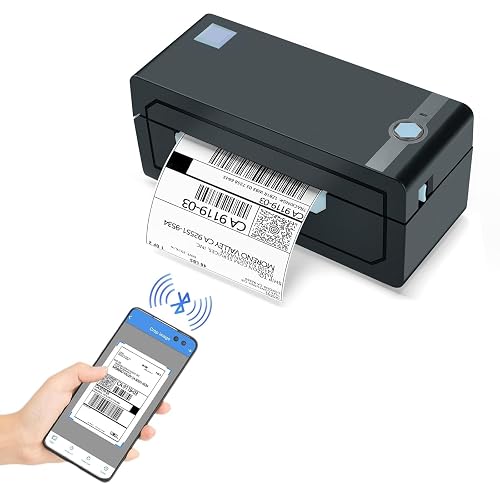
[HIGH TECH LABEL PRINTER] Equipped with a Japanese high tech thermal print head, 203 DPI high printing quality. No ink, No toner, Clean with no mess, economical. Works with both fanfold labels and ...
The JADENS Bluetooth printer is another wireless 4x6 option at a lower price. It is a reasonable first label printer for a new shop.
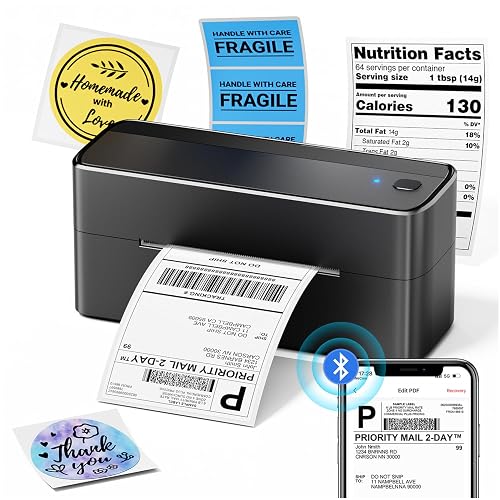
[Print Wirelessly] - Phomemo bluetooth shipping label printer supports wireless printing through bluetooth connection. For IOS and Android, need to download the "labelife " APP from Apple Store or ...
The Phomemo 241BT is a Bluetooth label printer that comes with a starter pack of labels, so you can print as soon as it arrives.
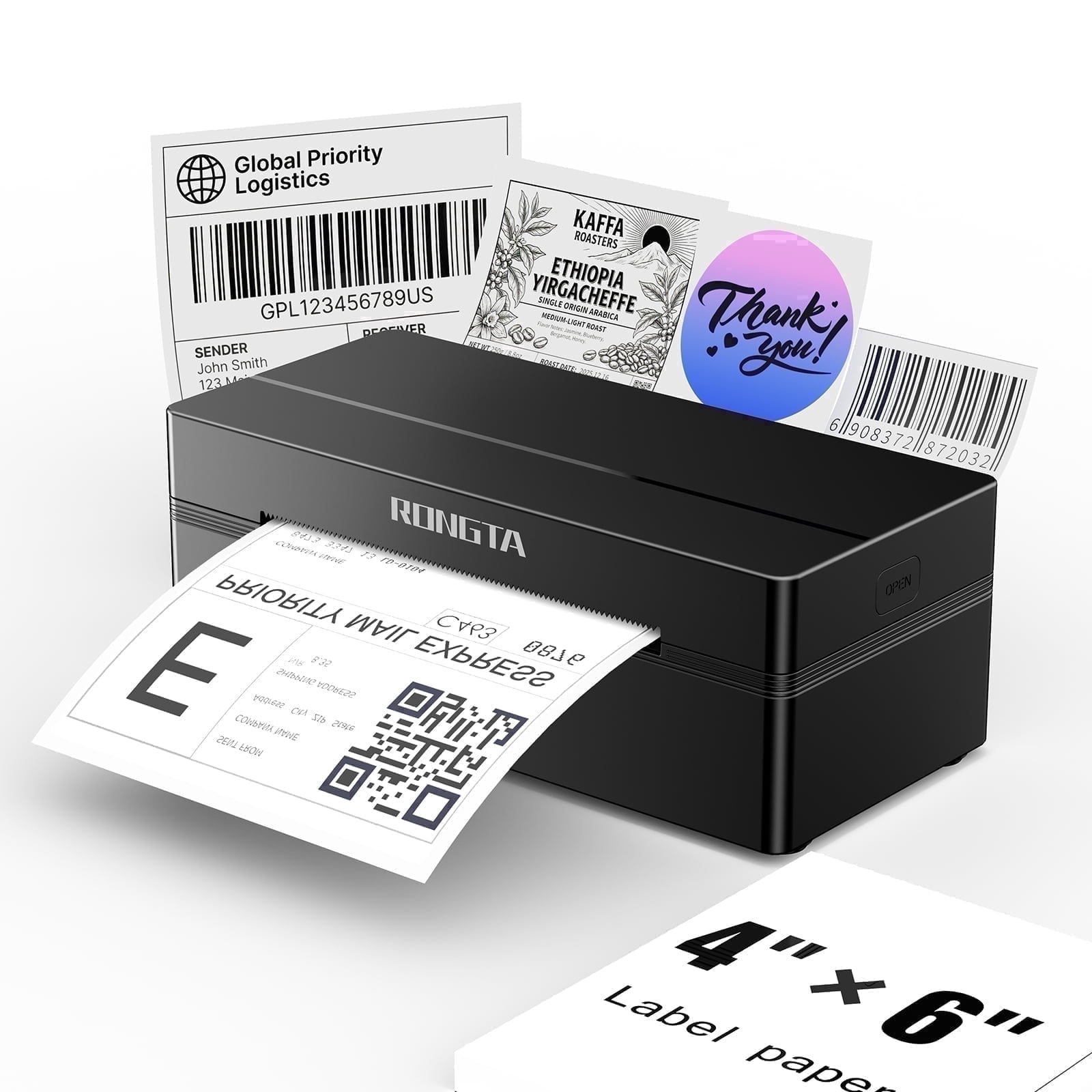
If you want both options, the RONGTA RP425 connects by Bluetooth and USB. You can print from a phone during the day and keep a wired connection to your main computer.
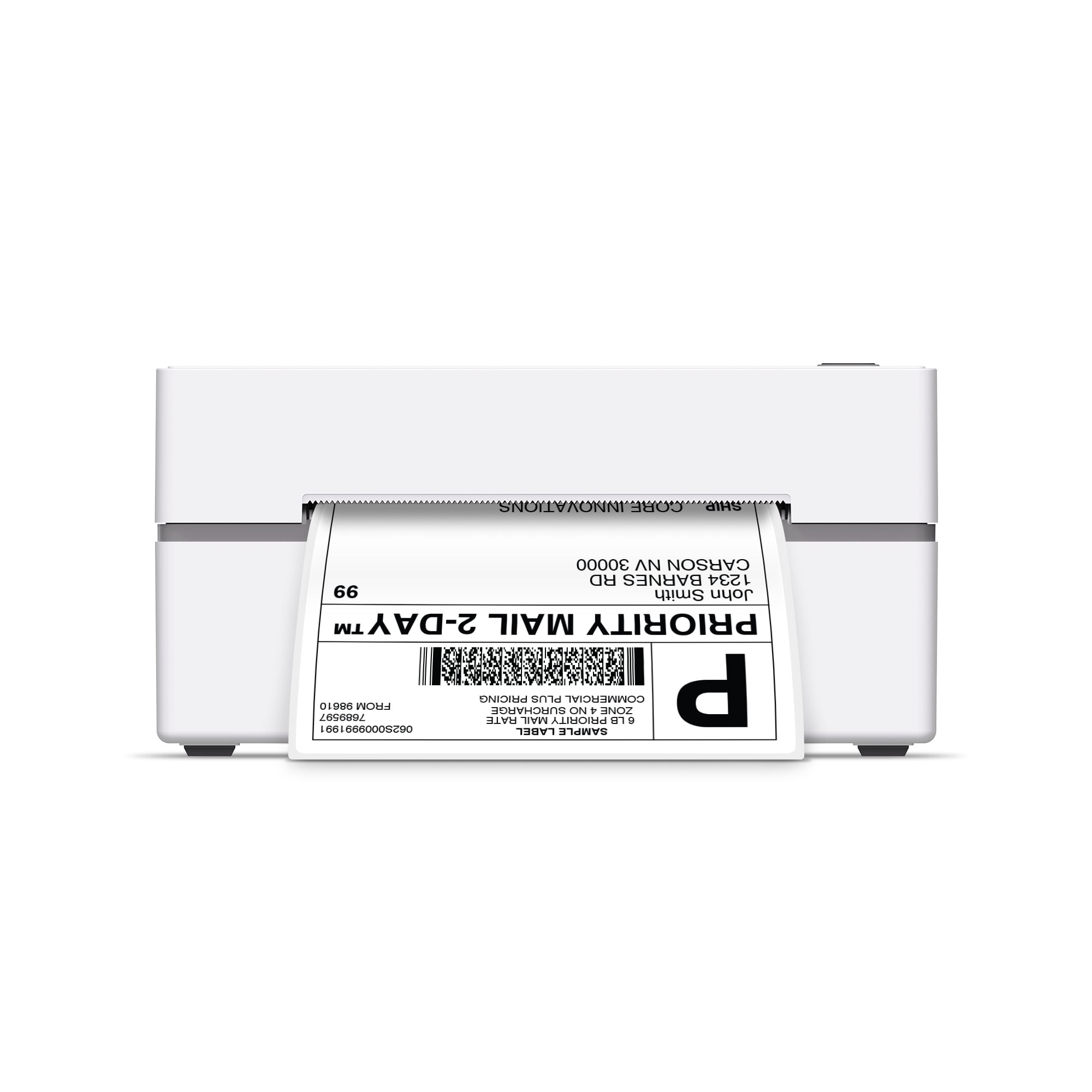
The Core Innovations Bluetooth printer bundle works with Android, iOS, and Windows, which is useful in a household or shop that mixes devices.
Print speed, resolution, and noise
Most 4x6 thermal printers print at 203 dpi, which is plenty for carrier barcodes and addresses. Higher resolutions, such as 300 dpi, help with very small text or tiny product barcodes but are not needed for shipping labels. Speed is usually listed in inches per second. Any modern thermal printer will print a single label in a couple of seconds, so speed only matters if you batch dozens of labels at once.
Thermal printers are much quieter than laser or inkjet printers because they have few moving parts. You will hear the label feed and a short whir, which makes them easy to live with in a home office or a spare bedroom.
Returns, inventory, and other uses
A label printer earns its space beyond outgoing orders. You can print prepaid return labels to slip into packages, barcode labels for bins and shelves, and small stickers for product bags. Many sellers use the same machine to label storage boxes and file folders. If you plan to do that, pick a model that handles smaller label sizes as well as 4x6, and keep a roll of each size on hand.
Setting up for fewer headaches
- Install the driver or app before you plug in or pair the printer. Many printing problems come from skipping this step.
- Set the label size to 4x6 in both the printer settings and your shipping platform. A mismatch causes tiny or cut-off labels.
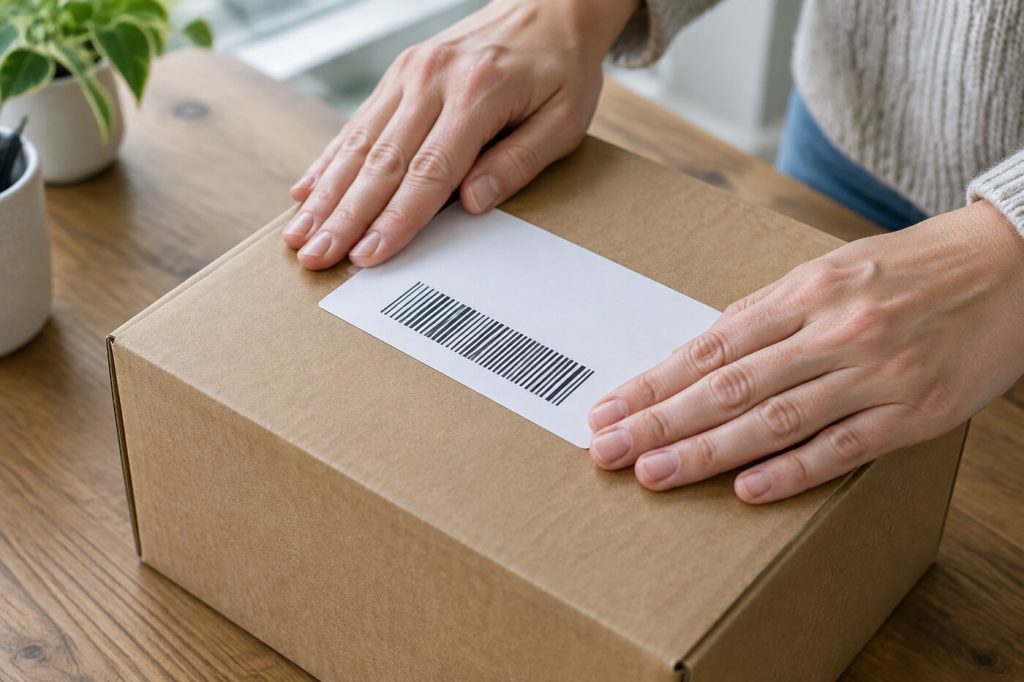
- Print a test label and scan the barcode with your phone before your first real shipment.
- Keep labels out of direct sun and heat, which can darken direct thermal paper before you use it.
- Clean the print head now and then with the method the maker recommends. Faint or streaky labels are often a dirty head.
Is a label printer worth it for a small business?
Think about volume. If you ship two or three packages a month, printing on plain paper and taping it down works well enough. If you ship several orders a week, a thermal printer saves time on every package, and the lack of ink cartridges means the machine often pays for itself in supplies you no longer buy. It also looks more professional, which matters when your packaging is part of the customer's experience.
Space is the other factor. Fanfold labels need room behind or under the printer, while models with an internal tray keep everything contained. Measure your packing area before you choose.
Labels and supplies
Buy labels from a seller that lists compatibility with your printer model. Look at the core size for rolls and the stack size for fanfold labels, and check the adhesive: permanent adhesive holds better on textured boxes and poly mailers. Order a spare stack before you run out, because running dry in the middle of a busy week is a real headache.
Finally, think about where the printer will sit. A spot next to your packing table, close to an outlet and away from a sunny window, keeps labels fresh and saves steps between printing and taping.
The short answer
If you pack at one computer, a USB printer is the simplest and most reliable choice. If several people or devices need to print, get Wi-Fi. If you run your shop from a phone, Bluetooth works well. Whichever you pick, stick with 4x6 direct thermal labels, set the size correctly once, and label printing becomes the fastest part of shipping an order.
The responses below are not provided, commissioned, reviewed, approved, or otherwise endorsed by any financial entity or advertiser. It is not the advertiser’s responsibility to ensure all posts and/or questions are answered.
Tip: if labels print shifted or cut off after you change label stock, run the printer's label calibration before changing any settings in your shipping software.