
Last Updated on: May 04, 2026
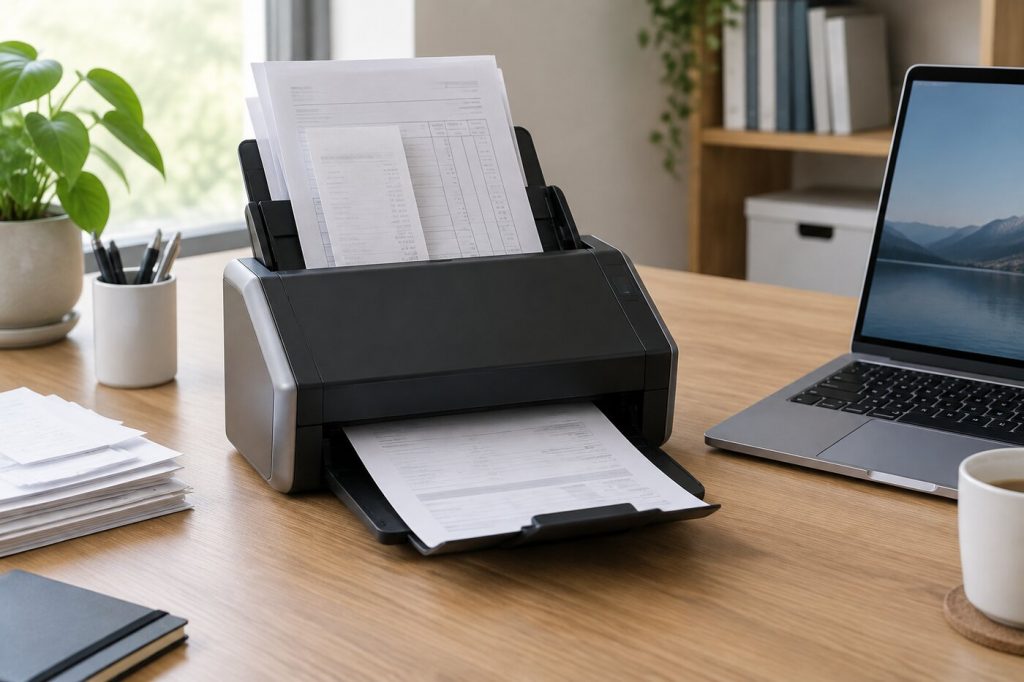
Paper piles up in every small business. Receipts, signed contracts, supplier invoices, tax forms, and client files all need to be kept for a while, and a filing cabinet fills faster than you expect. A good document scanner turns that paper into searchable files you can back up, share, and find in seconds.
What We'll Cover
- Top Document Scanners
- Why scan instead of file
- Sheet-fed, flatbed, or portable
- Features that matter
- Desktop scanners for busy offices
- Compact and portable scanners
- Receipts, business cards, and odd items
- Care and maintenance
- Setting up a simple paperless system
- Privacy and security
- How much scanner do you need?
- The short answer
The right scanner depends on how much you scan, what you scan, and where it will sit. A sole proprietor scanning a few receipts a week needs something very different from a three-person office digitizing years of client records. This guide explains the features that matter and walks through scanners that suit each kind of office.
Top Document Scanners
Why scan instead of file
Scanned documents take no floor space, can be backed up in more than one place, and can be searched by text when the scanner software runs optical character recognition (OCR). That last part is the real time-saver. Instead of flipping through folders for last spring's invoice, you type the supplier's name and the file comes up.
It also helps at tax time. The IRS says to keep records for three years in most cases, with longer periods in some situations, such as seven years for a claim involving worthless securities or a bad debt deduction. A scanner makes it easy to keep those records organized for as long as you need them. Check the IRS guidance and your accountant's advice for what applies to your business, and keep any originals you are required to hold.
Sheet-fed, flatbed, or portable
- Sheet-fed desktop scanners pull pages through an automatic document feeder (ADF). They are the best choice for stacks of letter-size paper, receipts, and business cards.
- Flatbed scanners scan one page at a time under a lid. They are slow for stacks but handle books, fragile pages, and odd shapes.
- Portable scanners are slim wands or single-sheet feeders that fit in a laptop bag. They work for occasional scanning and travel, but they are slow for big jobs.
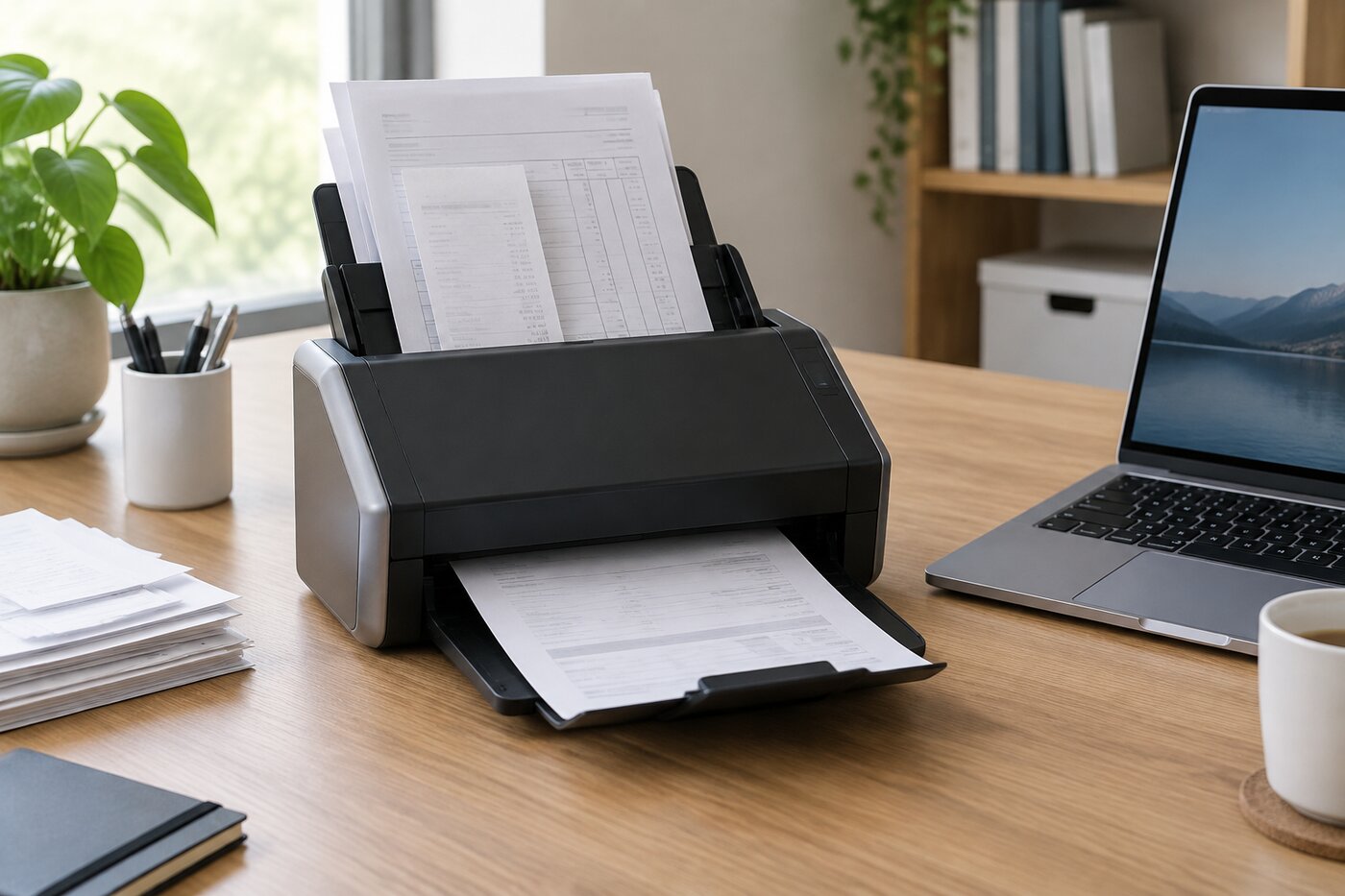
For most offices going paperless, a sheet-fed desktop scanner with an ADF is the right tool. Many all-in-one printers also scan, but their feeders are usually slower and less reliable with receipts and mixed paper sizes.
Features that matter
- Duplex scanning captures both sides of a page in one pass. It halves the time for two-sided forms and statements.
- Feeder capacity and speed set how big a stack you can drop in and how fast it comes out. Speed is listed in pages per minute (ppm).
- Connectivity: USB is simplest. Wi-Fi or Ethernet lets several people share one scanner and scan straight to cloud storage.
- Software: good OCR, automatic file naming, and direct links to cloud storage or accounting apps save more time than raw speed.
- Paper handling: check the smallest and thickest items the feeder accepts if you scan receipts, ID cards, or card stock.
Desktop scanners for busy offices
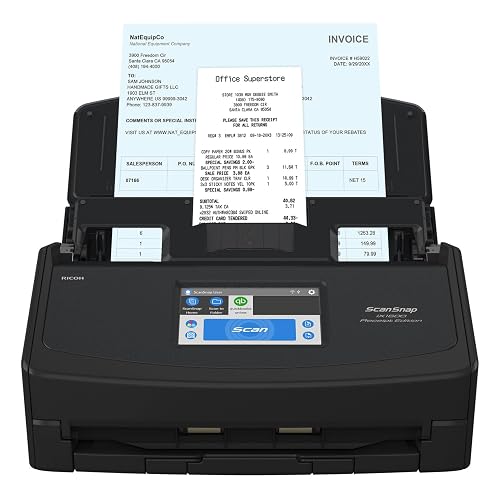
Simplify business finance management: Scan important Invoices and Receipts into QuickBooks Online right from the preconfigured touch panel
Increase efficiency and accuracy: Intelligent Invoice and ...
The ScanSnap iX1600 is a color duplex scanner that suits offices dealing with invoices and receipts. It is a strong all-round choice when several kinds of paper cross your desk every day.
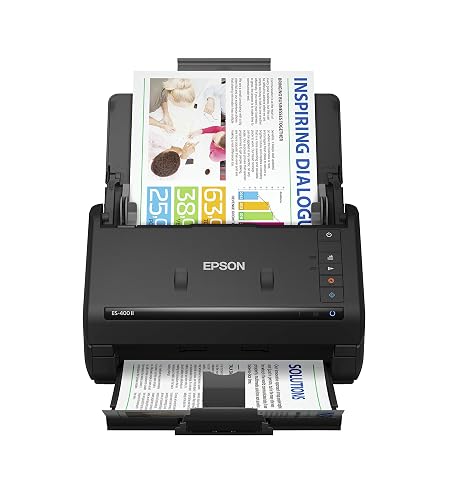
FAST DOCUMENT SCANNING — Document scanner with feeder allows you to speed through stacks with a 50-sheet Auto Document Feeder (ADF); Efficient office scanner to help you scan more productively
INTU...
The Epson WorkForce ES-400 II is a high-speed duplex desktop scanner with an automatic document feeder. It is a solid value for a small office that scans daily but does not need network sharing.
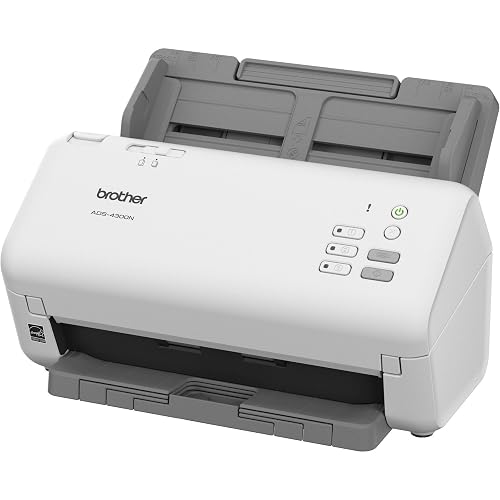
ROBUST CAPTURE SOLUTION: The Brother ADS-4300N Professional Desktop Scanner is a great choice for busy offices and workgroups, built for the demands of how work now works
FAST, MULTI-PAGE SCANNING:...
For a shared office, the Brother ADS-4300N adds networking, so several people can send scans from one machine. It is a professional desktop model with duplex scanning.
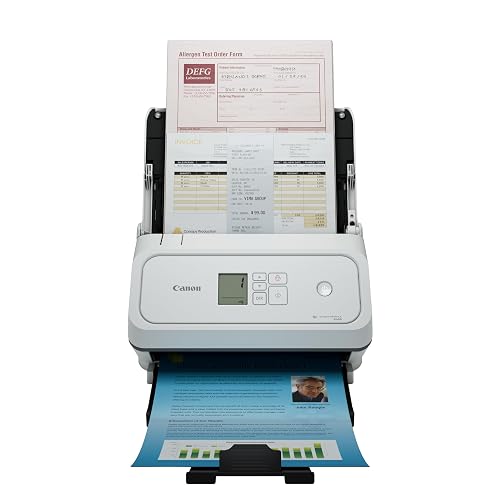
Fast and Efficient: Scans both sides of a document at the same time, in color, at up to 45 pages per minute, with a 60 sheet automatic feeder, and one touch operation. Innovative Feeding System.
Re...
The Canon imageFORMULA R40II is a duplex office scanner built around easy setup, and it can scan to the cloud. It is a good pick when nobody in the office wants to spend time on software.
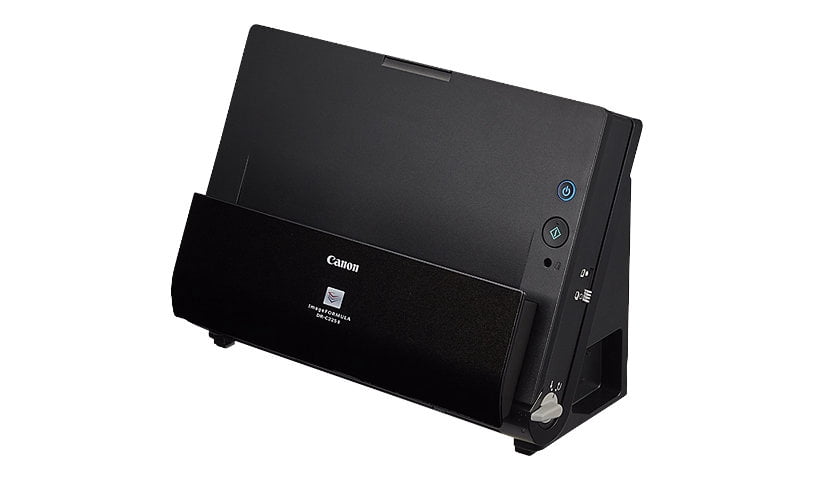
If desk space is tight, the Canon imageFORMULA DR-C225 II has a compact design, duplex scanning, and a rated speed of 25 pages per minute over USB.
Compact and portable scanners
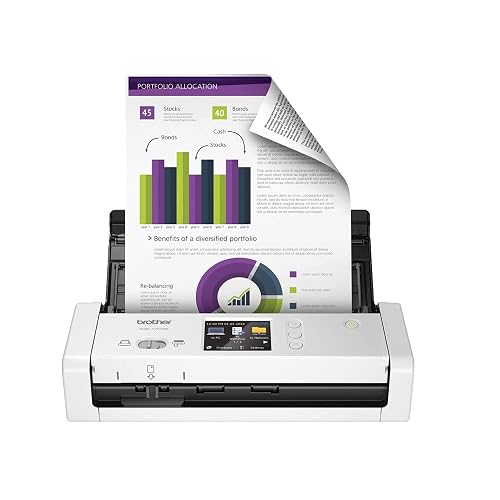
COMPACT DESIGN AND FAST SCAN SPEEDS HANDLE A VARIETY OF DOCUMENTS - Scan single and double-sided, documents in a single pass at up to 25 ppm(1). Easily scan documents up to 34” long, receipts and p...
The Brother ADS-1700W is a small wireless scanner that fits in a home office without taking over the desk. Wireless scanning means you can place it wherever there is an outlet.
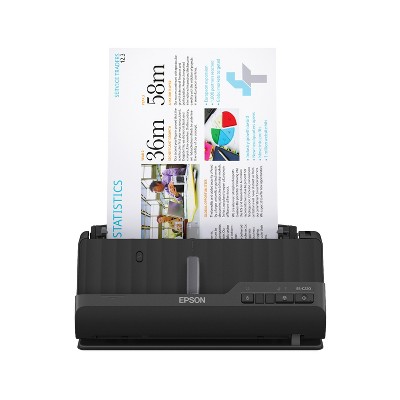
At Target, the Epson WorkForce ES-C220 is a compact desktop scanner with a document feeder, a good fit for a small desk that still handles short stacks.
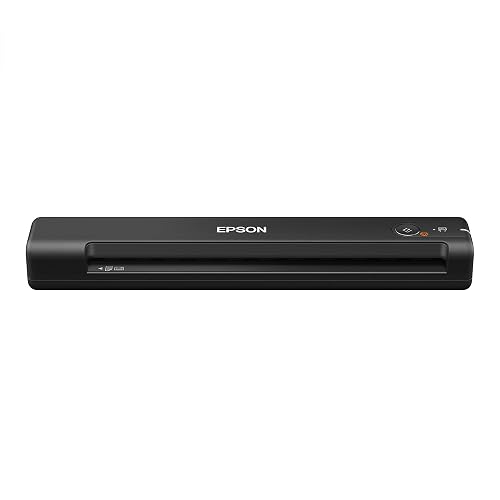
PORTABLE SCANNER FOR USE ON-THE-GO — The fastest and lightest mobile single-sheet-fed compact document scanner in its class¹
QUICK DOCUMENT SCANNING ― This Epson ultra-fast scanner scans a single p...
The Epson WorkForce ES-50 is a compact, lightweight mobile scanner that feeds one sheet at a time. It is best for occasional scanning or for people who work from more than one location.
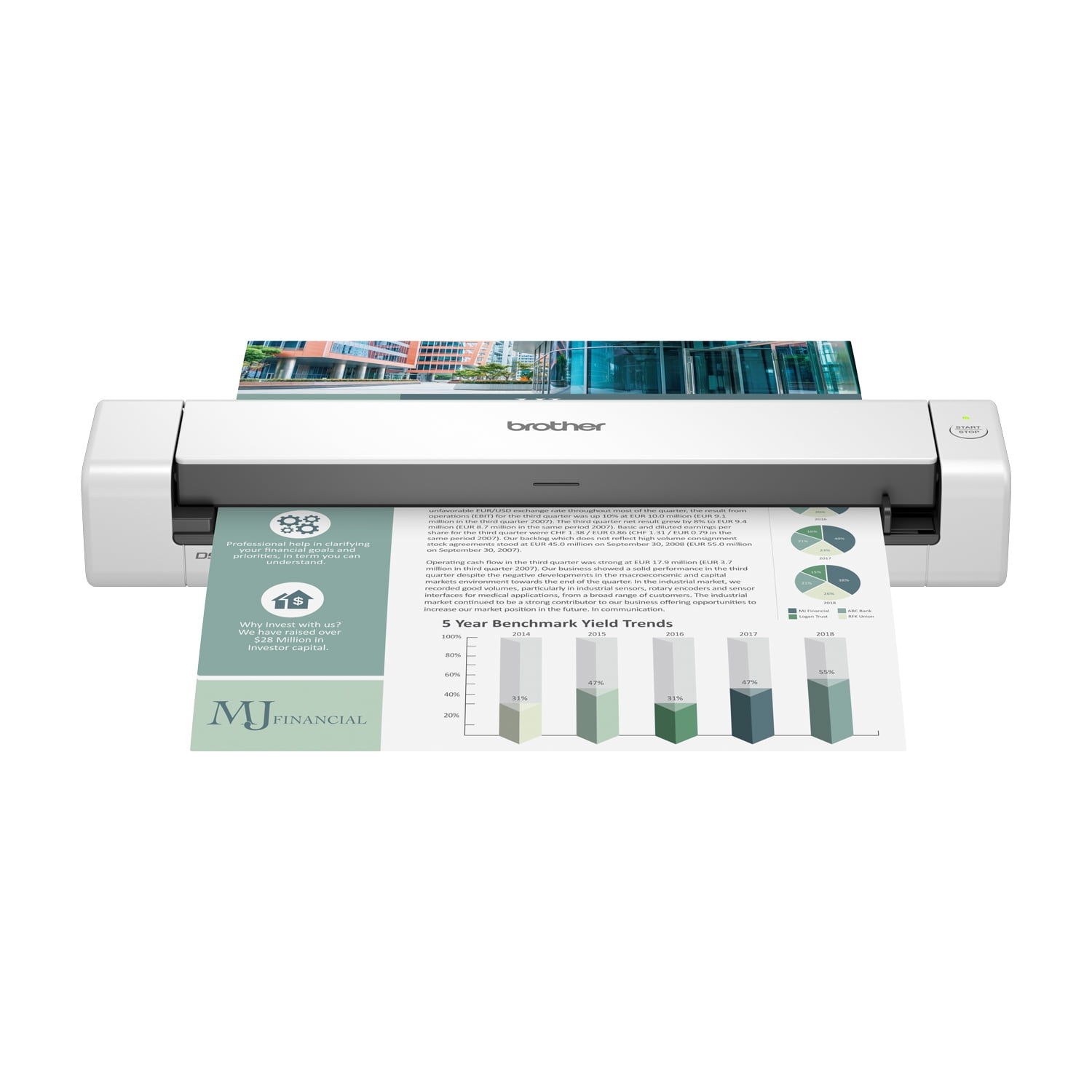
The Brother DS-740D is a compact mobile scanner that still scans both sides of a page in one pass, which is handy for two-sided receipts and forms on the road.
Receipts, business cards, and odd items
Receipts are the hardest thing most offices scan. They are small, thin, often curled, and printed on thermal paper that fades. Look for a scanner whose feeder lists a small minimum page size, and flatten long receipts before feeding them. Some models include a carrier sleeve for fragile or oddly shaped items, which keeps torn pages and old photos from jamming.
Business cards and plastic ID cards are another test. Many desktop scanners have a separate slot or path for stiff cards. If you collect a lot of cards at trade shows or client meetings, check that the scanner software can pull names and phone numbers into your contacts instead of saving a picture of the card.
Photos are a different job. A sheet-fed scanner can handle loose prints quickly, but a flatbed is safer for old, curled, or valuable photos. If you need to scan both, a sheet-fed office scanner plus an inexpensive flatbed may serve you better than one machine that tries to do everything.
Care and maintenance
Sheet-fed scanners have rollers that pick up dust and wear down over time. Clean the rollers and the glass strips inside the scanner as the maker recommends, usually with a lint-free cloth. Streaks down every page almost always mean dirty glass. Rollers are a replaceable part on most business scanners, and replacing them restores reliable feeding when pages start to skew or double-feed. Remove staples and paper clips before scanning, since they scratch the glass and can damage the rollers.
Setting up a simple paperless system
The scanner is only half of going paperless. The other half is a system you will keep using.
- Create a small set of folders, such as Receipts, Invoices, Contracts, Tax, and Clients, with a subfolder for each year.
- Pick one file-naming pattern and stick to it, for example date, then vendor or client, then type of document.
- Turn on OCR so every file is searchable.
- Back up scans automatically to cloud storage and keep a second copy on an external drive.
- Scan new paper weekly so it never piles up again, and work through the backlog a box at a time.
Privacy and security
Scanned records carry the same sensitive information as the paper they came from. Store them in accounts protected by strong, unique passwords and two-factor authentication, limit who can open client folders, and encrypt drives that hold backups. After scanning, shred paper you no longer need rather than recycling it whole.
How much scanner do you need?
A solo business scanning a few pages a day can use a compact or portable model. An office that scans every day should get a duplex desktop scanner with an ADF. If more than one person scans, choose a networked model so nobody has to walk files to a single computer. Budget for good software as much as for speed: a scanner that names and files documents on its own saves more time than one that is a few pages per minute faster.
The short answer
For most small offices, a duplex sheet-fed scanner with a solid feeder and good OCR is the right starting point. Add Wi-Fi or networking if the scanner will be shared, and keep a portable model in mind if you work on the go. Pair it with a simple folder and naming system, and your filing cabinet can finally start to empty.
The responses below are not provided, commissioned, reviewed, approved, or otherwise endorsed by any financial entity or advertiser. It is not the advertiser’s responsibility to ensure all posts and/or questions are answered.
Question for anyone who has gone paperless: do you name files by date first or by vendor first? Trying to pick one pattern before I start on a few boxes of old records.