

Last Updated on: Aug 05, 2026
Look at where your eyes land when you sit at your desk. For a lot of people working from a kitchen table or a small home office, the answer is somewhere near the bottom of the screen, or below it. Over a full workday, that small downward tilt of the head adds up to a stiff neck, tight shoulders, and a habit of slumping forward without noticing.
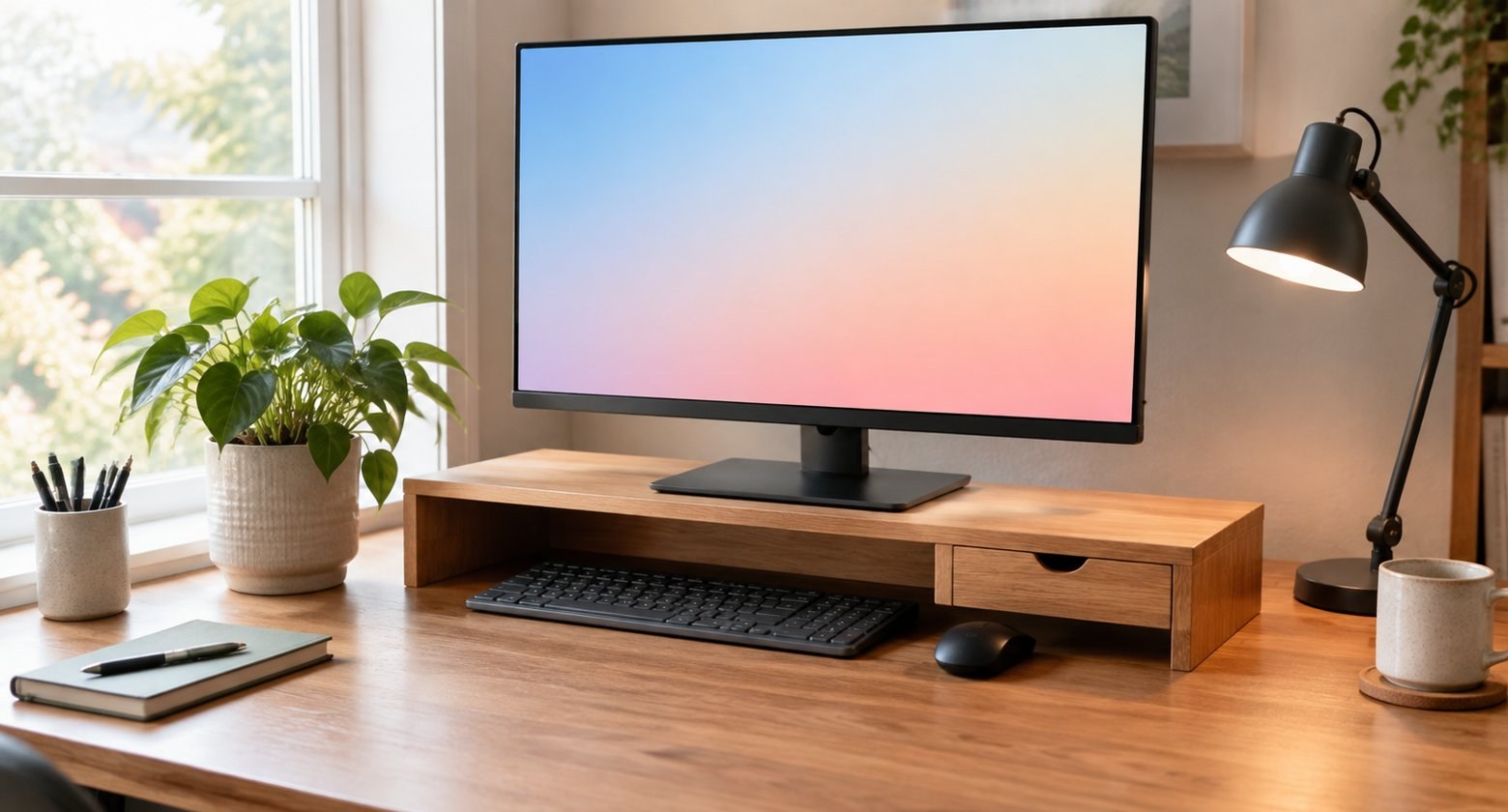
A monitor riser is one of the cheapest fixes in home office ergonomics. It lifts the screen a few inches, clears space underneath, and often adds storage. Here is how to tell how much lift you need and which kind of stand fits your desk.
Top Monitor Risers
What We'll Cover
Where the screen should sit
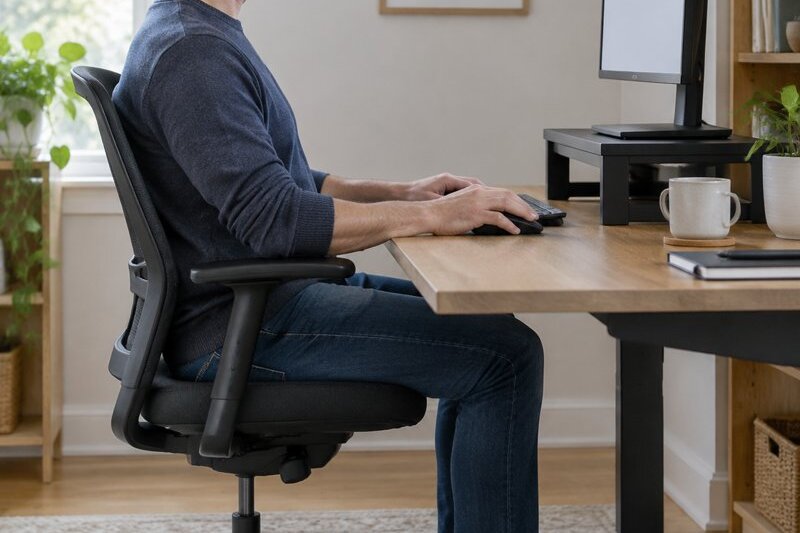
OSHA's computer workstation guidance keeps it simple. Put the monitor directly in front of you, at least 20 inches away, and set it so the top line of the screen is at or below eye level. That lets you read the whole screen with your head level and your eyes looking slightly down, which is the most relaxed position for most people.
There is no single right setup for everyone. If you wear bifocals or progressive lenses, you will likely want the screen lower than that, so you are not tilting your head back to read through the bottom of your glasses. OSHA also suggests placing the monitor perpendicular to windows to cut glare.
To check your setup, sit back in your chair with good posture and look straight ahead. If your gaze hits the top edge of the screen or just above it, you are close. If you are looking at the middle or the bottom, you need more height. Measure the gap. That number is how much lift to shop for.
Fixed risers with storage
A fixed riser is a shelf. It raises the monitor by a set amount, usually around 4 to 6 inches, and leaves room underneath for a keyboard, notebooks, or a laptop. It is the simplest and cheapest option, and there is nothing to adjust.
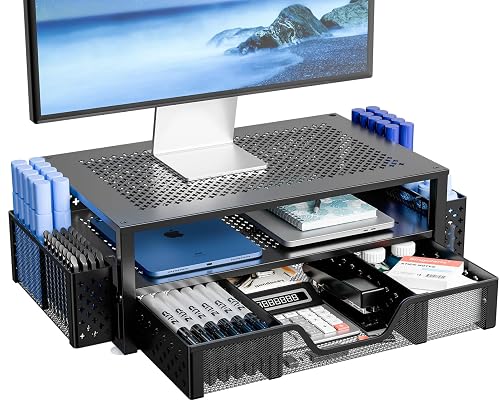
【ERGONOMIC HEIGHT – RELIEVE NECK & SHOULDER STRAIN】Raise your screen to eye level (5.8") for a comfortable viewing position. Reduces neck, shoulder, and back stress during long work hours – better ...
The Simple Trending stand is a two-tier riser that lifts the screen about 5.8 inches and adds a drawer for pens, sticky notes, and cables. The metal mesh top lets air move around a laptop if you use it that way. It is a tidy way to raise a single monitor and clean up the desk at the same time.
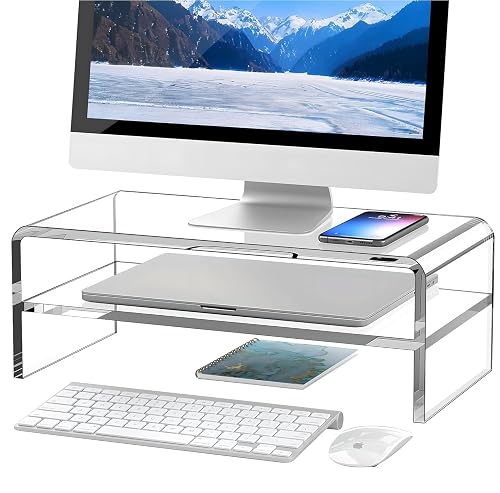
【PROTECT YOUR CERVICAL SPINE & EYES】 The acrylic computer monitor can raise the monitor up to 5.12in. When the monitor is raised to the correct height, it helps to reduce eye fatigue and maintain g...
For a lighter look, the Egchi clear acrylic riser raises the monitor about 5.12 inches with a two-tier design. Clear acrylic almost disappears on the desk, which suits small rooms or setups where you want the monitor to look like it is floating. Acrylic does show scratches over time, so wipe it with a soft cloth.
Adjustable risers
If you are not sure how much height you need, or more than one person uses the desk, an adjustable riser is the safer buy. Most have legs that lock at two or three heights.
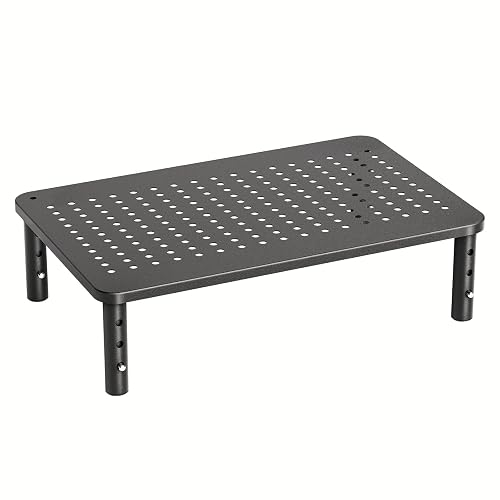
ERGONOMIC HEIGHT ADJUSTMENT: This monitor stand features 3 height settings at 3.94”, 4.72”, and 5.51” tall. Choose the most comfortable and ergonomic viewing height by pressing the buttons on the l...
The HUANUO riser adjusts to 3.94, 4.72, or 5.51 inches by pressing buttons on the legs. It has vents in the platform and 12.4 by 7.09 inches of storage underneath. You can stack two of them for more height, which is useful on a very low desk.
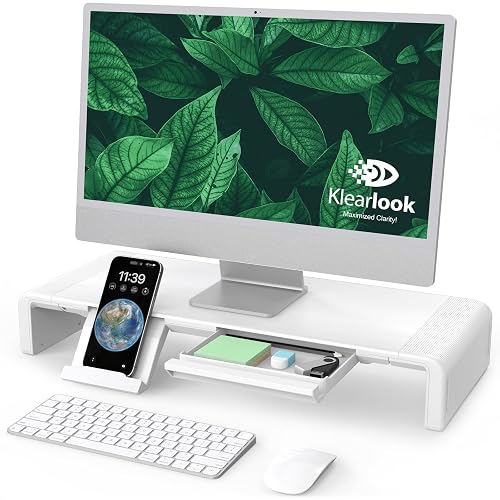
【Ergonomic Monitor Riser for Desk】 Klearlook computer monitor stand for desk raises your monitor to a comfortable eye level, reducing strain on your back and neck during long work hours. Proper pos...
Klearlook's foldable riser adjusts in width as well as height, with three width settings of 16.5, 18.5, and 20.5 inches, and it folds flat for storage. It includes a storage drawer. The width adjustment makes it a good fit for narrow desks or wider monitors.
Dual-monitor stands
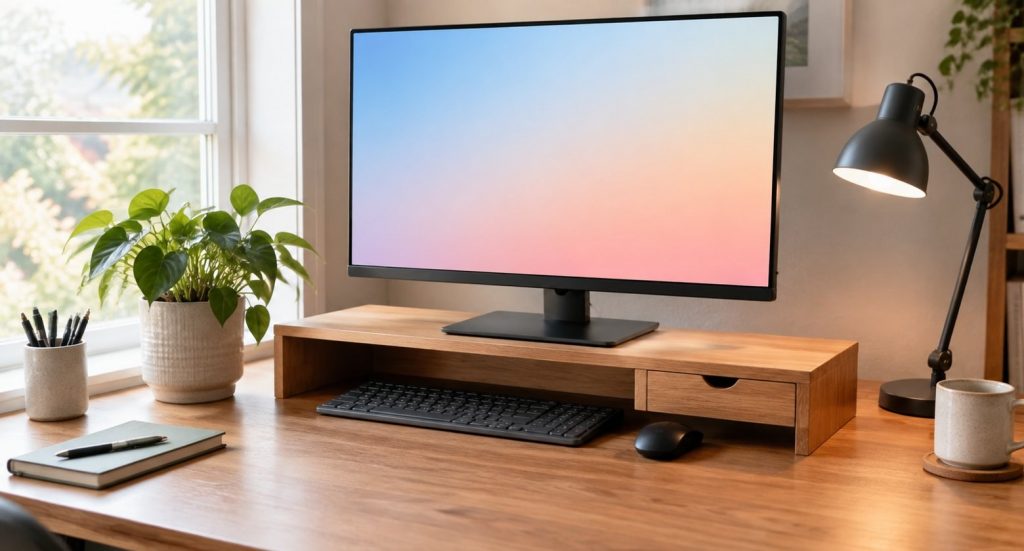
With two screens, the goal is to put the one you use most directly in front of you, or center the pair if you use both equally. A long riser keeps both at the same height, which avoids the awkward tilt of looking from one level to another.
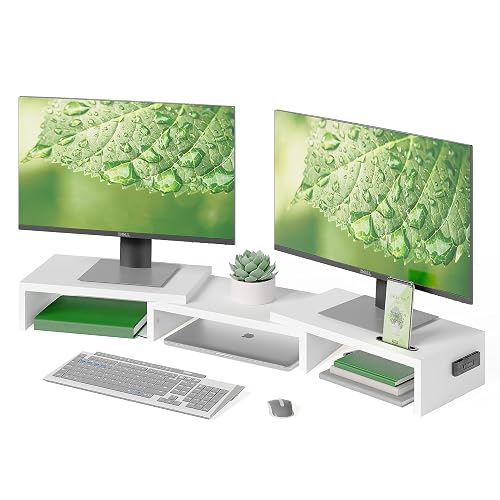
DUAL MONITOR STAND WITH ADJUSTABLE LENGTH & ANGLE - This dual monitor stand riser adjusts from 31.5" to 42.5" to fit smaller or larger desks. The swivel side shelves support straight, angled or cor...
The BONTEC dual stand adjusts in length from 31.5 to 42.5 inches, and its side shelves swivel so you can set screens straight, angled, or around a corner desk. It works for both home office and gaming setups, and it lifts both monitors to a more comfortable level at once.
Free-standing monitor mounts
A riser only goes up. A mount lets you tilt, swivel, and rotate the screen, and some adjust in height along a pole. You need a monitor with VESA holes on the back, which most modern monitors have. Check the pattern, usually 75 by 75 or 100 by 100 millimeters, before you buy.
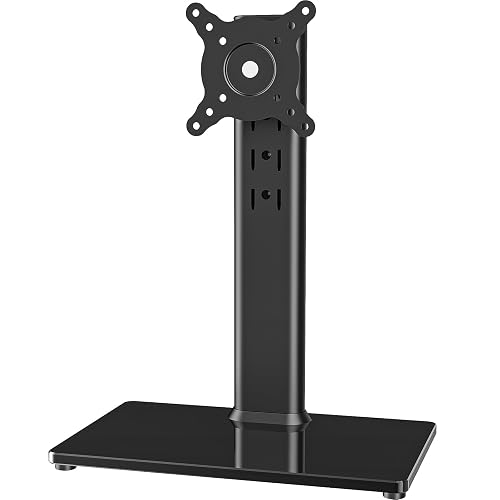
COMPATIBILITY ☞ Single Computer monitor mount free standing Desk Stand Riser fitting screens for 13,15,17,19,21,23,27,30,32 inch LCD LED Plasma flat screens TV with 50x50mm,75x75mm or 100x100mm bac...
This free-standing mount fits screens from 13 to 32 inches with 50, 75, or 100 millimeter VESA patterns. It sits on a tempered glass base, so there is no clamp to attach, and it offers tilt, swivel, rotation into portrait mode, and four height levels along the center pole. It also includes cable management.
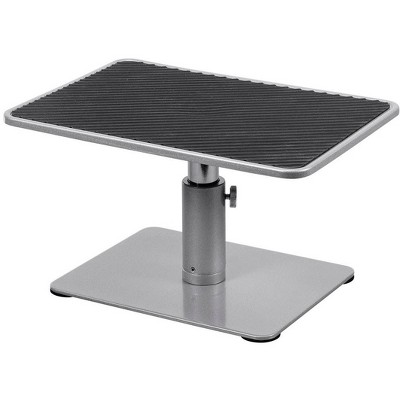
If you would rather buy locally, Target lists a Monoprice universal riser that raises the monitor about 4.6 to 6.5 inches and is rated for up to 17.6 pounds.
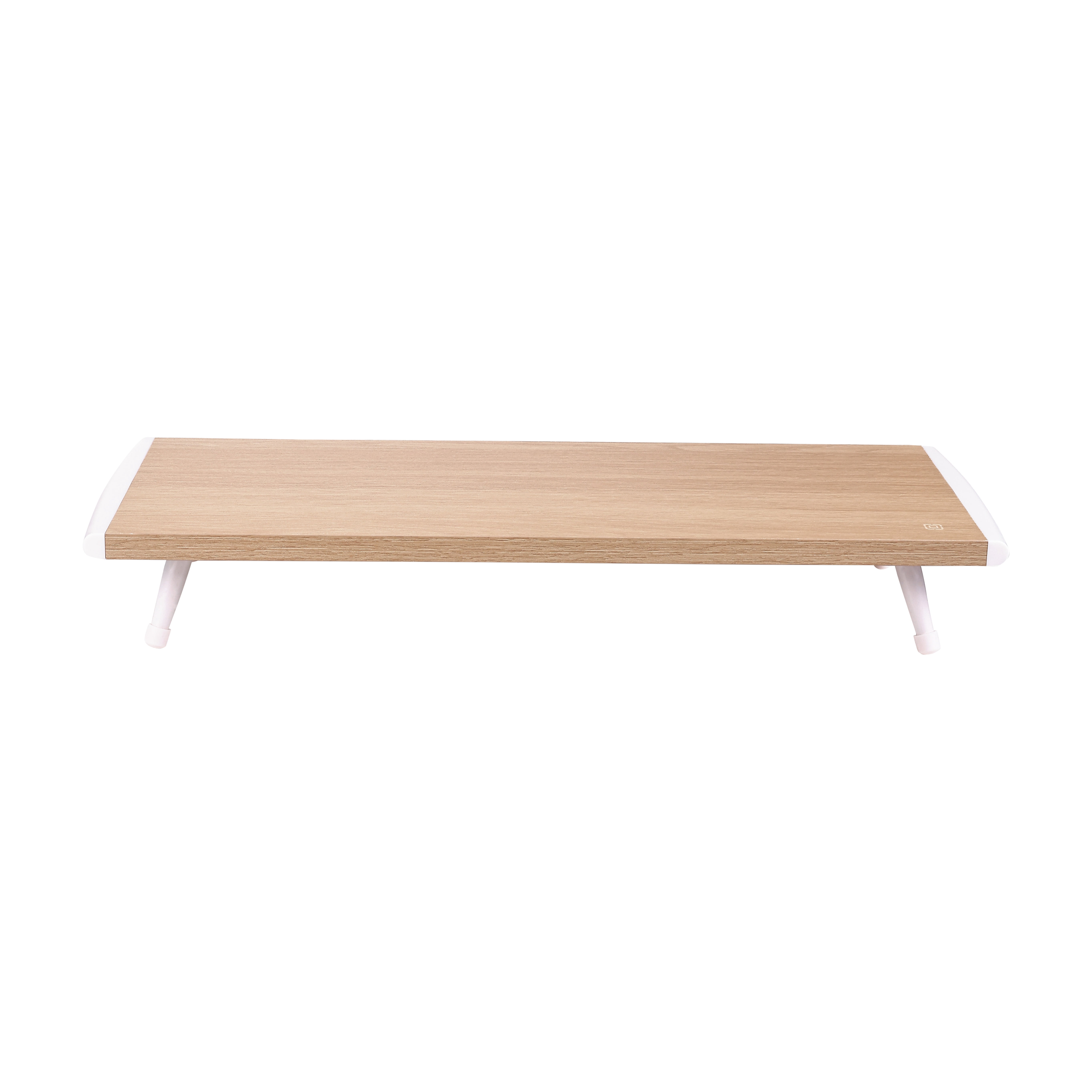
Walmart carries the Incipio wooden riser, a 20-inch oak-finish shelf with non-slip legs. It is a plain fixed riser, so measure your eye-level gap first and make sure your monitor base fits within the 20-inch platform.
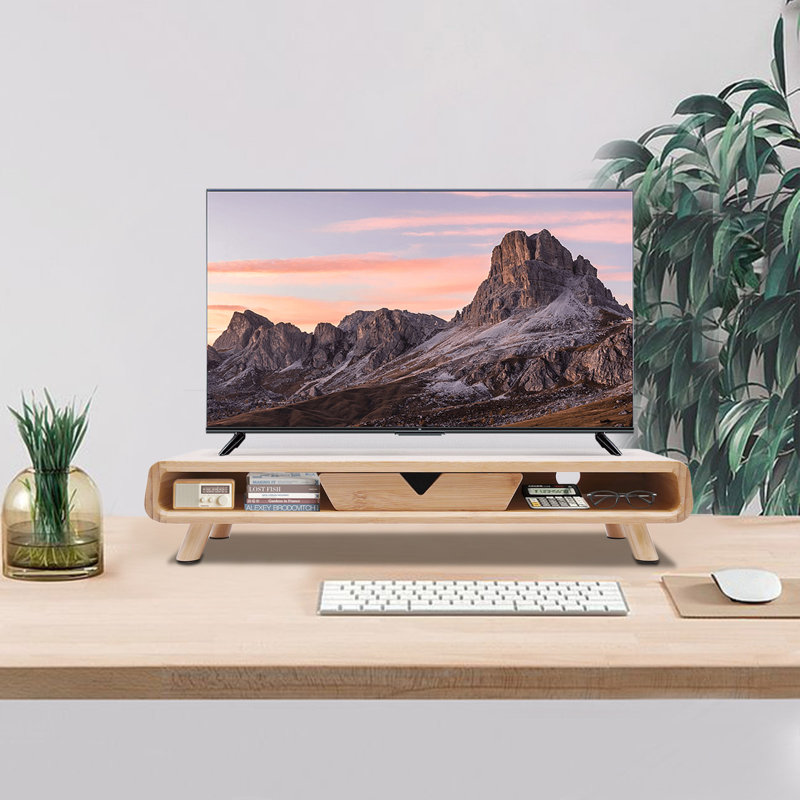
Wayfair's Aasr bamboo stand adds more storage than most risers, with a drawer and two open compartments under the top shelf. The bamboo finish suits a wood desk, and the open sides leave room for a phone, notebook, or small speaker.
What to check before you buy
Measure the monitor stand, not just the screen. The base of your monitor has to fit on the riser's platform with a little room to spare. A wide V-shaped or curved stand can hang over the edge of a narrow riser, which makes the whole thing wobble. Check the riser's depth too, since some monitor feet stick out far toward you.
Look at the weight rating. Most single risers hold far more than a typical monitor weighs, but heavy curved or ultrawide screens, or a monitor plus a laptop on the same shelf, can push the limit. Leave some headroom so the platform does not sag over time.
Think about what goes underneath. If you want to slide a keyboard under the riser when you are not using it, measure the keyboard's width and the clearance height. Some risers are just tall enough for a slim keyboard, while others have room for a laptop or a small document tray.
Consider the material. Wood and bamboo risers look warm and are easy to match to a desk. Metal risers are thin and strong, often with mesh or vented tops. Acrylic is light and nearly invisible but scratches more easily. All work well, so this comes down to style and how much you want the riser to stand out.
Quick sizing guide
| Gap to eye level | What to buy |
|---|---|
| Under 4 inches | Low fixed riser or adjustable set to its lowest height |
| 4 to 6 inches | Most fixed risers or an adjustable riser |
| 6 to 8 inches | Stacked risers or a free-standing mount |
| Two monitors | A long dual riser that keeps them level |
Standing desks and risers
If you use a standing desk, you still need the screen at the right height in both positions. Many sit-stand desks move the monitor and keyboard together, so a riser set for sitting usually works for standing too, as long as you adjust the desk so your elbows stay bent near 90 degrees. Desktop converters that sit on a regular desk sometimes put the screen too close to the keyboard. A small riser on the converter's top shelf can fix that.
Laptops need a different fix
A laptop screen is always too low when the keyboard is at the right height. Lifting the laptop on a riser fixes your neck but makes typing awkward. The usual answer is a laptop stand or riser plus a separate keyboard and mouse. That lets you put the screen at eye level and keep your hands low, with elbows bent close to 90 degrees.
Other small changes that help
Check your chair first. Your feet should rest flat on the floor or a footrest, with thighs roughly parallel to the floor. Then set your desk or keyboard so your forearms rest level. Only after that should you adjust the monitor height, since changes to the chair shift everything else.
Take short breaks. A common tip is the 20-20-20 rule: every 20 minutes, look at something about 20 feet away for 20 seconds. It gives your eyes a rest and reminds you to sit back and reset your posture.
Mind the lighting. Reduce glare by angling the monitor away from windows and overhead lights, and turn the screen brightness down to roughly match the room. A bright screen in a dim room causes more eye strain than most people expect.
The bottom line
Measure the gap between your eye level and the top of your screen before you buy anything. A fixed riser is enough for most single-monitor setups, an adjustable riser covers shared desks, and a mount gives you the most control. Any of them costs less than one massage for a stiff neck, and the difference shows up within a week.
The responses below are not provided, commissioned, reviewed, approved, or otherwise endorsed by any financial entity or advertiser. It is not the advertiser’s responsibility to ensure all posts and/or questions are answered.
If you use a laptop plus an external monitor, is it better to raise the laptop to match the monitor or keep it low as a second screen?