

Last Updated on: Apr 16, 2026
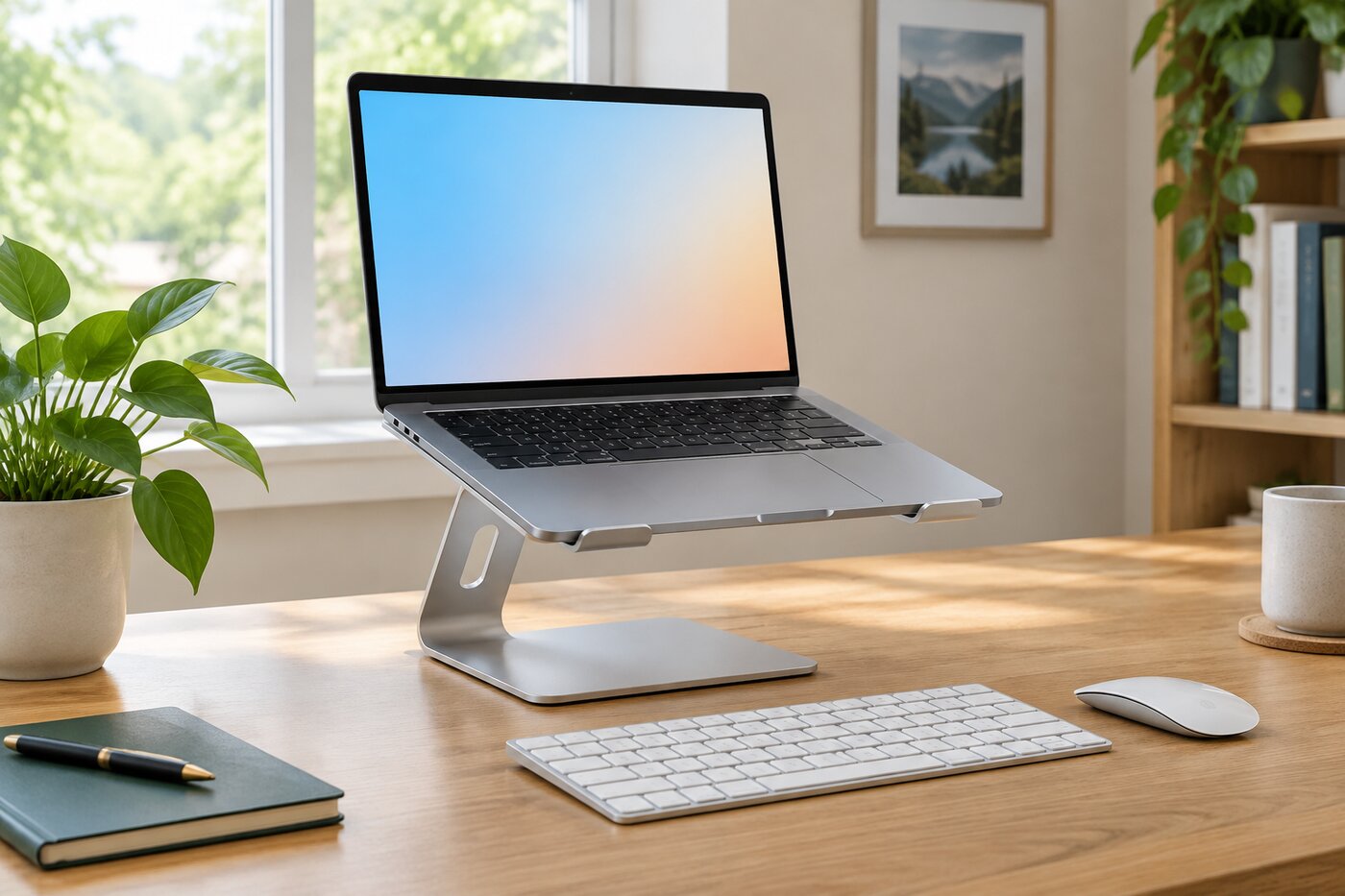
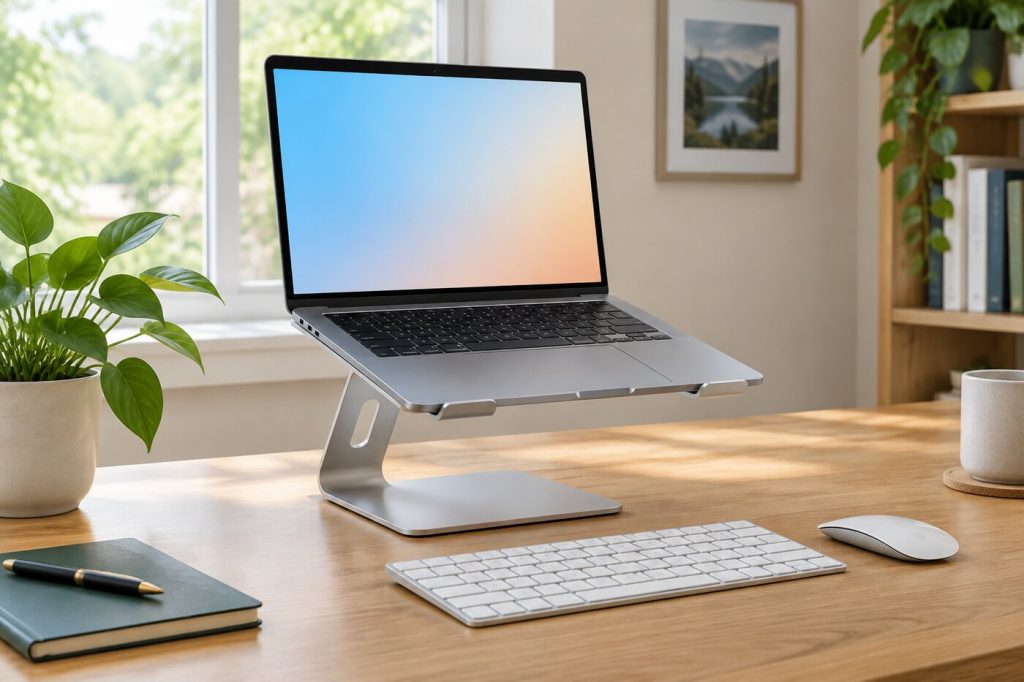
Laptops are convenient, but they force a trade-off. When the keyboard is at a comfortable height, the screen sits low, and you end up looking down for hours. A laptop stand fixes that by raising the screen closer to eye level. Pair it with a separate keyboard and mouse, and a laptop can work like a proper desktop setup.
What We'll Cover
Stands come in several styles, from solid fixed-height risers to adjustable arms that fold into a bag. This guide covers the main types, how to set the height using workstation guidance from the U.S. Occupational Safety and Health Administration, and what to look for before you buy.
Top Laptop Stands
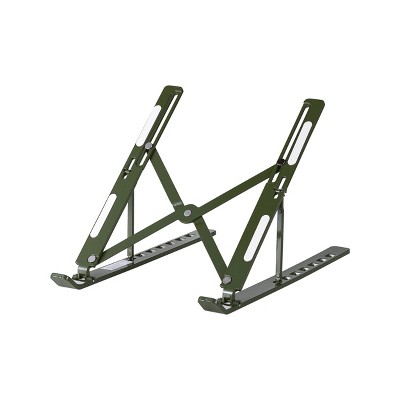
Why raise your laptop
OSHA's computer workstation guidance recommends placing a monitor so the top line of the screen is at or below eye level. Most laptops on a desk sit well below that, so people lean forward and tilt their heads down to see the screen. A stand brings the screen up so you can sit back in your chair and look ahead instead of down.
OSHA also describes a preferred viewing distance of about 20 to 40 inches from your eyes to the screen. Sitting too far away can make you lean forward to read small text, while sitting too close can make your eyes work harder and push you into awkward postures. A stand lets you set both the height and distance where they feel right.
You need a separate keyboard
Once the laptop is raised, its built-in keyboard and trackpad are too high to type on comfortably. For regular desk work, plan on a separate keyboard and mouse. They do not need to be expensive. A basic wireless set frees the keyboard to sit at elbow height while the screen sits higher, which is the whole point of the stand. For quick sessions without a keyboard, a stand with a low angle setting can still help by tilting the laptop toward you.
Types of laptop stands
Fixed-height stands
A fixed stand is a single solid piece, often aluminum, that holds the laptop at one height and angle. It is very stable, looks clean on a desk, and has no joints to loosen over time. The downside is that you cannot change the height, so check the stand's measurements against your chair and desk before buying.
Adjustable stands
Adjustable stands use hinged arms to change both height and angle. They suit people who share a desk, switch between sitting and working at different tables, or want to fine-tune the position. Many fold flat for travel. Look for firm hinges that hold their position without slipping when you type.
Rotating stands
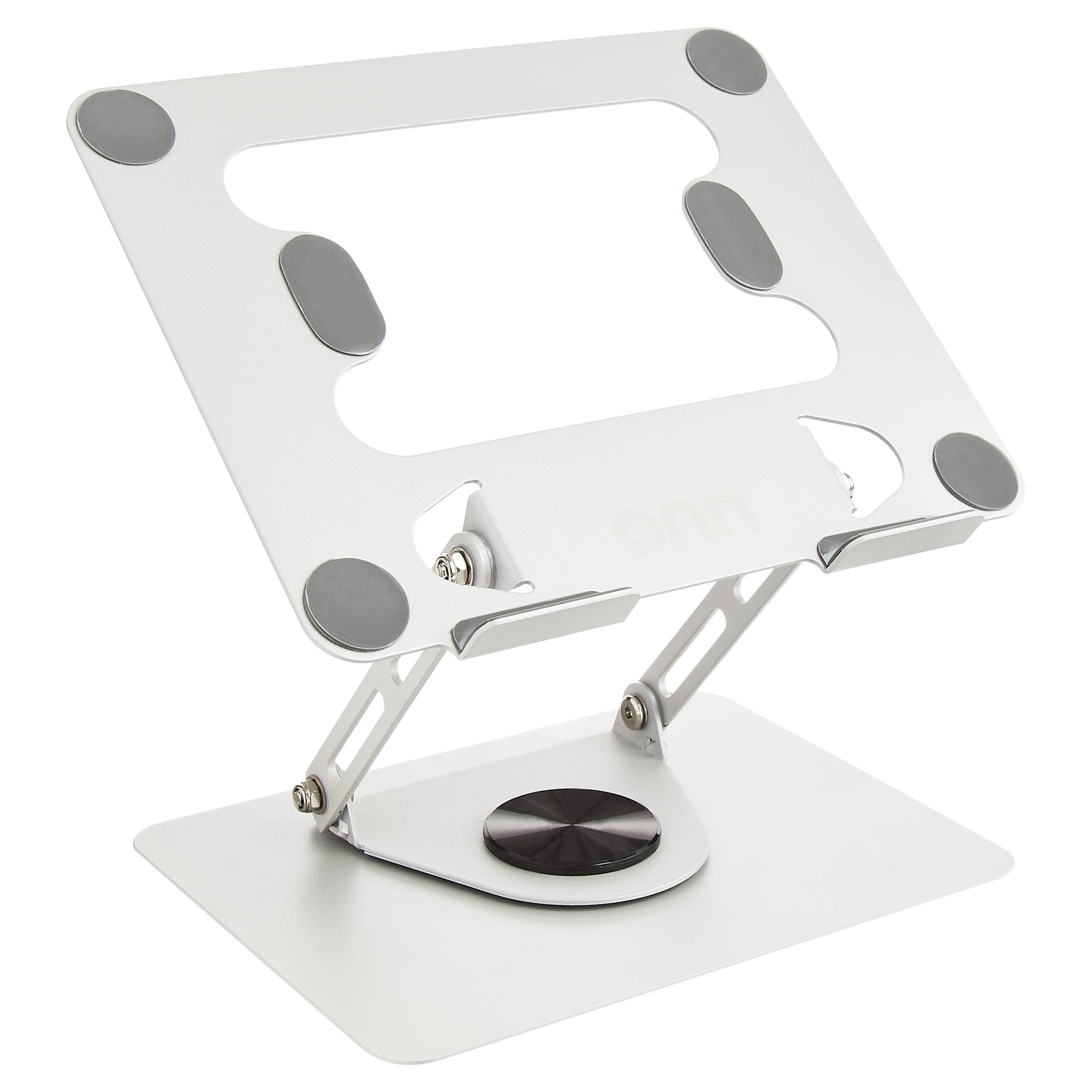
Some adjustable stands sit on a round base that rotates. That is handy for turning your screen to show someone a presentation or for switching between a desk and a side table without moving the whole stand.
Portable folding stands
Portable stands fold into a thin bar that slips into a laptop bag. They are made for coffee shops, hotels, and shared offices. They are lighter and sometimes less stable than desk stands, but they make a laptop far more comfortable to use on the road.
Risers
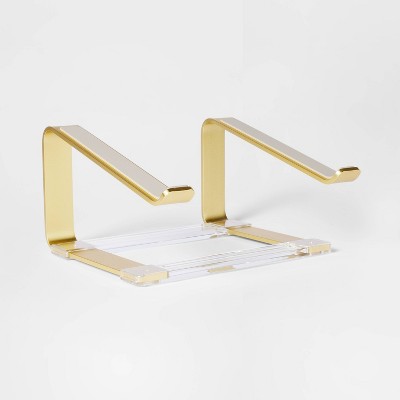
Simple risers are flat platforms, sometimes clear acrylic or wood, that lift a laptop a few inches. They do not raise the screen as much as a dedicated stand but look nice and can double as a shelf for a keyboard underneath.
Desk stands
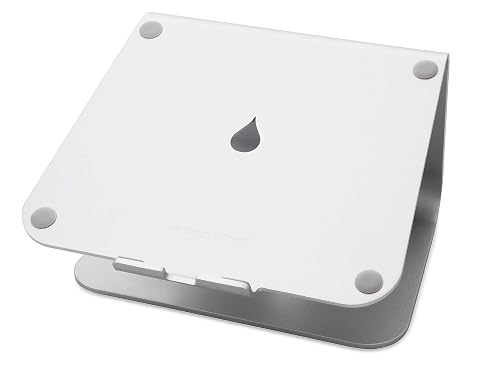
Raises notebook screen height to eye level for better ergonomics (5.9 inches).
Single piece aluminum design provides solid stability and acts as a heat sink to cool laptop
The back cable management...
The Rain Design mStand is a solid, one-piece stand with a clean silver finish. It is a fixed-height design, so check its height against your setup, but it is very steady for everyday desk use.
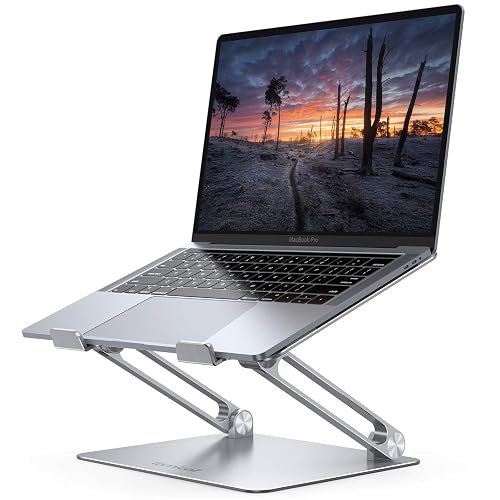
Wide Compatibility: The laptop stand for desk is compatible with all laptops from 10" up to 17.3", including popular models like MacBook, MacBook Air, MacBook Pro, Surface Laptop, Dell XPS, Google ...
The Lamicall aluminum stand fits laptops from 10 to 17.3 inches, which makes it a good match for larger screens.
At Target, the Threshold acrylic laptop riser is a clear riser with gold accents, a good fit for anyone who wants a stand that blends into home decor.
Adjustable and rotating stands
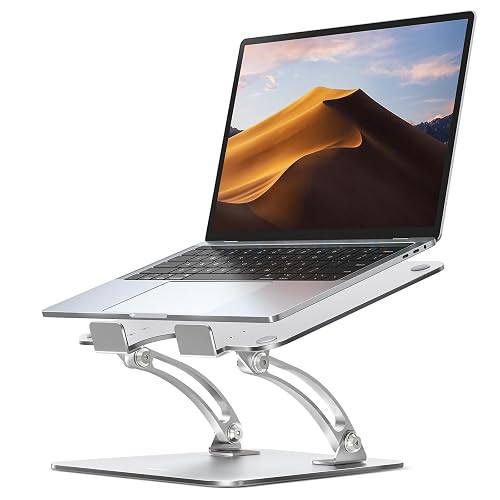
Ergonomic Posture Correction: Designed to elevate your laptop to the perfect eye level, this adjustable laptop stand significantly reduces neck, shoulder, and spinal fatigue. Transform your desk in...
The Nulaxy stand uses dual foldable arms to adjust both height and angle and fits laptops from 10 to 16 inches. It works on a desk and folds for travel.
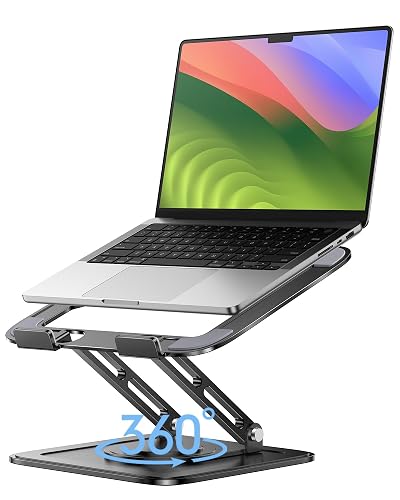
✔️[Foldabe & Protable] - Foldable laptop stand for desk & Protable computer stand, It combines the advantages of market brackets, convenient travel laptop stand. Easy to use. Suitable for working a...
The LOXP stand adds a 360-degree rotating base to an adjustable arm, handy for turning your screen to share it.
The onn adjustable metal stand at Walmart is collapsible aluminum with a 360-degree rotating base and fits laptops from 13 to 16 inches.
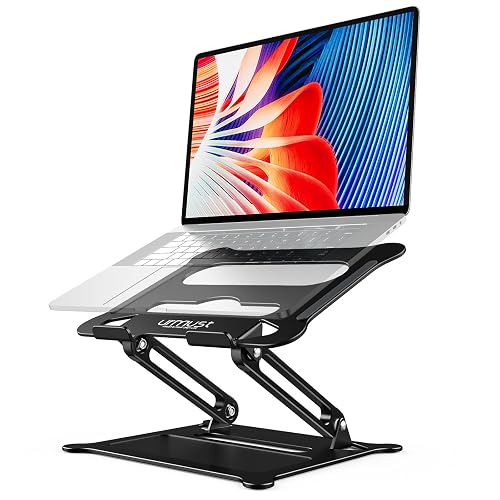
Wide Compatibility: The laptop stand for desk is compatible with all laptops from 10" up to 15.6", including popular models like MacBook, MacBook Air, MacBook Pro, Surface Laptop, Dell XPS, Google ...
The Urmust adjustable stand fits laptops from 10 to 15.6 inches, a compact choice for smaller machines.
Portable picks
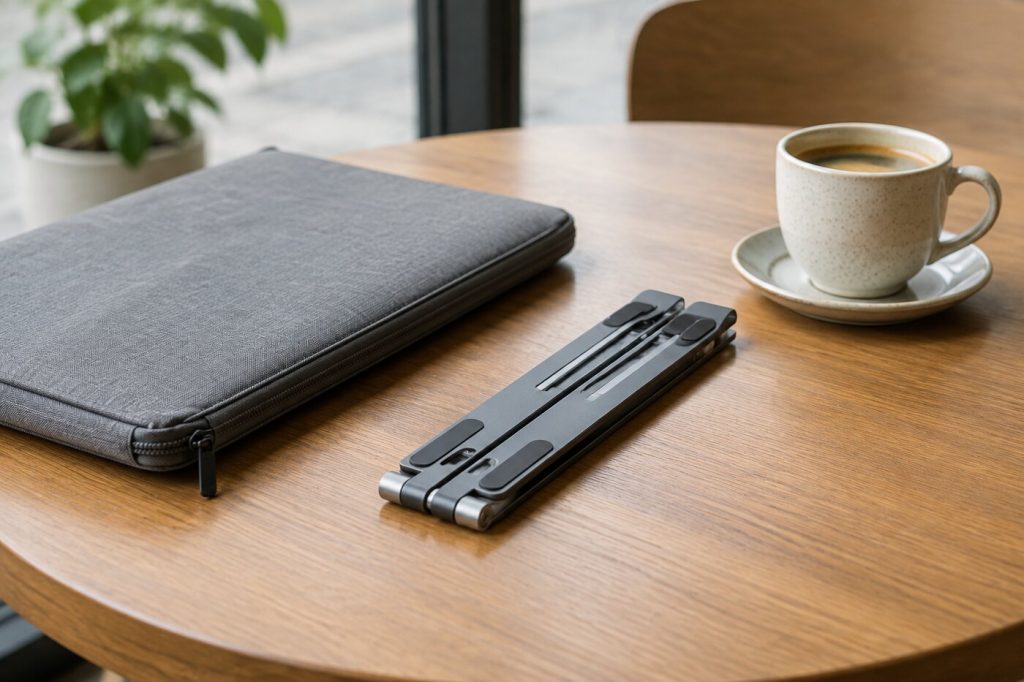
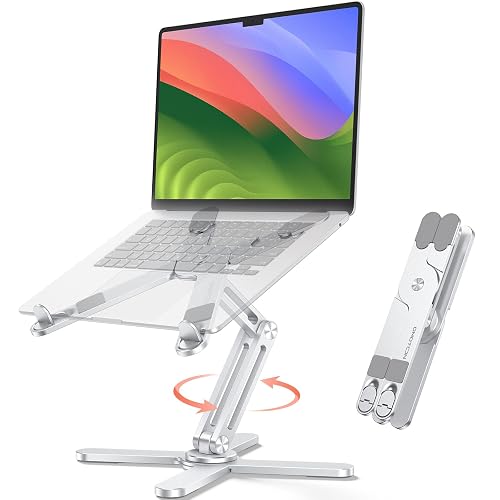
【SMOOTH 360° ROTATION】:Turn your screen toward a colleague or shift your viewing angle in place, no extra desk space needed. The X-base keeps a low center of gravity so this adjustable laptop stand...
The OMOTON LA10 folds for travel and has a rotating base, so you get a desk-style stand that still packs down.
Target's Vivitar aluminum stand is a low-cost option in several colors, useful as a starter stand or a spare for a second workspace.
How to set up your stand
Start with your chair. Adjust it so your feet rest flat on the floor and your thighs are roughly level. Place the keyboard and mouse so your elbows stay close to your sides and your wrists stay straight while typing. Then set the laptop on the stand and raise it until the top of the screen is at or slightly below eye level, following OSHA's guidance. Move the stand forward or back until the screen is about an arm's length away and text is easy to read without leaning in.
Finally, tilt the screen back slightly so you are looking at it straight on, and check for glare from windows or overhead lights. Small adjustments make a big difference, so spend a few days with the setup and change it if something feels off.
Heat and ventilation
Laptops pull in air to cool their processors, and many vent through the bottom or back. Setting a laptop flat on a desk, or worse, on a bed or couch, can restrict that airflow. Most stands lift the laptop off the surface and leave open space underneath, which lets air move more freely. Stands with open frames or slotted platforms leave the most room. If your laptop runs hot during video calls or heavy work, a raised, open stand is an easy change to try.
Working from the couch or bed
A desk stand is not much help on a sofa. If you often work from the couch or bed, a lap desk or a small bed table gives you a stable surface, and some have adjustable legs or a tilting top. It will not match a proper desk setup, but it is better than balancing a laptop on your knees. For longer sessions, try to move to a table where you can use a stand and separate keyboard.
What to look for
- Height range: Make sure the stand can reach eye level from your chair.
- Stability: A wide base and rubber pads keep the laptop steady while you type or use a touchscreen.
- Size compatibility: Check the supported screen sizes and weight.
- Ventilation: Open designs let air reach the bottom of the laptop.
- Portability: If you travel, check folded size and weight.
Laptop stand or monitor?
If you work at a desk most days, a separate monitor may be worth considering. It gives you a bigger screen at the right height and lets you use the laptop as a second display. A laptop stand is the cheaper, smaller fix, and it still makes sense for people who move around, work in small spaces, or travel. Many people use both: the laptop on a stand beside a monitor, with the two screens at similar heights.
Take breaks
Even a perfect setup is not meant for sitting still all day. Stand up, stretch, and look away from the screen regularly. Moving between sitting and standing, or taking short walks between tasks, helps you stay comfortable through a long workday.
The short answer
A laptop stand plus a separate keyboard and mouse is one of the cheapest ways to improve a desk. Pick a solid fixed stand for a permanent desk, an adjustable one if you share space or want to fine-tune, and a folding stand if you work on the go. Set the top of the screen at or below eye level and about an arm's length away, and adjust until it feels natural.
The responses below are not provided, commissioned, reviewed, approved, or otherwise endorsed by any financial entity or advertiser. It is not the advertiser’s responsibility to ensure all posts and/or questions are answered.
Tip for anyone with a small desk: slide the keyboard under the stand when you are done for the day. Frees up a surprising amount of space.