

Last Updated on: Apr 05, 2026
A baby monitor lets you keep an eye and ear on your little one while you cook dinner, fold laundry, or finally sit down for a few minutes. For many new parents, it brings peace of mind during naps and overnight, and it makes it easier to tell a quick fuss from a real wake-up.
What We'll Cover
- Top Baby Monitors
- Types of baby monitors
- Wi-Fi or non-Wi-Fi?
- Features worth having
- Non-Wi-Fi video monitors
- Smart and pan-and-tilt monitors
- Set it up safely: keep cords away
- A monitor is a helper, not a substitute
- More than one child
- Traveling with a monitor
- How long will you use it?
- Placement tips
- Common mistakes
- Questions to ask before you buy
- The short answer
Monitors range from simple audio units to video monitors with parent screens and smart cameras that stream to your phone. This guide explains the main types, what features matter, and how to set up a monitor safely, with picks from several stores.

Top Baby Monitors
Types of baby monitors
- Audio monitors: The simplest and most affordable. They let you hear your baby and often have long battery life.
- Video monitors with a parent unit: A camera in the nursery sends video to a handheld screen. Most do not need Wi-Fi, so they work anywhere in the house and do not rely on your internet.
- Wi-Fi smart monitors: Stream video to a phone app, so you can check in from anywhere. Many add sleep tracking, alerts, and video history, sometimes with a subscription.
- Hybrid monitors: Offer both a parent screen and optional app viewing.
Wi-Fi or non-Wi-Fi?
Non-Wi-Fi monitors use a direct radio link between the camera and parent unit. They are simple to set up, keep working when the internet goes down, and keep video within your home. The trade-off is range; you need to stay within reach of the camera signal.
Wi-Fi monitors let you check on your baby from work, a date night, or a different floor, and send the view to more than one phone. They depend on a solid home network. If you choose one, use a strong, unique password for the account, turn on two-factor sign-in if offered, and keep the app and camera firmware up to date.
Features worth having
- Night vision: Lets you see clearly in a dark room.
- Two-way talk: Soothe your baby with your voice without going in.
- Pan, tilt, and zoom: Move the camera remotely to follow a rolling toddler.
- Screen size: Bigger screens are easier to see but make the parent unit larger.
- Battery life: A long-lasting parent unit means less time on the charger.
- Range: Matters for large homes and yards with non-Wi-Fi monitors.
- Temperature sensor: Shows the room temperature at a glance.
- Sound-activated screen: Keeps the screen off until your baby makes noise, saving battery.
Non-Wi-Fi video monitors
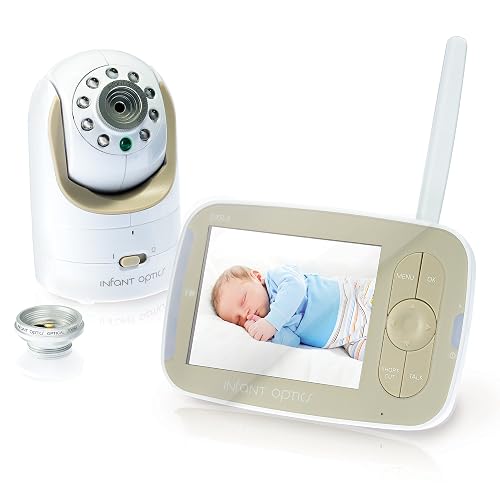
2022 AWARD WINNER: Awarded "Best Baby Monitor Overall, 2022" by NBC News. The DXR-8 video baby monitor offers clear and reliable sound/video, long battery life, exceptional signal range and user-fr...
The Infant Optics DXR-8 is a non-Wi-Fi video monitor with interchangeable lenses, pan, tilt, and zoom, night vision, and two-way talk.
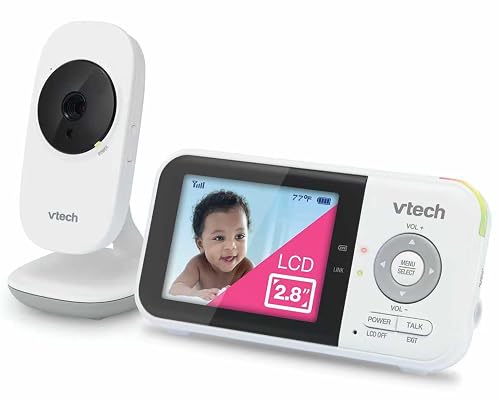
YOUR BABY'S NURSERY STAYS COMPLETELY PRIVATE: The VM819 never connects to WiFi, the internet, or any cloud - it transmits exclusively via encrypted 2.4GHz FHSS technology directly between the camer...
The VTech VM819 lists a 19-hour video battery, a 1000 ft range, night vision, two-way talk, and a temperature sensor, all without Wi-Fi.
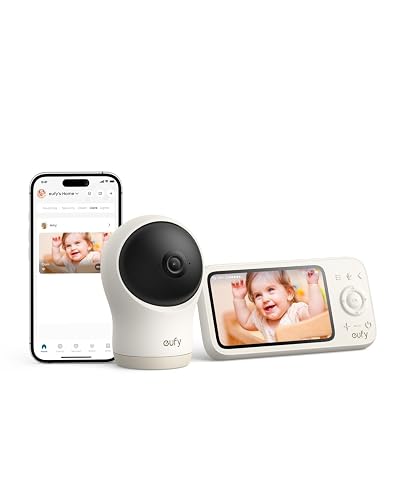
2K HD Resolution, Every Moment in View: Experience clear 2K resolution, 351° panoramic view, 60° tilt, 4× zoom—plus split screen to watch two babies at once, day or night. Note: Camera must be plug...
The eufy Baby Monitor C10 pairs a 2K camera with a 4.5-inch display and needs no Wi-Fi.
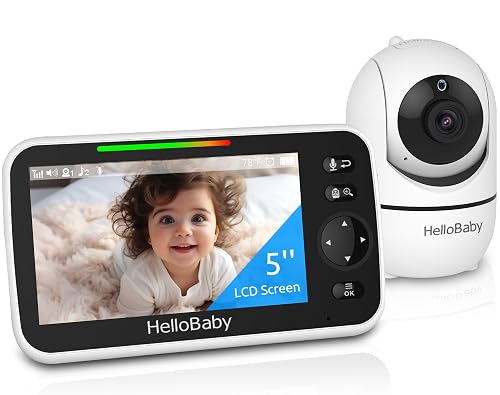
Remote 355° Pan and Tilt Baby Monitor & 5" Color Display: Enjoy a 5" Big Screen on this baby camera monitor. Remote control camera rotate 355° in horizontal and 120° vertical gives you a larger vie...
The HelloBaby HB6550 is a no-Wi-Fi monitor with a 5-inch screen at a friendly price.
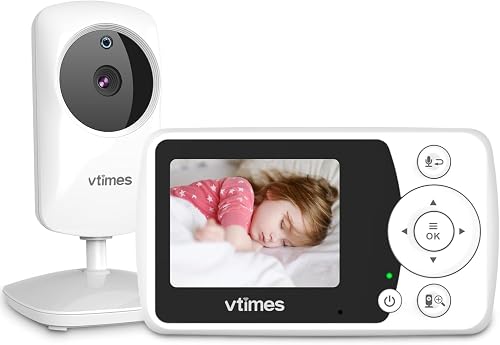
【Crystal Clear Audio and Video】: It's a baby monitor with camera and audio, which delivers real-time video and clear audio of your baby. With exceptional image quality, you can see every detail and...
The VTimes baby monitor has a compact 2.4-inch screen and a listed 1000 ft range, handy for travel and small homes.
Smart and pan-and-tilt monitors
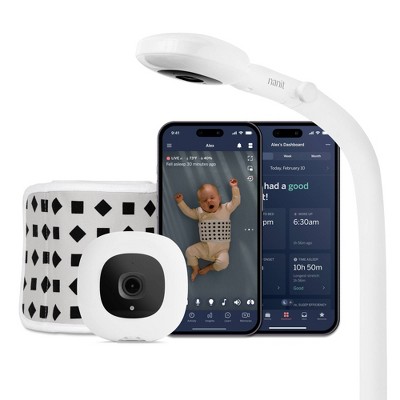
At Target, the Nanit Pro is a smart Wi-Fi monitor that includes a floor stand and streams to your phone.
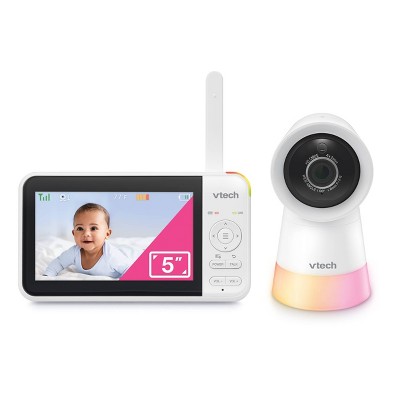
Also at Target, the VTech pan and tilt video monitor has a 5-inch display and a camera you can aim from the parent unit.
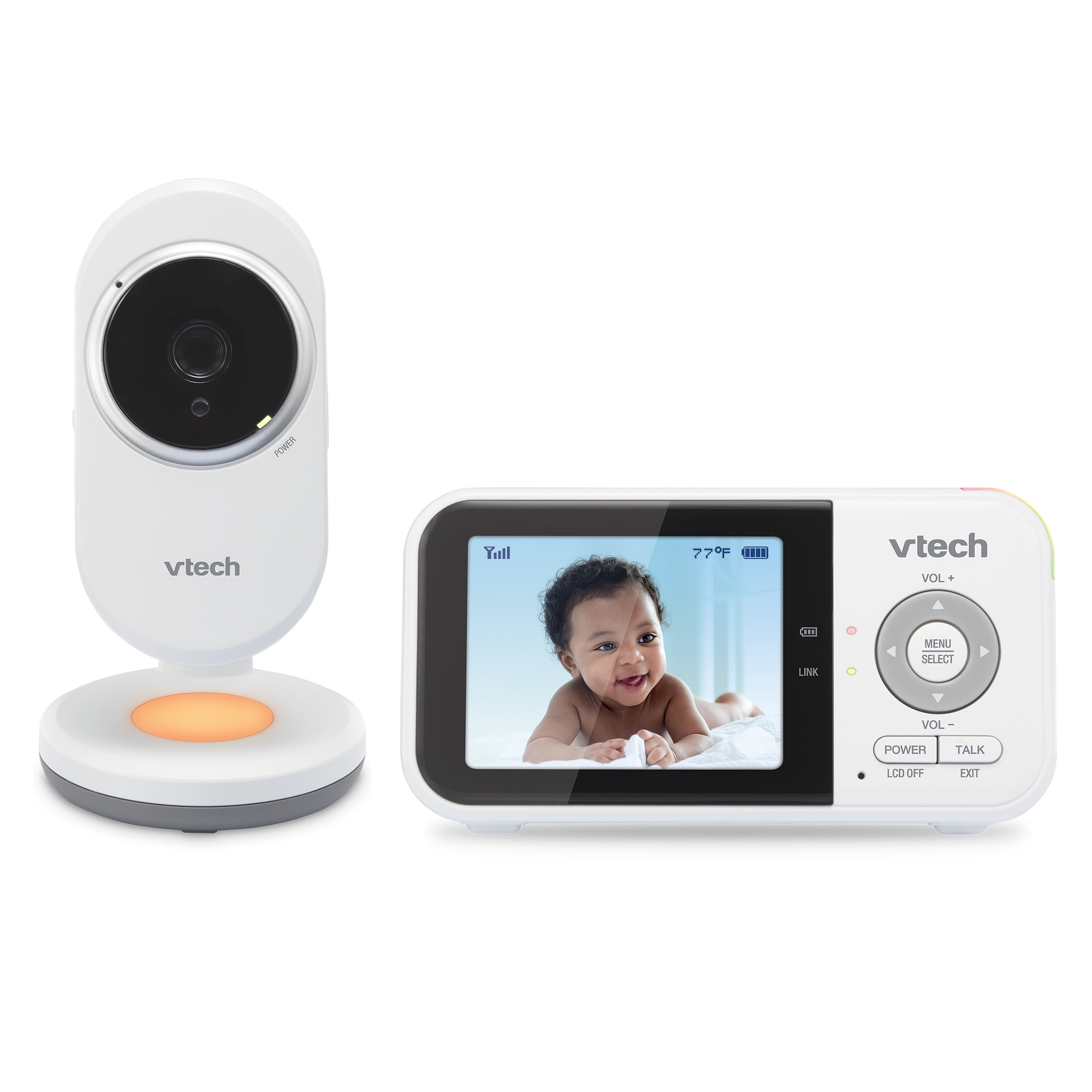
At Walmart, the VTech VM3254 offers a 2.8-inch display and a pan and tilt camera, a low-cost way to get started with video.
Set it up safely: keep cords away
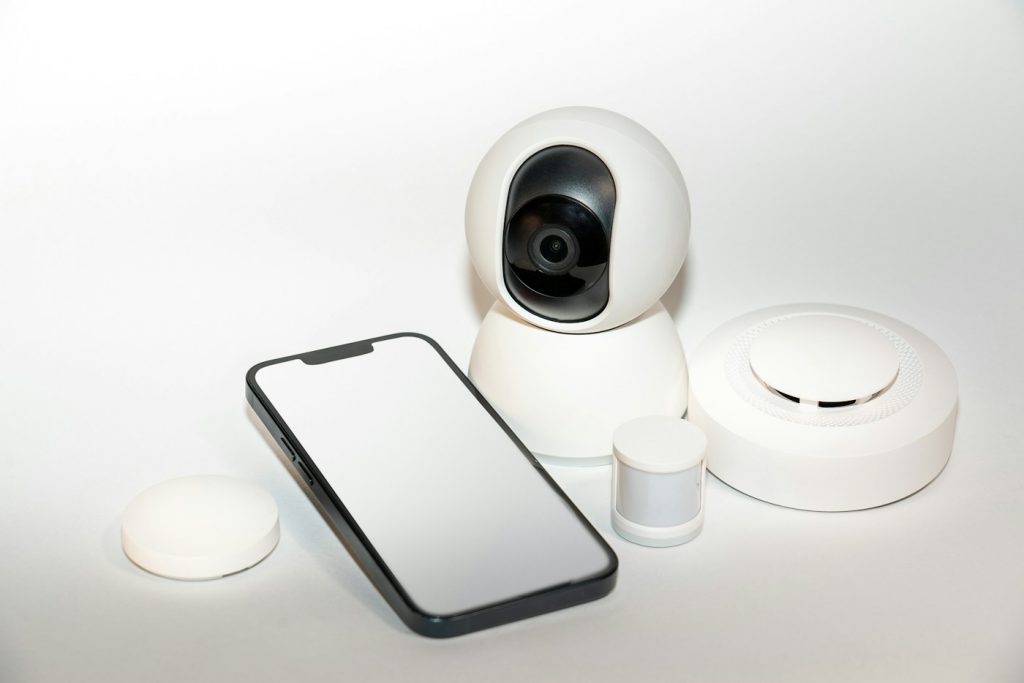
Monitor cords can be dangerous. The U.S. Consumer Product Safety Commission and the Juvenile Products Manufacturers Association warn that cords on baby audio and video monitors present a strangulation hazard to infants and toddlers when placed within a child's reach. They reported that since 2002, seven infants and toddlers were strangled in baby monitor cords and three nearly strangled.
The CPSC urges parents to:
- Check every cord: Look at the location of all monitors and other products with electrical cords, including those mounted on the wall, to make sure cords are out of your child's reach.
- Keep three feet away: Place cords at least three feet away from any part of the crib, bassinet, play yard, or other sleep area.
- Never on the crib: Never position a monitor inside or on the edge of a crib.
A wall mount or floor stand placed well away from the crib can give a good view without bringing the camera or cord close. As your baby grows, stands, climbs, and reaches farther, check again that nothing is within reach.
A monitor is a helper, not a substitute
A baby monitor is a convenience that helps you hear and see your child. It does not replace safe sleep practices or checking on your baby in person. Follow your pediatrician's advice for safe sleep. Test the monitor regularly, keep the parent unit charged, and do not rely on alerts alone.
More than one child
If you have twins or a toddler and a baby in different rooms, look for a monitor that supports extra cameras. Many non-Wi-Fi systems let you add cameras and switch between views or split the screen. Smart monitors usually let you add cameras in the app. Buying a system that can grow saves you from replacing the whole setup later.
Traveling with a monitor
A compact, non-Wi-Fi monitor is easy to pack for trips to grandparents' homes, hotels, and vacation rentals, since it does not need to join a new network. Bring the chargers and a small tripod or mount so you can place the camera away from the travel crib or play yard. The same three-foot cord rule applies wherever you set up, so check the room before your baby goes down.
How long will you use it?
Many families use a video monitor from the newborn weeks well into the toddler years, and some keep using the camera as a general home camera later. Features like pan and tilt, zoom, and a wide view become more useful once your child can stand and move around the crib or room. Think about whether you will want those features in a year or two before choosing the simplest model.
Placement tips
Aim the camera from above and at an angle so you can see the whole crib mattress. Keep it away from windows, where glare can wash out the picture. For non-Wi-Fi monitors, test the signal in every room you use most, including the kitchen and yard, before you rely on it. Keep the parent unit a few feet from other electronics to cut down on interference.
Common mistakes
The most common mistake is placing the camera or its cord too close to the crib, often on the crib rail for a better view. Another is choosing a Wi-Fi monitor without securing the account. Many parents also turn the volume way up and wake at every tiny noise; most babies fuss and settle on their own, so a moderate volume is often enough. Finally, forgetting to charge the parent unit can leave you without a monitor at night. Make charging part of the bedtime routine, just like dimming the lights and starting white noise, so the screen is always ready when you need it.
Questions to ask before you buy
- Do you want to check in away from home? Choose Wi-Fi or a hybrid.
- Is your home large? Check the range for non-Wi-Fi models.
- Will you add a second child? Look for support for extra cameras.
- Are there subscription fees? Check what smart features cost after any trial.
The short answer
For most families, a non-Wi-Fi video monitor with night vision, two-way talk, and good battery life is simple and reliable. Choose a smart Wi-Fi monitor if you want to check in from anywhere. Whatever you pick, mount the camera and keep every cord at least three feet from the crib.
The responses below are not provided, commissioned, reviewed, approved, or otherwise endorsed by any financial entity or advertiser. It is not the advertiser’s responsibility to ensure all posts and/or questions are answered.
Thanks for including the cord distance guidance. For a small nursery where the crib is close to the only outlet, is a cord cover along the wall enough, or would a battery-powered camera be a safer bet?