

Last Updated on: Oct 05, 2026
Behind almost every desk and TV stand is the same mess: a knot of power cords, chargers, and video cables that seems to grow on its own. It collects dust, makes cleaning a chore, and turns finding the right charger into a small hunt. Worse, a loose cord across the floor is an easy thing to trip on.
What We'll Cover
- Top Cable Management Tools
- Start by sorting what you have
- The main tools and what they do
- Reusable straps and ties
- Zip ties
- Cable clips
- Split sleeves and braided sleeving
- Wall raceways and floor covers
- A simple plan for a desk
- A simple plan for a TV wall
- Safety rules for hidden cords
- Popular cable management tools worth a look
- Where to start
Getting cables under control does not take a big budget or any wiring skills. A handful of cheap tools, from reusable straps to adhesive clips and wall raceways, can turn a tangle into something neat. This guide explains which tool solves which problem, walks through a simple plan for a desk and a TV wall, and covers the basic safety rules that matter any time you tuck cords out of sight.
Top Cable Management Tools
Start by sorting what you have
Before you buy anything, unplug everything from the messy area and lay it out. It is common to find chargers for devices you no longer own, duplicate cables, and cords far longer than you need. Get rid of what you do not use, and label the rest. A strip of tape or a small tag near each plug end makes it much easier to know which cord belongs to what when something needs unplugging later.
Then look at where the power comes from. If everything runs to one outlet across the room, the fix may be moving a power strip closer to the devices rather than hiding long cords. Short runs are always easier to tidy than long ones.
The main tools and what they do
Reusable straps and ties
Hook-and-loop straps and silicone ties are the simplest and most flexible tools. Use them to bundle cords that run together, coil up extra length, or keep a charger cable wrapped when it is in a drawer. Because they open and close easily, you can add or remove a cable any time. They are also gentler on cords than a tight plastic tie.
Zip ties
Plastic zip ties are cheap and strong, and they hold a bundle in place permanently. They work well behind a TV stand or under a desk where cables rarely change. Do not pull them tight enough to pinch the cords, and cut the tail flush so there is no sharp edge left. If you think you will change your setup often, use reusable straps instead.
Cable clips
Small adhesive clips stick to the edge or top of a desk and hold charging cables in place, so they do not slip down behind the desk when you unplug your phone. They are one of the most useful small upgrades for a nightstand or work desk.
Split sleeves and braided sleeving
A split sleeve is a flexible tube with a slit down the side. You push several cords into it, and they become one neat bundle. Sleeves are great for the run of cables from a desk down to the floor, or from a TV to a media console. They also add a layer of protection in homes with pets who like to chew.
Wall raceways and floor covers
Raceways are plastic channels that stick to the wall and hide cords inside. They are the go-to fix for a wall-mounted TV, where the power and HDMI cables would otherwise hang down in plain view. Most can be painted to match the wall. Floor cord covers are low, flat channels that run across the floor and help reduce trip hazards where a cord has to cross a path.
A simple plan for a desk
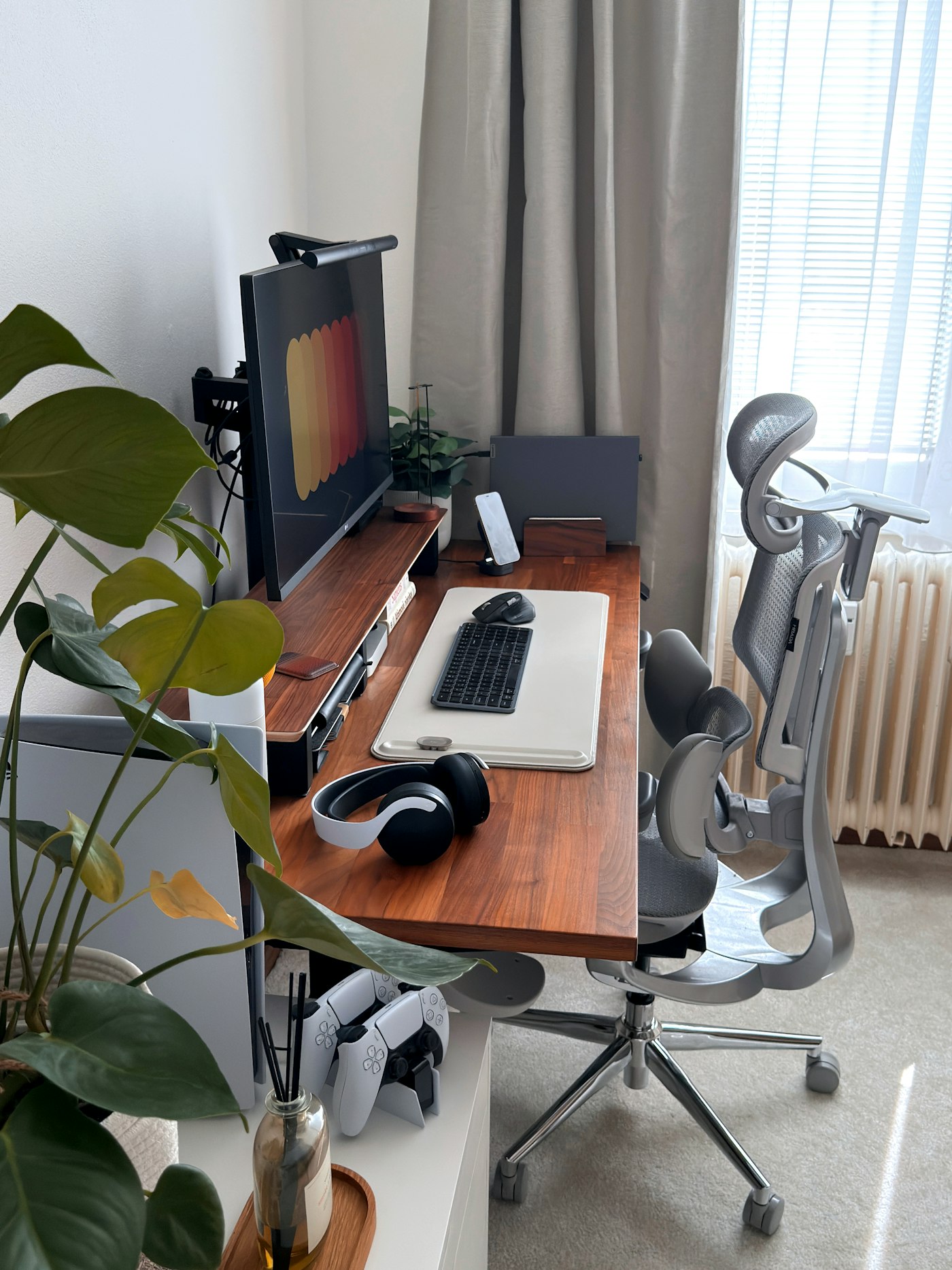
Start under the desk. Mount a power strip to the underside of the desktop or the back of a leg, so cords only have a short way to travel. Then use adhesive hook-and-loop ties or a cable tray to run cords along the back edge of the desk to the power strip. Bundle the cables that go down to the floor with a sleeve or a few straps.
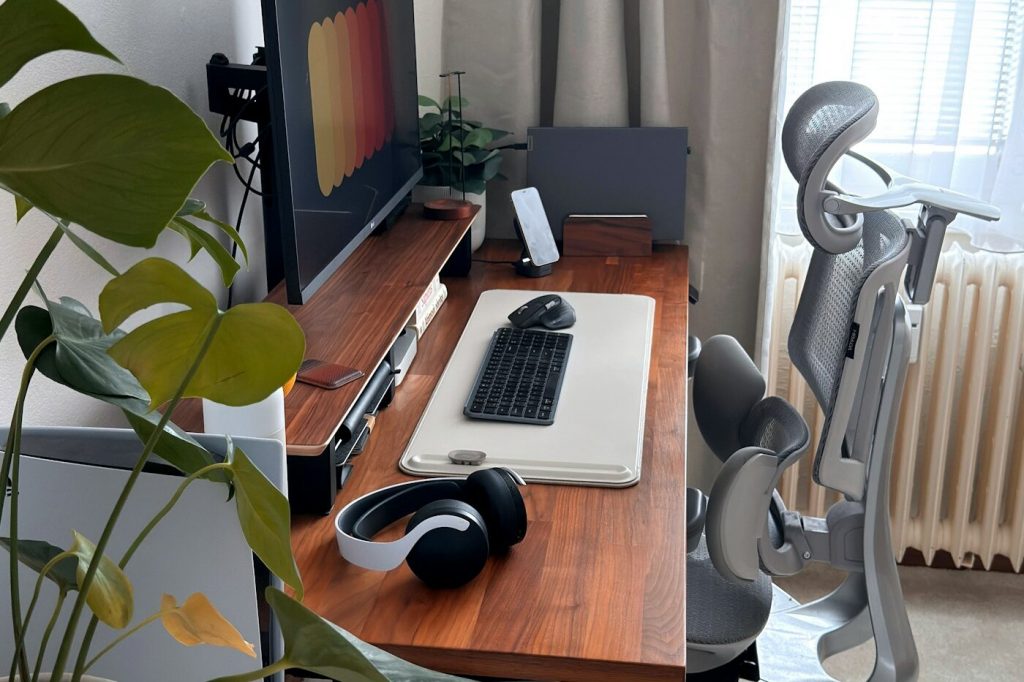
On top of the desk, add a few clips for the chargers you use every day. Leave a little slack in each cable so you can move a laptop or monitor without pulling on the plug. Coil any extra length under the desk and strap it, rather than letting it hang.
If you have a standing desk, leave a loop of slack in every cable that runs from the desk to the wall or the floor. Without that slack, raising the desk can yank cords out of their outlets or strain the plugs.
A simple plan for a TV wall
For a wall-mounted TV, a paintable raceway running straight down from the TV to the console is the cleanest look without cutting into the wall. Measure the run, cut the raceway to length, and stick it in place. Many kits include elbows and couplers so you can turn corners.
Behind the console, bundle the cords from each device with a strap and label them. If the console has a back panel, drill or cut a single hole for all the cords to pass through, so the cords run straight to a power strip on the floor.
Safety rules for hidden cords
Tidying cords is about more than looks. Hiding them the wrong way can create real hazards. The U.S. Consumer Product Safety Commission's home electrical safety checklist says to move cords or furniture so that cords are not covered by rugs or furniture, since heavy weight or foot traffic can crush the insulation or break wire strands and create a fire or shock hazard. The Electrical Safety Foundation adds that you should never run an extension cord under a rug or carpet, and never use a cord that feels hot or is damaged.
- Do not run cords under rugs or carpets, even with a cord cover.
- Do not staple or nail cords in place. Use clips, straps, or raceways instead.
- Do not pinch cords in doorways or under furniture legs.
- Leave room for air around power bricks and adapters. Do not bury them in a tight bundle or a closed box.
- Check that your power strip is rated for everything plugged into it, and plug it directly into a wall outlet rather than into another strip.
- Replace any cord that is frayed, cracked, or warm to the touch.
These rules come from the CPSC home electrical safety checklist and the Electrical Safety Foundation's extension cord tips.
Popular cable management tools worth a look
These picks come from the top of the cord management best-seller lists and cover straps, ties, clips, sleeves, and covers.
Split sleeve for cable runs. A 10-foot, half-inch split tube that bundles USB, power, and audio cables into one neat run. The maker also pitches it as a way to protect cords from pets that chew.
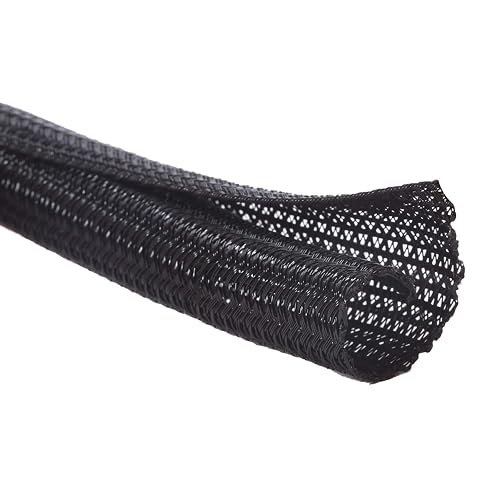
Size: Diameter: 1/2"| Length: 10 Feet | Color: Black. Our wire loom is split and easy to load wires. Once loaded, our cable sleeve will close on itself and perfect wire wrap
Operating temp (degree ...
Reusable hook-and-loop ties. A pack of 60 six-inch straps for bundling and coiling cords. They open and close as often as you need.
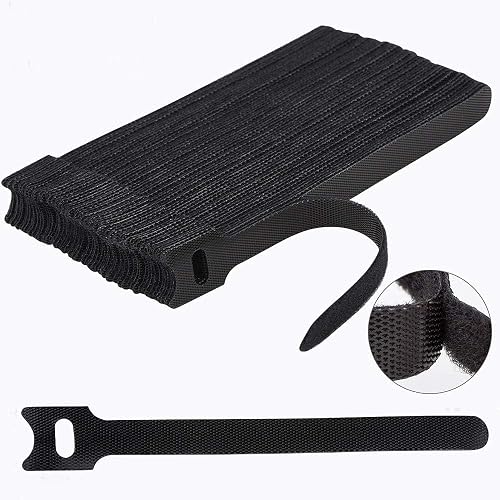
Reusable cable ties are made from premium nylon adhesive materials can be environmentally used multiple times
Versatile Multipurpose: This cable organizer can be use in wrap all of loose cords
Many...
Adhesive under-desk straps. A pack of 50 hook-and-loop ties with sticky backs, made for running cables under a desk or behind a TV. The maker suggests sticking them to a wall and waiting 24 hours before adding cables.
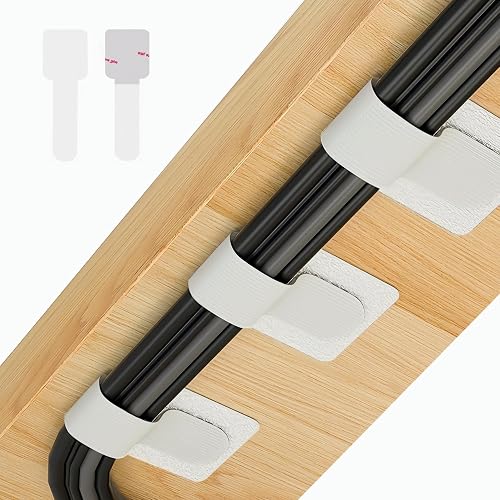
【Widely Usage】If you plan to use the self-adhesive cable ties on a wall, please apply the product first without securing the cables. Wait 24hours before attaching the cables. This is because wall s...
Desk cable clips. A two-pack of adhesive clips, one with five slots and one with three, that keep charging cables on top of the desk.
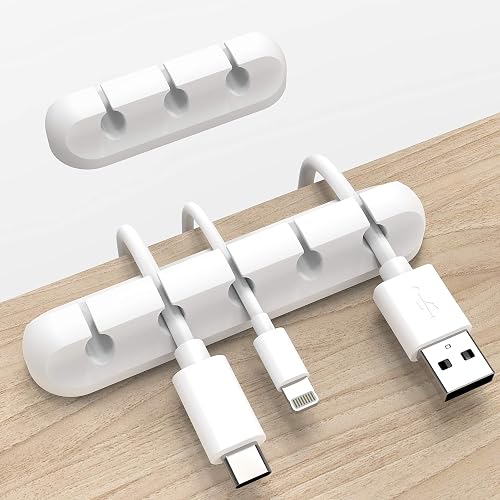
Cable Holder for Car: Our cord organizer are super useful for organizing cables. It will prevent your Phone charging cables, USB cables, network cables, TV power cords from excessive bending tangli...
Paintable TV raceway kit. A 116-inch set of adhesive cord channels with couplers, elbows, and a T fitting for a wall-mounted TV. The maker says the material meets the UL94 V-0 flame rating.
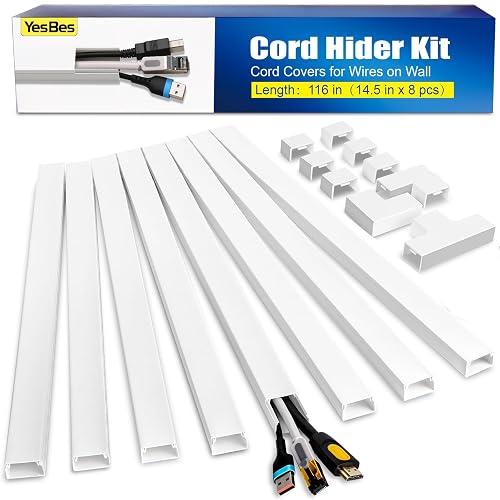
Kit Content: Each cable raceway comes with dimensions of 0.57 inch inner height, 0.96 inch inner width, ensuring a total length of 116 inches. The cable cover channel kit includes 6 couplings, 2 L-...
Floor cord cover. A six-foot cover that runs across the floor to protect a cord and reduce trips where it crosses a path. Check the listed cable cavity size to make sure your cord fits.
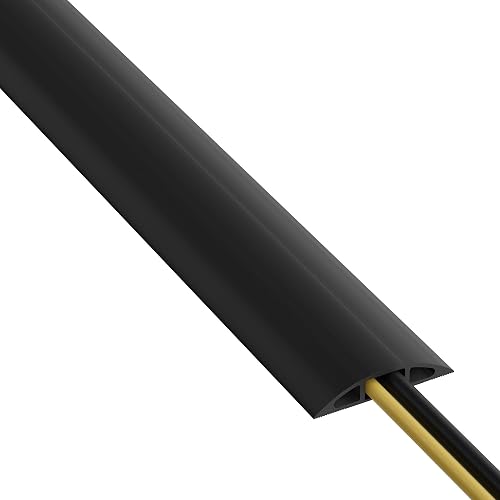
High-Quality Floor Cable Protectors, made from flexible pvc, supplied coiled - uncoils to lay flat (no need to add to boiling water to uncoil). Can be easily cut to size if shorter wire cover lengt...
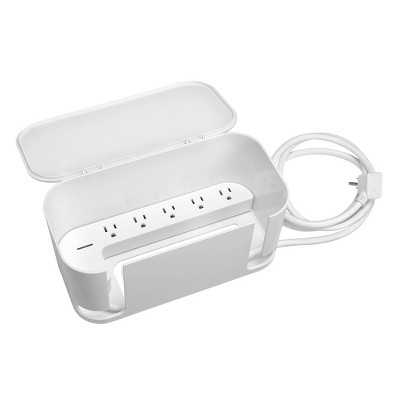
Box that hides a power strip. Target sells a Globe Electric cord management box with five grounded outlets built in and a 6-foot cord, so the plugs and extra cord sit inside instead of on the floor. The maker lists surge protection up to 900 joules. Keep some space around it so it does not get buried in a pile of bags or papers.
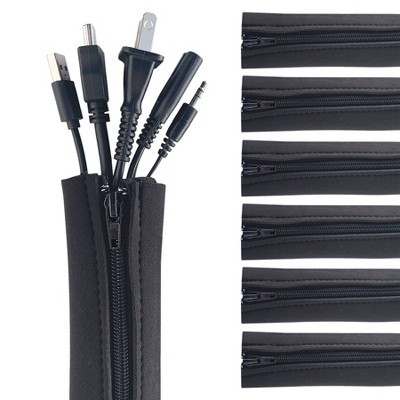
Zipper sleeves you can reopen. Also at Target, Wrap-It sells neoprene cable sleeves, 24 by 4 inches, in a six-pack. The zipper makes it easy to add or pull out a cord later, and the maker says each sleeve holds up to 15 cords.
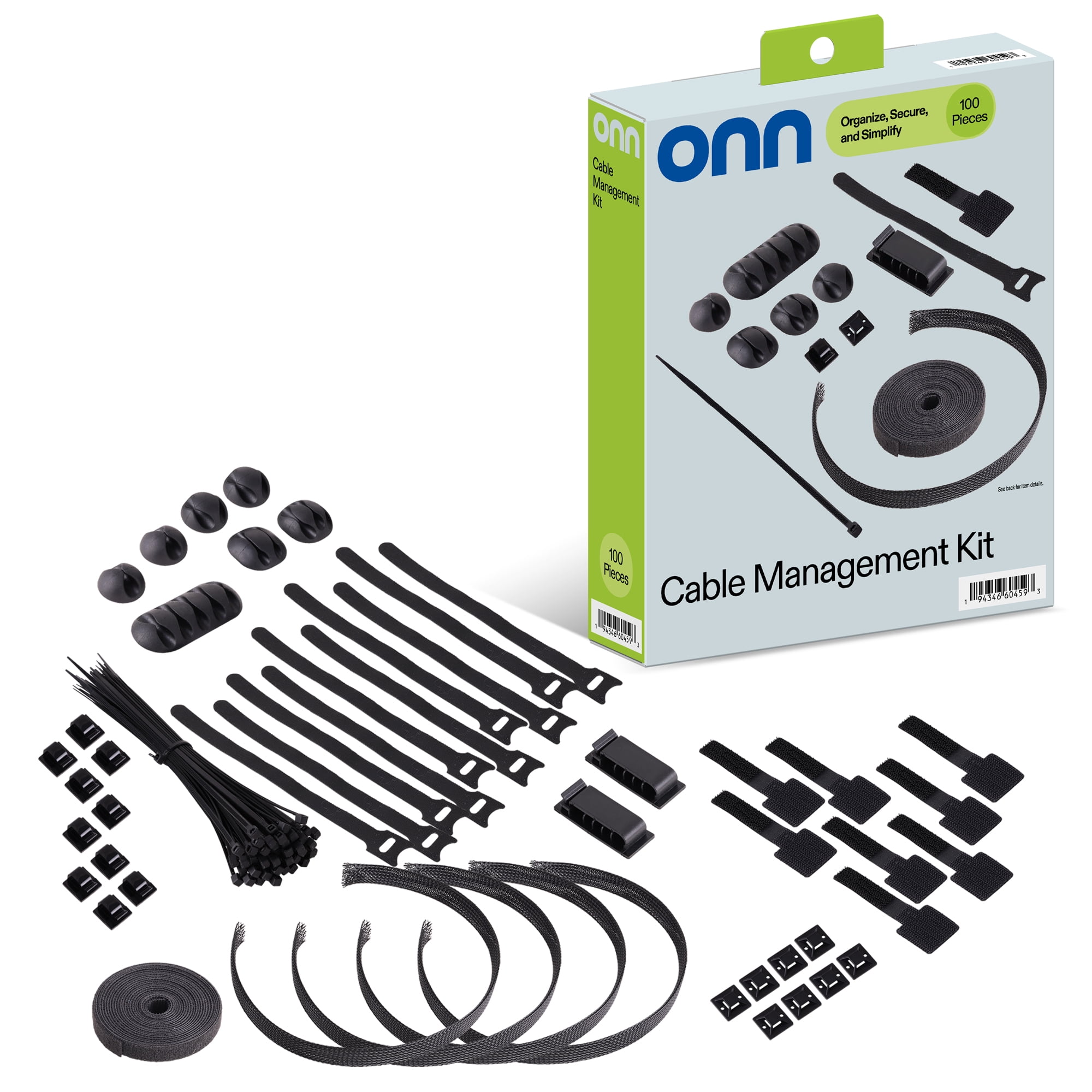
All-in-one starter kit. Walmart's onn. 100-piece kit mixes zip ties, reusable hook-and-loop straps, adhesive clips, and cable sleeves. It is a simple way to try a few methods before buying more of the one that works for your desk.
Where to start
If you only do one thing, bundle the cords behind your desk or TV with a few reusable straps and add clips for the chargers you use daily. That alone makes a big difference. From there, add a sleeve for the run to the floor, or a raceway if you have a wall-mounted TV. Keep the safety rules in mind, and your setup will look better and be easier to clean.
The responses below are not provided, commissioned, reviewed, approved, or otherwise endorsed by any financial entity or advertiser. It is not the advertiser’s responsibility to ensure all posts and/or questions are answered.