One screen is cramped when the work spreads out. The ten below run from a 21.5-inch office panel to a 34-inch curved ultrawide, from Dell, Acer, KOORUI, HP, Samsung, onn and Sceptre. Half link to Amazon; the rest link to Best Buy, Target and Walmart.

Scores are our judgment of each monitor on its traits - panel, resolution at size, refresh, stand, ports - grounded in the owner threads and professional reviews named on each card. We did not measure these panels ourselves.
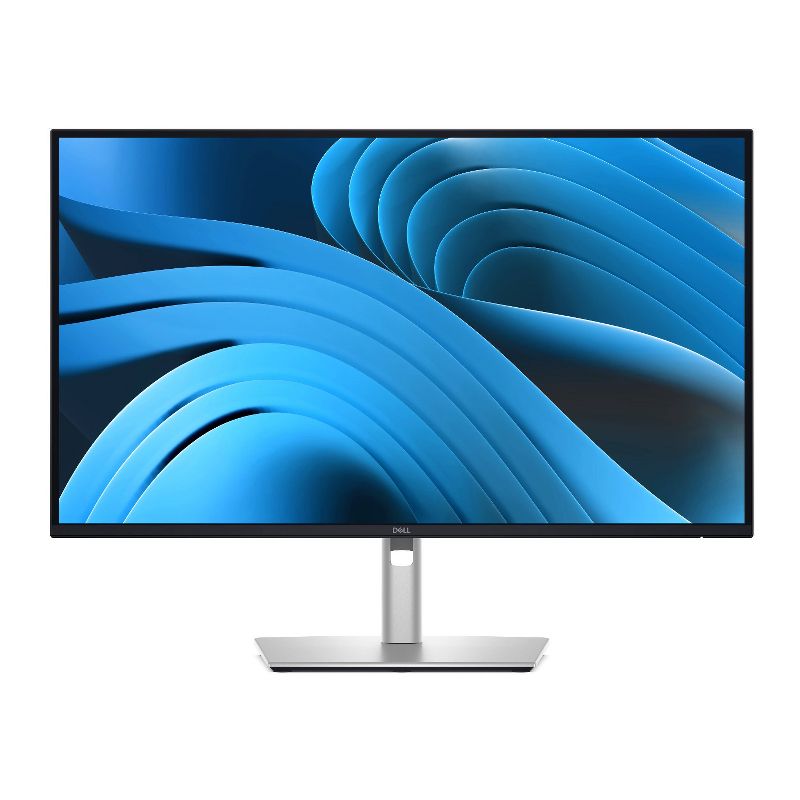
Dell Pro Plus P2725QE 27 inch 4K USB-C Hub Monitor (Target)
The one-cable 4K hub for a laptop desk.
- 27-in 4K IPS, per Dell
- USB-C hub with power delivery
- Height-adjustable stand
- One owner's slowdown traced to software, fixed

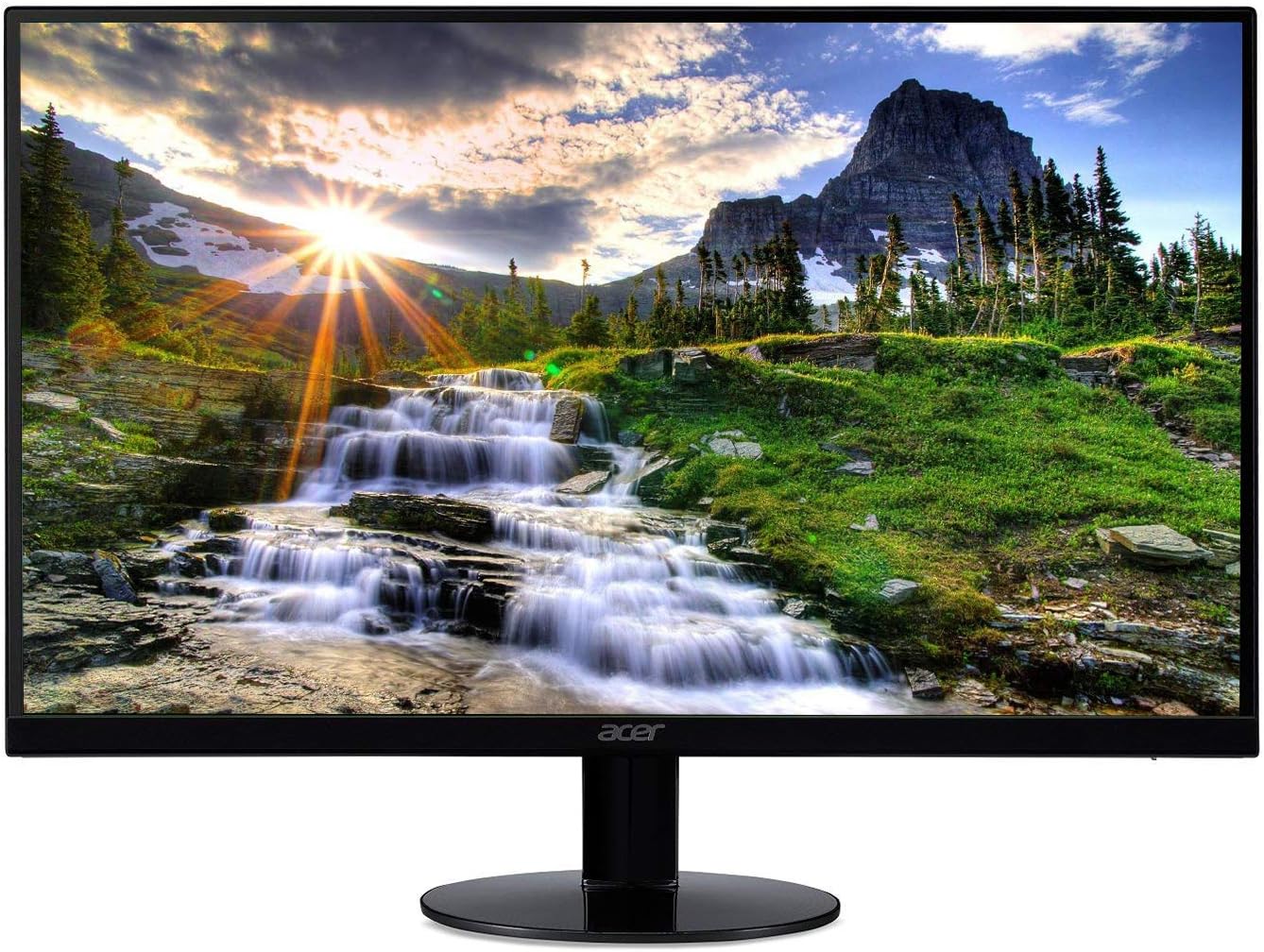
Acer SB220Q bi 21.5 inch Full HD IPS Monitor
The small IPS classic; check the stand.
- 21.5-in 1080p IPS, 75Hz
- Thin bezels, per Acer
- Owner: some IPS glow, slow response
- Not VESA-compatible, per Acer

KOORUI 24 inch FHD 100Hz IPS Monitor (E2412F)
Budget 100Hz IPS; buy where returns are easy.
- 24-in 1080p IPS, 100Hz
- Owner: 8-9 months, no dead pixels
- Decent color and brightness, per owner
- Owner rates support a C
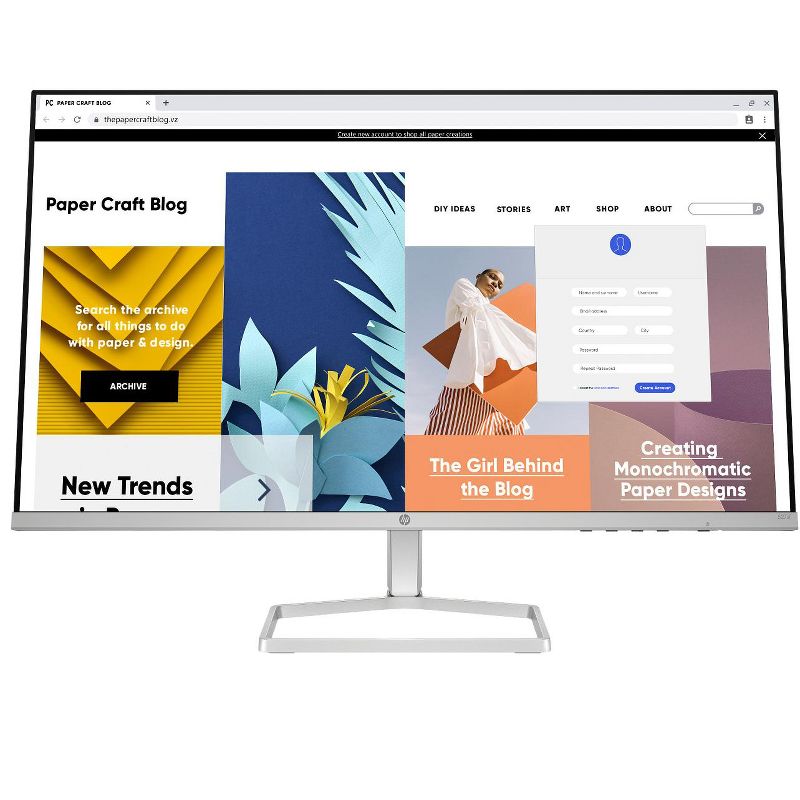
HP Series 5 27 inch FHD Monitor 527sf
A straightforward 27-inch office screen.
- 27-in 1080p IPS, 100Hz, per HP
- Height-adjustable stand, per HP
- Cable tidy in stand, per HP
- No non-retailer owner threads found

Dell 24 Monitor SE2425H
Dell's basic 24-inch VA.
- 23.8-in 1080p VA, 75Hz
- 3-year warranty, per Dell
- VESA mount, per Dell
- Thin owner threads for this model
Samsung 32-inch M7 (M70D) 4K Smart Monitor
4K smart screen; USB-C troubles documented.
- 32-in 4K with smart TV apps
- Owner: good contrast, doubles as a TV
- Owner: USB-C connection unreliable
- Owner: laggy OS, weak speakers
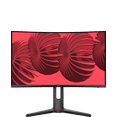
onn 27 inch Curved QHD Gaming Monitor
Walmart's budget 165Hz QHD curve.
- 27-in QHD 165Hz curved VA
- Cables included, per listing
- Adaptive-Sync, per listing
- No long-term owner threads found

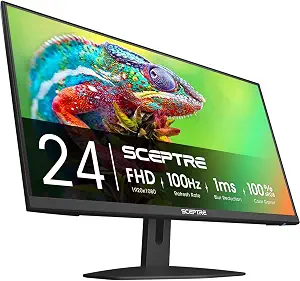
Sceptre 27-inch Prime 100Hz Monitor (E275W-FW100T)
Big budget 27-inch with 100Hz.
- 27-in 1080p, 100Hz
- Frameless look, per Sceptre
- VESA mount, per Sceptre
- No quality findings in owner threads
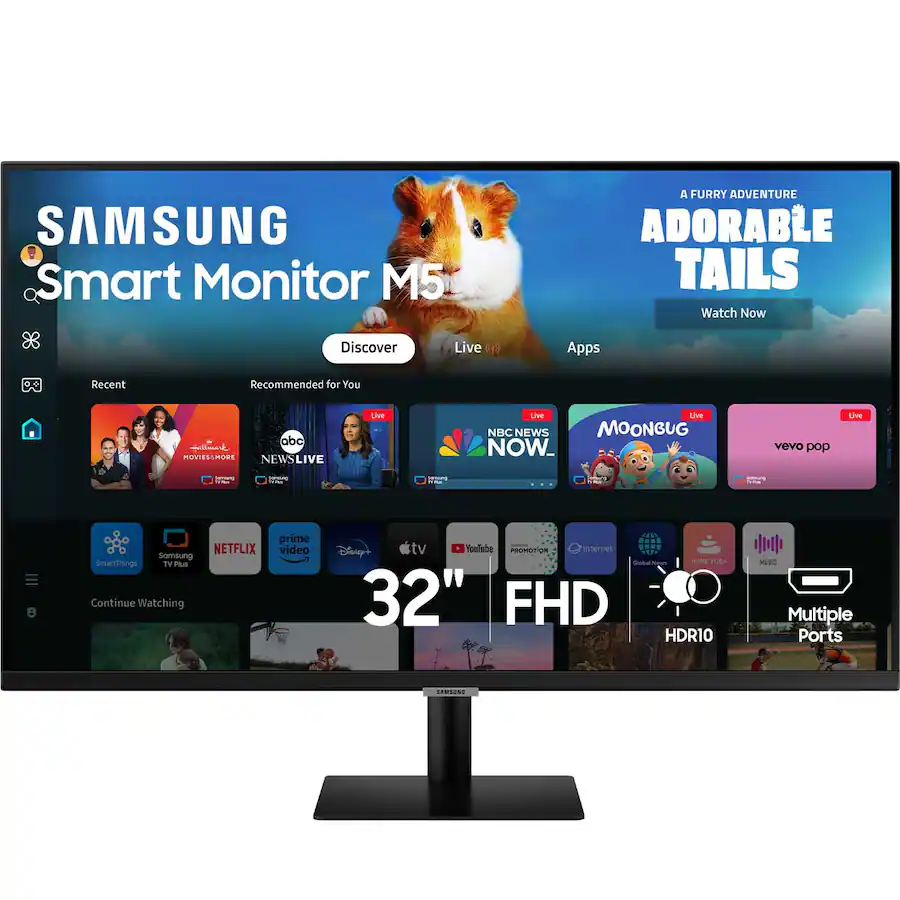
Samsung M50D 32 inch FHD Smart Monitor
Smart TV features; 1080p stretched to 32.
- 32-in VA with Tizen smart apps
- Pro review: strong contrast
- 1080p on 32 in is soft up close
- 60Hz; smart features can lag

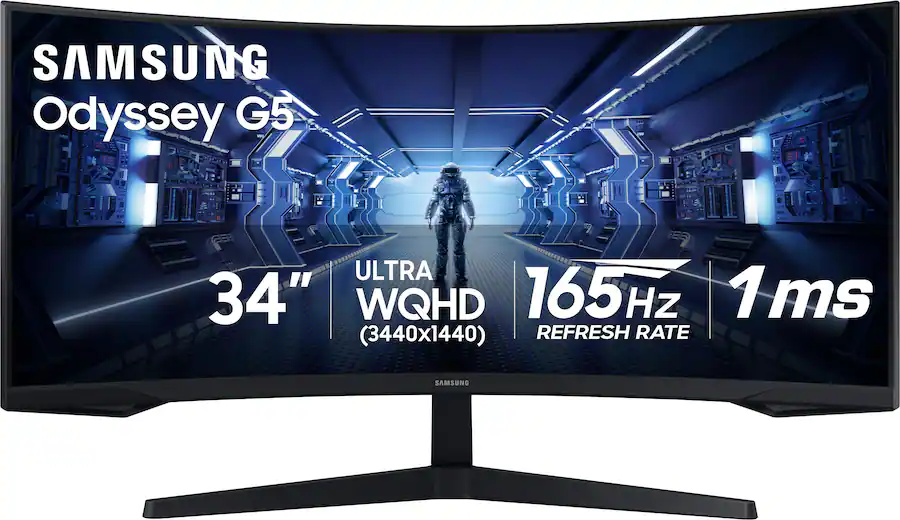
Samsung 34 inch Odyssey G5 1000R Curved QHD 165Hz
Loved curve; VA ghosting record.
- 34-in QHD ultrawide, 1000R curve
- 165Hz, per Samsung
- Owners: inverse ghosting on darks
- Owners pan the firmware and colors
Dell Pro Plus P2725QE 27 inch 4K USB-C Hub Monitor (Target)
Dell Pro Plus P2725QE 27 inch 4K USB-C Hub Monitor (Target)
The one-cable 4K hub for a laptop desk.
- 27-in 4K IPS, per Dell
- USB-C hub with power delivery
- Height-adjustable stand
- One owner's slowdown traced to software, fixed
The P2725QE is the clean-desk play: a 27-inch 4K IPS panel with a USB-C hub and power delivery, so one cable charges the laptop and drives the screen, per Dell’s spec. The height-adjustable stand and Dell’s panel lottery record round out the office case.
One r/Dell owner hit a scary slowdown with the hub connected and traced it to Dell’s Display Manager software - uninstalling fixed it completely. Worth knowing before you install Dell’s utilities; the hardware itself behaved.
Pros
- 27-in 4K IPS, per Dell
- USB-C hub with power delivery
- Height-adjustable stand
Cons
- One owner's slowdown traced to software, fixed
- No speakers
Acer SB220Q bi 21.5 inch Full HD IPS Monitor
Acer SB220Q bi 21.5 inch Full HD IPS Monitor
The small IPS classic; check the stand.
- 21.5-in 1080p IPS, 75Hz
- Thin bezels, per Acer
- Owner: some IPS glow, slow response
- Not VESA-compatible, per Acer
The SB220Q has been the default small budget IPS for years: 21.5 inches of 1080p at 75Hz with thin bezels. One owner in r/Monitors calls it alright, noting some IPS glow and a sluggish response time - the usual budget-IPS tradeoffs, bounded as one owner’s take.
Two traits to know before buying: it tops out at 75Hz, and per Acer’s own community answer this series has no VESA mounting holes, so it lives on its included tilt-only stand.
Pros
- 21.5-in 1080p IPS, 75Hz
- Thin bezels, per Acer
Cons
- Owner: some IPS glow, slow response
- Not VESA-compatible, per Acer
KOORUI 24 inch FHD 100Hz IPS Monitor (E2412F)
KOORUI 24 inch FHD 100Hz IPS Monitor (E2412F)
Budget 100Hz IPS; buy where returns are easy.
- 24-in 1080p IPS, 100Hz
- Owner: 8-9 months, no dead pixels
- Decent color and brightness, per owner
- Owner rates support a C
KOORUI’s 24-inch does 1080p at 100Hz on an IPS panel at budget-money specs. One owner in r/LinusTechTips has run two of KOORUI’s 24-inch 1080p panels for eight to nine months: decent color, plenty bright, no dead pixels - while rating KOORUI’s support a C and advising to buy where returns are easy.
That advice is the card to play here: the panel traits are right for the price class, but the brand’s support record is the risk, per that owner.
Pros
- 24-in 1080p IPS, 100Hz
- Owner: 8-9 months, no dead pixels
- Decent color and brightness, per owner
Cons
- Owner rates support a C
- Buy where returns are easy, per owner
HP Series 5 27 inch FHD Monitor 527sf
HP Series 5 27 inch FHD Monitor 527sf
A straightforward 27-inch office screen.
- 27-in 1080p IPS, 100Hz, per HP
- Height-adjustable stand, per HP
- Cable tidy in stand, per HP
- No non-retailer owner threads found
The HP 527sf is the straightforward office screen: 27 inches, 1080p IPS at 100Hz, with a height-adjustable stand and cable tidy, per HP’s spec sheet.
Owner evidence, said plainly: the only reviews we found live on HP’s own store, which we do not cite. Treat this as a traits pick from the maker’s spec.
Pros
- 27-in 1080p IPS, 100Hz, per HP
- Height-adjustable stand, per HP
- Cable tidy in stand, per HP
Cons
- No non-retailer owner threads found
Dell 24 Monitor SE2425H
Dell 24 Monitor SE2425H
Dell's basic 24-inch VA.
- 23.8-in 1080p VA, 75Hz
- 3-year warranty, per Dell
- VESA mount, per Dell
- Thin owner threads for this model
The SE2425H is Dell’s basic 24-inch: a 1080p VA panel at 75Hz with HDMI and VGA, VESA mounting and Dell’s 3-year warranty, per Dell’s spec.
Owner evidence, said plainly: we found no long-term owner threads for this exact model, so this is a traits pick. VA means better contrast than budget IPS, slower pixel response.
Pros
- 23.8-in 1080p VA, 75Hz
- 3-year warranty, per Dell
- VESA mount, per Dell
Cons
- Thin owner threads for this model
- VA pixel response is slower
Samsung 32-inch M7 (M70D) 4K Smart Monitor
Samsung 32-inch M7 (M70D) 4K Smart Monitor
4K smart screen; USB-C troubles documented.
- 32-in 4K with smart TV apps
- Owner: good contrast, doubles as a TV
- Owner: USB-C connection unreliable
- Owner: laggy OS, weak speakers
The M7 (M70D) is a 32-inch 4K monitor with a full smart-TV platform inside, and a detailed r/Monitors owner review praises its contrast, build and second-TV usefulness with the included remote.
The same owner documents the caveats: USB-C display connections are unreliable (a complaint they note spans M7 generations), the Tizen OS is slow, speakers are weak, and colors fade off-axis. Their score: 6 out of 10, a point held back by the USB-C trouble. One commenter adds that the M70D’s color gamut is narrower than the older M70C’s - a version-specific note, kept that way.
Pros
- 32-in 4K with smart TV apps
- Owner: good contrast, doubles as a TV
Cons
- Owner: USB-C connection unreliable
- Owner: laggy OS, weak speakers
onn 27 inch Curved QHD Gaming Monitor
onn 27 inch Curved QHD Gaming Monitor
Walmart's budget 165Hz QHD curve.
- 27-in QHD 165Hz curved VA
- Cables included, per listing
- Adaptive-Sync, per listing
- No long-term owner threads found
The onn 27-inch packs QHD resolution, a 165Hz refresh and a curved VA panel into Walmart’s house brand, cables included, per the listing.
Owner evidence, said plainly: the threads we found were pre-purchase questions, not long-term reports, so this is a traits pick. On paper it undercuts name brands on refresh-per-size; the house-brand support record is yours to weigh.
Pros
- 27-in QHD 165Hz curved VA
- Cables included, per listing
- Adaptive-Sync, per listing
Cons
- No long-term owner threads found
- House-brand support record unknown
Sceptre 27-inch Prime 100Hz Monitor (E275W-FW100T)
Sceptre 27-inch Prime 100Hz Monitor (E275W-FW100T)
Big budget 27-inch with 100Hz.
- 27-in 1080p, 100Hz
- Frameless look, per Sceptre
- VESA mount, per Sceptre
- No quality findings in owner threads
The Sceptre E275W-FW100T is a 27-inch 1080p panel at 100Hz with a frameless look and VESA mounting, per Sceptre’s spec - the big-screen budget staple.
Owner evidence, said plainly: the one thread we found for this exact model was a setup question, not a quality report, so we cite no owner findings. Traits only.
Pros
- 27-in 1080p, 100Hz
- Frameless look, per Sceptre
- VESA mount, per Sceptre
Cons
- No quality findings in owner threads
Samsung M50D 32 inch FHD Smart Monitor
Samsung M50D 32 inch FHD Smart Monitor
Smart TV features; 1080p stretched to 32.
- 32-in VA with Tizen smart apps
- Pro review: strong contrast
- 1080p on 32 in is soft up close
- 60Hz; smart features can lag
The M50D is a 32-inch smart monitor: Samsung’s Tizen apps, remote, speakers and wireless mirroring on a VA panel, per a PCMENA pro review that praises its contrast and all-rounder versatility while noting the smart features can lag and 60Hz limits fast gaming.
The core tradeoff is pixel density: 1080p stretched across 32 inches looks soft at desk distance, which is a traits judgment, not a defect. For couch-distance streaming it matters less; for spreadsheets, it matters more.
Pros
- 32-in VA with Tizen smart apps
- Pro review: strong contrast
Cons
- 1080p on 32 in is soft up close
- 60Hz; smart features can lag
Samsung 34 inch Odyssey G5 1000R Curved QHD 165Hz
Samsung 34 inch Odyssey G5 1000R Curved QHD 165Hz
Loved curve; VA ghosting record.
- 34-in QHD ultrawide, 1000R curve
- 165Hz, per Samsung
- Owners: inverse ghosting on darks
- Owners pan the firmware and colors
The Odyssey G5 34 is Samsung’s budget ultrawide: QHD, 165Hz and a deep 1000R curve. Owners in r/ultrawidemasterrace love the curve itself - one calls it easy on the eyes - but the same thread documents inverse ghosting on dark content and dull colors, and a later owner reports smearing noticeable even when scrolling.
Firmware draws its own complaints: one long-term owner calls the on-screen menu logic the worst they have used, with settings that lock each other out. VA-panel smear at 165Hz is the known tradeoff here, reported by multiple owners.
Pros
- 34-in QHD ultrawide, 1000R curve
- 165Hz, per Samsung
Cons
- Owners: inverse ghosting on darks
- Owners pan the firmware and colors
Before you buy
Match screen size to desk depth and resolution to size. A 27-inch Full HD panel looks softer than QHD or 4K. Check the ports against your computer, and check VESA compatibility if you want an arm.
The responses below are not provided, commissioned, reviewed, approved, or otherwise endorsed by any financial entity or advertiser. It is not the advertiser’s responsibility to ensure all posts and/or questions are answered.