
Last Updated on: Sep 19, 2026
Which accessory matches the power, cable or storage job?
Choose a charger by device requirements and actual port output, a cable by charging, data and video limits, and storage by its interface and backup role. Matching the connector is only the start. Check the whole connection before choosing the accessory.
Electronic accessories can share a connector while doing different jobs. This guide separates wall and vehicle charging from cable limits and portable storage. The 2025 shortlist includes established base products, not seller-created kits. Recommendations use retrieved specifications; no charging, transfer or durability tests were performed for this article.
What We'll Cover
- Which accessory matches the power, cable or storage job?
- Compare power and connection limits separately
- Option 1: Anker Prime 67W Three-Port Charger at Target
- Option 2: Anker 317 100W USB-C Charger at Amazon
- Option 3: Anker Prime Six-Foot USB-C Cable at Amazon
- Option 4: Anker Three-Port 67W Car Charger at Target
- Option 5: Samsung T7 Shield Portable SSD 1TB at Amazon
- Match the whole connection, not only the plug
These five accessories have different power and data roles; a shared USB-C connector does not make them interchangeable. Scores are editorial fit judgments for the uses described, not charging, transfer or laboratory test results.
Compare power and connection limits separately
| Accessory | Retailer | Documented identity | Best role | Before choosing |
|---|---|---|---|---|
| Anker Prime 67W Three-Port Charger | Target | Two USB-C and one USB-A; 67W single-device; shared-output limits | Best Multi-Device Starting Point | Match exact model and setup |
| Anker 317 100W USB-C Charger | Amazon | One USB-C output; 100W; factory-included five-foot cable | Best Single-Port Laptop Alternative | Match exact model and setup |
| Anker Prime Six-Foot USB-C Cable | Amazon | 240W-rated charging; USB 2.0 data; 480Mbps; no screen mirroring | Best Charging-Cable Role | Match exact model and setup |
| Anker Three-Port 67W Car Charger | Target | 67W total; maximum 35W per USB-C; factory-included cable | Best Vehicle Charging Route | Match exact model and setup |
| Samsung T7 Shield Portable SSD 1TB | Amazon | 1TB external SSD; USB 3.2 Gen 2; model MU-PE1T0S/AM | Best Portable-Storage Role | Match exact model and setup |
Option 1: Anker Prime 67W Three-Port Charger at Target
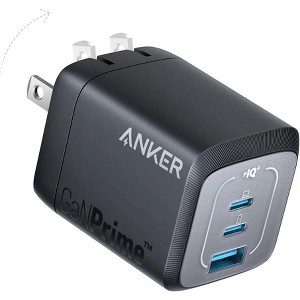
The Anker Prime 67W three-port charger is the multi-device desk or travel starting point. The fully retrieved Target page identifies two USB-C ports and one USB-A port. It describes up to 67W with one connected device and a different maximum when two ports are used. That distinction is central to this recommendation: a charger's headline wattage is not the output automatically available to every device at the same time. Read the Anker Prime 67W Three-Port Charger product page for the exact listing.
Brand and output: Anker's source states a 65W maximum for the described two-port combinations. This guide does not divide that total into an invented allocation for each port, or assume three simultaneous devices all receive the single-port maximum. Match the laptop, tablet and phone requirements to the documented connection arrangement. A USB-C connector is only one part of a compatible charging path; the device, charger protocol and cable must also fit the intended use.
Pros: a mix of USB-C and USB-A can serve equipment that does not all use the same connector. The documented port count gives a clearer planning basis than buying several adapters without checking what will be connected. Its compact design also makes it relevant to investigate for a small bag or crowded outlet area. This article did not measure charger size against another model or test how it behaves beside adjacent plugs.
Cons: manufacturer claims about temperature monitoring and safeguards are not proof that an incorrect cable or damaged device can be used safely. The guide did not test charging time, efficiency or case temperature. It also does not treat the listed 67W output as a guarantee that every laptop can charge at full speed during demanding use. Required power and the actual port combination should be checked before replacing a laptop's own adapter.
Options and setup: use the exact base three-port Prime entry rather than a seller charger-and-cable pack. The Target page is supplied by Anker through its marketplace channel; review the selected item and terms. Choose it for a verified mix of devices and ports, keeping single-port and shared-output limits separate. A useful multi-port charger simplifies a known setup rather than making the owner discover the power split only after everything is plugged in.

High-Speed Charging: The 100W USB C port pumps out enough power to charge a wide range of devices in record time. Charge your MacBook Pro 16" (M1 Max, 2021) to 100% in 1 hour and 20 minutes, so you...
Option 2: Anker 317 100W USB-C Charger at Amazon
The Anker 317 100W charger is the single-port laptop-oriented alternative. The base Amazon page identifies model A2672 and includes a five-foot USB-C-to-USB-C cable in the manufacturer's package. That included cable is part of this retail SKU, not a seller-created bundle. The recommendation focuses on one documented USB-C output rather than a collection of ports with shared-power questions. Read the Anker 317 100W USB-C Charger product page for the exact listing.
Brand and fit: Anker describes a 100W USB-C port and lists compatible devices, with separate cable conditions for equipment that uses a different connector. This guide does not convert a long compatibility list into a guarantee for every revision of every named product. Check the exact device's required charging protocol and power level before selecting a replacement adapter. A laptop that needs more power under heavy use may behave differently from a phone attached to the same charger.
Pros: a single-port layout makes the intended connection easier to understand. The included cable also gives a clear base-box detail to inspect, avoiding the assumption that a charger always arrives with a suitable cord. Foldable prongs are a documented packing feature, not a tested claim that the adapter fits every outlet arrangement. Its role is a focused charging path for one device at a time, not simultaneous charging of several devices.
Cons: the retailer's timed laptop-charge claim comes from manufacturer wording and is not a test performed by this article. The guide makes no promise that another laptop, battery condition or working load produces the same result. It also does not treat safety-monitoring language as permission to ignore damaged parts, blocked ventilation or the device's own instructions. The USB-C cable does not solve a device's need for a different connector merely because both products are described as charging accessories.
Options and setup: follow the Anker 317 base entry and check the supplied cable, device requirements and outlet clearance. Do not substitute a similarly named multi-port Anker model without reviewing its actual output arrangement. Choose this charger for a confirmed single-device power need. A simpler adapter is useful when it matches the equipment, but a larger wattage printed in the heading does not by itself make the charging routine faster or more compatible.

Ultra-Powerful 240W Charging: Lead a more efficient life with the capability to boost a 16-inch MacBook Pro (M3 Pro) to 50% in just 26 minutes, thanks to the 240W power. (Note: This cable does not ...
Option 3: Anker Prime Six-Foot USB-C Cable at Amazon
The Anker Prime six-foot USB-C cable is the charging-cable option with an important data and display limit. The base Amazon listing identifies a 240W-rated USB-C-to-USB-C cable, while its detailed description states USB 2.0 data transfer and no screen mirroring. These facts must stay together. A high charging rating does not make a cable a high-speed storage or monitor connection. Read the Anker Prime Six-Foot USB-C Cable product page for the exact listing.
Brand and connection: Anker describes a 480Mbps transfer rate, a braided outer layer and a cord organizer. The charging ceiling applies with compatible equipment, not to every phone or charger attached to the cable. This guide does not repeat the page's century-long durability language as an expected service life. Internal bend-test and temperature claims are manufacturer results, not tests performed by this article in a home or office.
Pros: six feet gives a concrete length to compare with the distance between an outlet and the device. A documented charging-focused cable can be useful when that reach is the real problem. The source's clear exclusion of screen mirroring also prevents an unexamined assumption that the same cord will connect a laptop to a monitor. Keep a cable's charging, data and video roles separate when planning a bag of accessories.
Cons: the USB 2.0 data specification is a limitation for someone expecting fast transfers from a modern external SSD. The cable is not recommended here to unlock that SSD's full interface speed. It also does not create 240W charging from a lower-powered adapter or a device that negotiates a smaller input. The retailer includes broad device lists and customer comments about another length; this guide preserves the linked six-foot item's own identity instead of merging all variants.
Options and setup: choose the six-foot Prime base listing and verify both ends of the intended connection. Avoid a USB-A charger mismatch and keep the cable away from tension, walking routes and liquids. Choose this item for a confirmed compatible charging need, not as a universal replacement for every USB-C cord. The useful purchase is a cable whose documented limits match the job before it reaches the desk.
Quick reference for the three accessories above.
| Product | Key labels | Score | Award |
|---|---|---|---|
| Anker Prime 67W Three-Port Charger | Two USB-C and one USB-A; 67W single-device; shared-output limits | 8.5 | Best Multi-Device Starting Point |
| Anker 317 100W USB-C Charger | One USB-C output; 100W; factory-included five-foot cable | 8.4 | Best Single-Port Laptop Alternative |
| Anker Prime Six-Foot USB-C Cable | 240W-rated charging; USB 2.0 data; 480Mbps; no screen mirroring | 8.2 | Best Charging-Cable Role |
Option 4: Anker Three-Port 67W Car Charger at Target
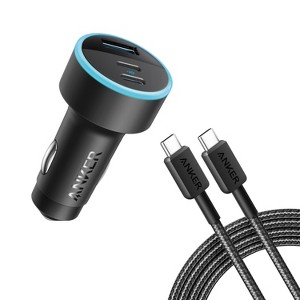
The Anker three-port 67W car charger is the vehicle-power option. The fully retrieved Target page identifies a three-foot USB-C cable in the manufacturer's package and describes the 335 car charger. Its role is to serve compatible devices in a vehicle, not replace a household wall adapter. Review the vehicle's outlet and the device requirements before treating a familiar USB-C connector as the whole compatibility check. Read the Anker Three-Port 67W Car Charger product page for the exact listing.
Brand and output: the source describes 67W total output and a maximum of 35W per USB-C port. Those are different numbers with different meanings. This guide does not use the total to promise 67W charging to one connected laptop. The page's question-and-answer section contains broad laptop responses, but they do not override the more specific per-port limit in the description. Match the exact laptop requirement to the documented output path.
Pros: multiple ports can serve a planned mix of phones and other compatible equipment while traveling. The included cable gives the base package a clearer identity, with no seller-added pack needed for this recommendation. The compact arrangement may be useful in a vehicle where outlet space is limited, but the guide did not inspect its fit in a particular car. Check the actual console area and cable route rather than assuming every vehicle has the same clearance.
Cons: manufacturer timed-charge and protection language is not a charging test or a guarantee of absolute device protection from this article. Do not assume that any damaged outlet or cable becomes safe because the charger describes monitoring features. The cable should also be routed away from controls and normal driving movement. A charging accessory that interferes with the vehicle's operation is not a useful upgrade, regardless of its advertised output.
Options and setup: follow the exact three-port car-charger entry and verify the supplied cable and outlet compatibility. Check each intended device separately, especially a laptop whose requirements exceed the stated per-port maximum. Choose this charger for a known vehicle charging plan, keeping total output separate from the power one device can receive. The relevant benefit is a workable connection during travel, not a wattage headline detached from its limits.

GO THE DISTANCE: Withstand whatever adventure with the wildly reliable T7 Shield; It’s designed for the elements with water1, dust2 and drop3 resistance—all, of course, at lightning speeds
YOUR CON...
Option 5: Samsung T7 Shield Portable SSD 1TB at Amazon
The Samsung T7 Shield 1TB is the portable-storage option. The base Amazon page identifies model MU-PE1T0S/AM, USB 3.2 Gen 2 and one terabyte of nominal capacity. It is a portable external SSD, not a charging accessory or an internal console-expansion drive. That distinct role matters when selecting a cable and deciding where important files will live. Read the Samsung T7 Shield Portable SSD 1TB product page for the exact listing.
Brand and interface: Samsung advertises read and write ceilings of 1,050 and 1,000MB/s, along with an IP65 rating and drop-resistance claims. This guide does not treat those ceilings as a measured transfer result or the resistance wording as a promise that files survive every accident. Actual use depends on the host, cable, workload and operating conditions. The page's broad compatibility language also does not establish every recording or console workflow without further checking.
Pros: portable capacity can give a project or file library a separate physical location. The documented interface is a useful specification to compare with the computer's actual port, rather than assuming every USB-C socket supplies the same speed. A matching high-speed data cable is important; the charging cable in this guide has USB 2.0 data limits and is not chosen to provide the SSD's full interface performance.
Cons: one external drive alone is not a complete backup strategy. Important files should have another appropriate copy, and resistance ratings do not replace safe handling. This article did not test waterproofing, drop survival, sustained transfer speed or encryption setup. Formatting and device-specific preparation can also erase files or change compatibility, so inspect any existing data before changing how the drive is used.
Options and setup: follow the exact one-terabyte T7 Shield entry and confirm the selected capacity and included connection equipment. Plan the filesystem and host requirements before moving the only copy of important material. Choose the drive for a real portable-storage need, keeping advertised speed and ruggedness separate from an evidence-backed reliability promise. A storage accessory should make files easier to work with without encouraging the owner to rely on one device as their entire protection plan.
Match the whole connection, not only the plug
Read shared-output limits before connecting several devices. Keep charging capability separate from cable data speed and video support. For portable storage, use a matching data path and keep another appropriate copy of important files; a rugged enclosure does not replace a backup plan.
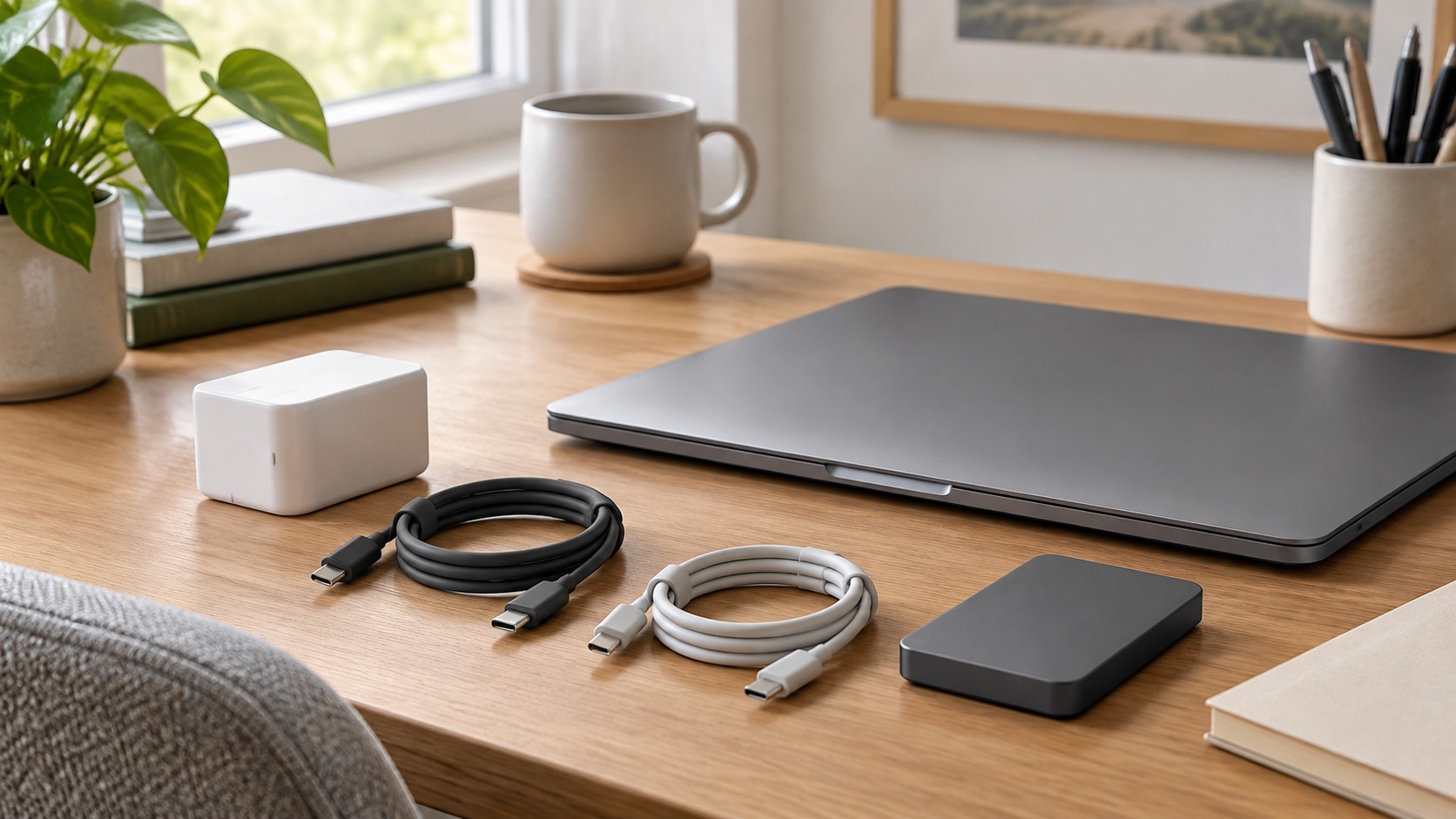
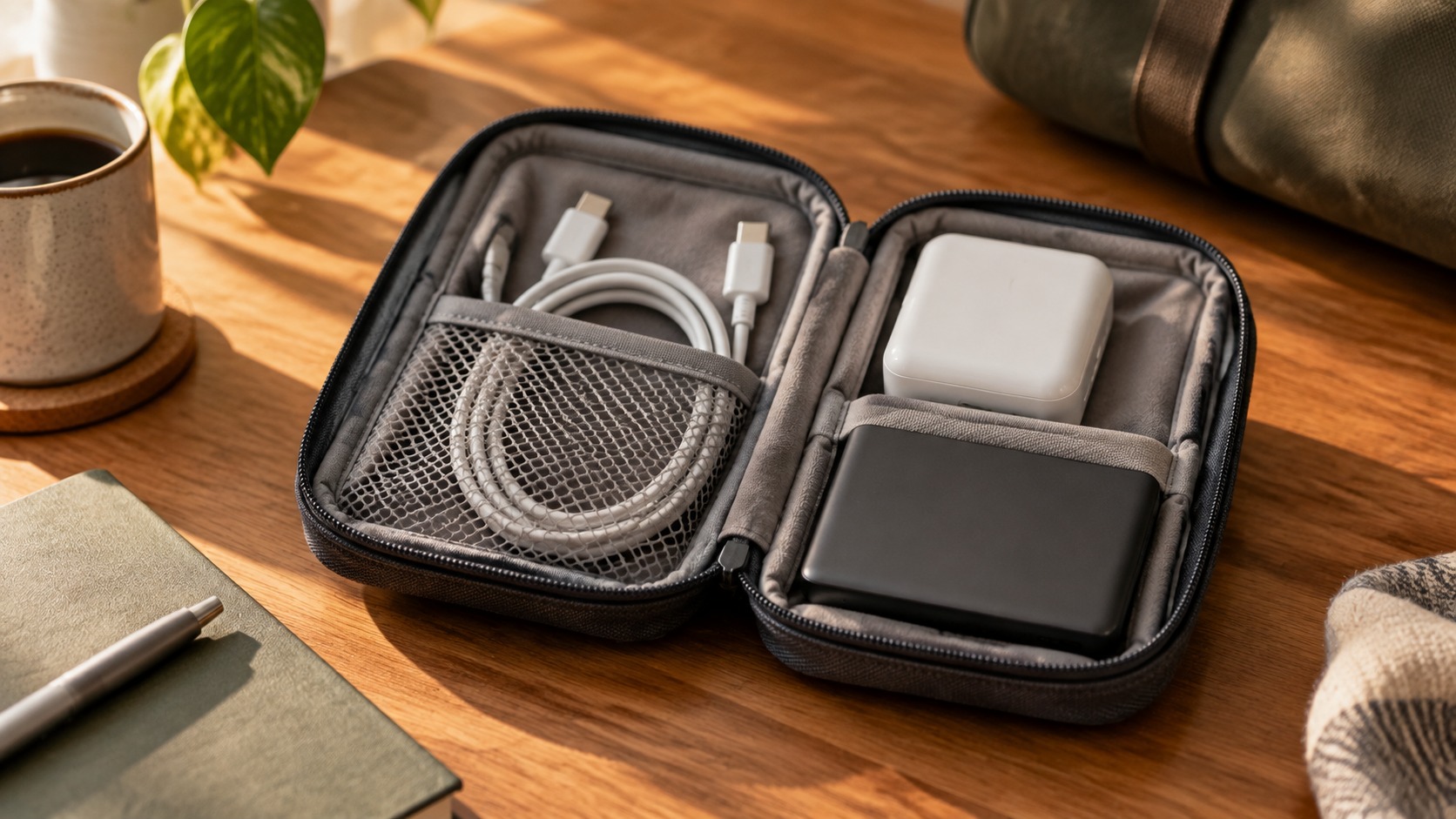
Image credit: two AI-generated generic workspace illustrations, not photographs of listed accessories. Product details: Amazon and Target listings. No charging, data-transfer or durability tests were performed for this guide. This post contains affiliate links; we may earn a commission on qualifying purchases at no extra cost to you.
The responses below are not provided, commissioned, reviewed, approved, or otherwise endorsed by any financial entity or advertiser. It is not the advertiser’s responsibility to ensure all posts and/or questions are answered.