
Last Updated on: Sep 20, 2026
Which PS5 hardware fits the library and the setup?
Choose the console by physical or digital library, then consider enhanced hardware only for supported games and a suitable display. Add controllers, charging, audio or internal storage when they solve a real setup need. Check the exact package before choosing.
The right PS5 purchase starts with the console edition, not a pile of accessories. This guide compares base Slim and Pro listings, then practical additions for an existing setup. The 2025 shortlist includes established hardware and no seller-created game bundles. Recommendations use retrieved product details and official setup guidance; no performance tests were performed for this article.
What We'll Cover
- Which PS5 hardware fits the library and the setup?
- Compare console edition and accessory role separately
- Option 1: PlayStation 5 Disc Edition Console Slim at Amazon
- Option 2: PlayStation 5 Digital Edition Console Slim at Amazon
- Option 3: PlayStation 5 Pro Console at Amazon
- Option 4: PlayStation DualSense Wireless Controller at Amazon
- Option 5: PlayStation DualSense Charging Station at Target
- Option 6: PlayStation PULSE Elite Wireless Headset at Amazon
- Option 7: Seagate Game Drive PS5 NVMe SSD 2TB at Target
- Buy the console edition before adding accessories
The first three options are consoles; the remaining options are accessories, not substitutes for a console. Scores are editorial fit judgments for the uses described, not hardware performance or laboratory test results.
Compare console edition and accessory role separately
| Hardware | Retailer | Documented identity | Best role | Before choosing |
|---|---|---|---|---|
| PlayStation 5 Disc Edition Console Slim | Amazon | Disc drive included; 1TB SSD; DualSense included; horizontal feet | Best Physical-Library Starting Point | Match exact model and setup |
| PlayStation 5 Digital Edition Console Slim | Amazon | No disc drive; 1TB SSD; DualSense included; download-focused | Best Confirmed Digital-Library Pick | Match exact model and setup |
| PlayStation 5 Pro Console | Amazon | 2TB SSD; DualSense included; disc drive not included; select-game enhancements | Best Supported-Game Upgrade Pick | Match exact model and setup |
| PlayStation DualSense Wireless Controller | Amazon | PS5; Bluetooth and USB-C; haptics; adaptive triggers; 3.5mm jack | Best Standard Input Addition | Match exact model and setup |
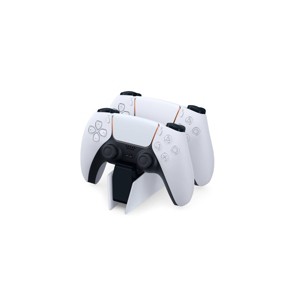
| PlayStation DualSense Charging Station | Target | Two DualSense positions; click-in dock; controllers sold separately | Best Two-Controller Routine | Match exact model and setup |
| PlayStation PULSE Elite Wireless Headset | Amazon | Wireless headset; Link USB adapter; charging hanger; model CFI-ZHW2 | Best Dedicated Wireless Audio Route | Match exact model and setup |
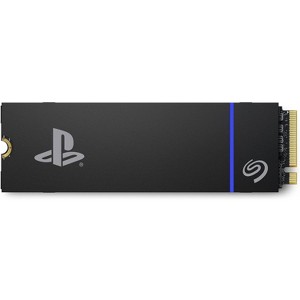
| Seagate Game Drive PS5 NVMe SSD 2TB | Target | Internal 2TB NVMe SSD; PCIe Gen4; heatsink included; PS5 expansion | Best Internal-Capacity Addition | Match exact model and setup |

Model Number CFI-2000
Includes DualSense Wireless Controller, 1TB SSD, Disc Drive, 2 Horizontal Stand Feet, HDMI Cable, AC power cord, USB cable, printed materials, ASTRO’s PLAYROOM (Pre-installed ...
Option 1: PlayStation 5 Disc Edition Console Slim at Amazon
The PlayStation 5 Disc Edition Slim is the console starting point when a physical game library matters. The base Amazon listing identifies a disc drive, 1TB SSD and an included DualSense controller. This is the ordinary console package rather than a seller-created game or accessory bundle. Its recommendation begins with the media the owner intends to use, not a promise that a smaller enclosure improves every game's performance. Read the PlayStation 5 Disc Edition Console Slim product page for the exact listing.
Brand and package: PlayStation lists two horizontal stand feet, HDMI and USB cables, an AC power cord and printed materials with the console. The pre-installed Astro's Playroom is part of the manufacturer's base package, not a separate game selection in this guide. The listing names the CFI-2000 family and a CFI-2015 model field. Preserve that hardware identity when comparing another slim listing rather than borrowing storage specifications from a later revision.
Pros: the included disc drive makes this the clearer shortlist choice for someone who intends to use compatible physical games. The controller and listed setup cables also help define what arrives in the base box. These facts do not mean that every service subscription or game is included. The source describes supported PS4 titles, so an existing library should be checked title by title instead of treating backward compatibility as an unlimited guarantee.
Cons: the vertical stand is sold separately according to the listing. A cabinet or shelf should be planned around the permitted orientation and ventilation, not an assumption that every display accessory is in the box. This article did not test cooling, noise, loading or frame rates. Customer review language about quiet operation and speed is not adopted as a result measured here, and the internal storage label does not mean all nominal capacity is available for installed games.
Options and setup: choose the base disc Slim link and inspect the exact console revision and package before buying. Consider whether the household will actually use discs before comparing the Digital Edition. Leave space for airflow and cable access, and follow the console's setup instructions. Choose this model for its documented physical-media route and base equipment, while keeping performance expectations tied to individual games and the connected display rather than general marketing claims.

Model Number CFI-2000
Includes DualSense Wireless Controller, 1TB SSD, 2 Horizontal Stand Feet, HDMI Cable, AC power cord, USB cable, printed materials, ASTRO’s PLAYROOM (Pre-installed game)
Vertic...
Option 2: PlayStation 5 Digital Edition Console Slim at Amazon
The PlayStation 5 Digital Edition Slim is the console alternative for a deliberately digital library. The base Amazon listing identifies the CFI-2000 family, 1TB storage and a DualSense controller, with no disc drive. That omission is the first decision to make, not a minor specification to discover after buying boxed games. This entry is a base console, not a retailer-added game or storage package. Read the PlayStation 5 Digital Edition Console Slim product page for the exact listing.
Brand and media: PlayStation's description explains signing into PlayStation Network and buying or downloading games through the store. The account and digital-library path are part of the setup story. The source lists horizontal feet, cables, power equipment and the pre-installed Astro's Playroom in the manufacturer's package. This guide does not turn that included software into a promise that a wider paid game library arrives with the console.
Pros: a digital-only arrangement can fit someone whose existing library and buying habits already use downloads. The included controller and documented cables give a clear base package to review. The reason to choose it is that media plan, not a claim of better performance than the disc model. A household should also consider its real download connection and where games will be stored before treating digital access as effortless in every setting.
Cons: the linked base unit has no disc drive, so it cannot read a physical game in that supplied configuration. This guide does not assume that a separate drive, vertical stand or other accessory is included. The storage specification belongs to this exact listing and should not be transferred to a similarly named revision. Nominal SSD capacity is not identical to the space left for games after system software, and this article did not measure installation sizes or download times.
Options and setup: review the selected edition carefully, especially when the console is a gift for someone with a disc collection. Check accounts, access to downloaded games and the desired placement before setup. If physical media is part of the plan, compare the disc Slim rather than hoping a familiar PS5 label changes this box's contents. Choose the Digital Edition when the library and connection genuinely suit a download-focused console. The right edition should simplify the owner's routine, not leave an important media limitation for them to solve later.

PlayStation Spectral Super Resolution (PSSR) Get super sharp image clarity on your 4K TV using AI enhanced resolution for ultra-high definition play with astonishing detail.*
Optimized Console Perf...
Option 3: PlayStation 5 Pro Console at Amazon
The PlayStation 5 Pro is the enhanced-hardware choice rather than the default console recommendation. The base Amazon source identifies 2TB of storage, a DualSense controller and no included disc drive. It describes PlayStation Spectral Super Resolution, ray tracing and performance improvements for supported games. These features explain its place in the shortlist, but they do not mean every title receives identical benefits or that every television can show every supported mode. Read the PlayStation 5 Pro Console product page for the exact listing.
Brand and supported games: PlayStation explicitly limits enhanced features to selected PS5 games, with results varying by game. That qualification is more useful than reproducing a general promise of the best visuals. This guide did not compare versions of a game, measure frame rates or test upscaling. Before choosing Pro around a favorite title, inspect whether that game offers an enhanced mode and how its settings work with the intended display.
Pros: the documented 2TB storage is larger than the 1TB base Slim listings used here. The included controller, HDMI cable, power cord and horizontal feet establish the manufacturer's package. Those items are not a seller bundle. A player with specific supported-game and display needs can investigate the enhanced graphics features separately from the need for extra installed-game capacity; one reason need not imply the other.
Cons: a disc drive is not included. PlayStation's own retail information also identifies the drive and vertical stand as separate purchases, and says a separately added drive requires internet pairing during setup. Do not assume a higher console tier automatically supplies the physical-media route or every stand. This article also does not promise that Pro upgrades every unsupported PS4 or PS5 game simply because the console can run a supported library.
Options and setup: use the clean base Pro listing, not a seller-modified storage kit. Check the intended games, display, media library and placement before making the enhanced hardware the deciding factor. If discs matter, plan the compatible drive separately instead of treating it as hidden in the box. Choose Pro for verified needs that its documented storage and supported-game features address. A higher-specification console is a good fit only when the owner's actual use benefits from the differences.
Quick reference for the three accessories above.
| Product | Key labels | Score | Award |
|---|---|---|---|
| PlayStation 5 Disc Edition Console Slim | Disc drive included; 1TB SSD; DualSense included; horizontal feet | 8.8 | Best Physical-Library Starting Point |
| PlayStation 5 Digital Edition Console Slim | No disc drive; 1TB SSD; DualSense included; download-focused | 8.5 | Best Confirmed Digital-Library Pick |
| PlayStation 5 Pro Console | 2TB SSD; DualSense included; disc drive not included; select-game enhancements | 8.7 | Best Supported-Game Upgrade Pick |

Bring gaming worlds to life - Feel your in-game actions and environment simulated through haptic feedback*. Experience varying force and tension at your fingertips with adaptive triggers*
Find your...
Option 4: PlayStation DualSense Wireless Controller at Amazon
The DualSense wireless controller is the standard-input accessory pick. The base Amazon listing identifies CFI-ZCT1W and PS5 compatibility, with Bluetooth and USB-C connectivity. It is not the DualSense Edge or an accessory kit. Its role is to replace a controller or add another standard controller where the playing arrangement calls for one, rather than assuming every console purchase also needs extra input hardware. Read the PlayStation DualSense Wireless Controller product page for the exact listing.
Brand and controls: PlayStation describes haptic feedback, adaptive triggers, a built-in microphone, a 3.5mm headset jack and a create button. The source qualifies the advanced feedback features by game support. These are documented functions, not a controller-feel or latency test performed by this guide. A supported feature can be useful without operating identically in every title, on every platform or through every connection method.
Pros: a standard PS5 controller gives a clearer input match than a broad third-party listing with several console names. The named headset jack and built-in microphone also provide specific audio routes to investigate. This does not establish microphone quality or comfort for a particular player. If two people will play locally, check the game's actual controller and player requirements rather than treating one additional controller as proof that every game supports the same shared-play arrangement.
Cons: the source's computer compatibility does not mean every PS5 feature transfers automatically to every PC game. This article does not promise battery duration, drift resistance or long-term durability. A damaged headset jack, worn battery or other fault should be identified before replacing an unrelated accessory. The fact that a controller uses USB-C also does not make every charging or data cable suitable for every intended function.
Options and setup: follow the standard DualSense base entry, not a themed seller package or an Edge listing selected by similar appearance. Review the exact controller and included parts, then pair it using the console's instructions. Choose it when an additional or replacement standard controller solves the actual input need. If control layout or mobility is the main problem, investigate accessibility equipment instead of assuming another identical controller will make the same arrangement work better.
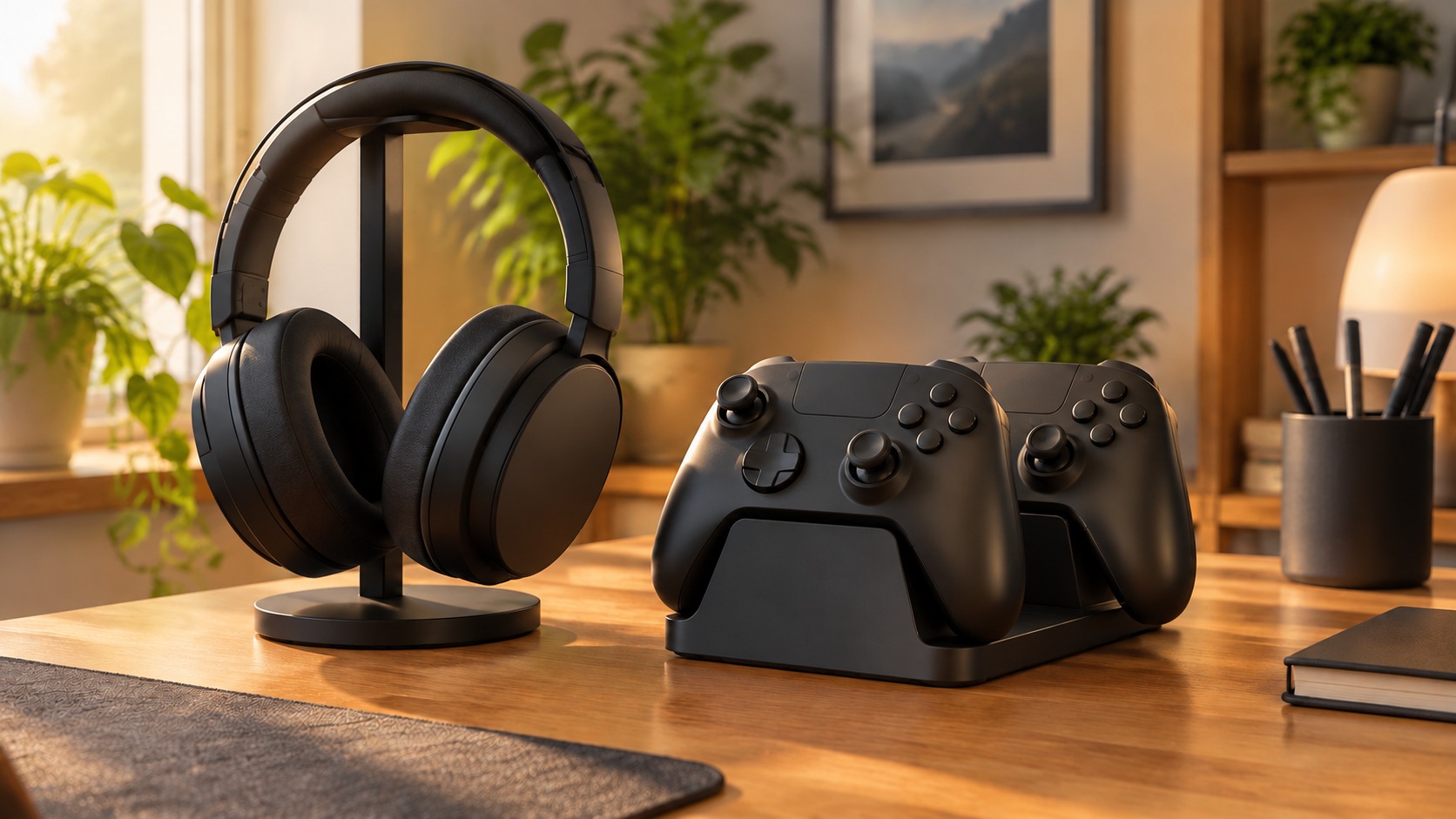
Option 5: PlayStation DualSense Charging Station at Target
The DualSense Charging Station is the two-controller charging-routine option. The fully retrieved Target page identifies the official PS5 dock and a click-in design for up to two DualSense controllers. Its role is different from buying another controller: it provides a place to return working controllers between sessions. Controllers themselves are sold separately according to the product description, so the dock is not presented as a controller bundle. Read the PlayStation DualSense Charging Station product page for the exact listing.
Brand and charging: PlayStation's description says controllers charge as quickly as when connected to the PS5 and describes freeing console USB ports. This is a manufacturer comparison, not a charging-rate measurement performed by this article. The recommendation relies on the documented controller fit and docking arrangement rather than a claim that the dock improves battery health, increases capacity or makes worn batteries behave like new ones.
Pros: two compatible controllers can share a dedicated location on the shelf. That may suit a household where controllers are otherwise left uncharged after play. The click-in design gives a physical routine to inspect, while the separate charging position can leave console USB ports available for other uses. Think about where that routine will work in the actual room rather than choosing a dock only because it makes a display look tidy.
Cons: a charging station cannot repair a damaged controller connector or an exhausted battery. Verify the source of a charging problem before replacing equipment. The product is described for DualSense controllers; this guide does not extend that fit automatically to every third-party PS5 controller or differently shaped input device. It also does not claim faster charging than another compatible method based on a design photograph or a retailer score.
Options and setup: follow the exact official dock page and review the included power arrangement and controller fit. Place it where the controllers can be returned without stretching cables across a walking route. If only one controller is used and a known-good cable already meets the routine, an extra dock may be unnecessary. Choose this item for a verified two-controller habit or port-management need. A useful accessory solves a repeated inconvenience rather than adding another device the owner must remember to use.

Box Contents: PULSE Elite wireless headset, PlayStation Link USB adapter, PULSE Elite charging hanger, mounting plate, USB cable, Printed Materials
Next Generation Gaming Audio - Experience extraor...
Option 6: PlayStation PULSE Elite Wireless Headset at Amazon
The PULSE Elite wireless headset is the audio-and-chat accessory option. The base Amazon page identifies CFI-ZHW2 and lists a PlayStation Link USB adapter, charging hanger, mounting plate and USB cable with the headset. These are the manufacturer's included parts, not a seller-created bundle. It is a separate audio choice rather than a required addition to every PS5 console in this guide. Read the PlayStation PULSE Elite Wireless Headset product page for the exact listing.
Brand and connection: PlayStation describes wireless connectivity across a range of devices, voice capture and accessible controls. The documented adapter and charging equipment give a clearer setup story than the general phrase wireless headset alone. This article did not test connection range, microphone clarity or sound quality. Check the intended device and connection path before assuming that every wireless standard or headset works directly through a console's built-in Bluetooth arrangement.
Pros: the named charging hanger provides a storage and charging detail to inspect alongside the included adapter. A dedicated headset may be relevant when game audio and chat need a personal listening route rather than television speakers. That role does not prove the headset suits every head shape, wearing duration or hearing need. Comfort and fit remain individual considerations, and retailer praise is not a test performed by this article.
Cons: the source advertises up to 30 hours of battery life, but this guide does not turn that ceiling into a guaranteed session length. Actual use and settings can differ. It also does not adopt the manufacturer's claims of lifelike sound or clear voice capture as measured results. If the fault is in a controller or device audio path, buying a headset without checking the connection may leave the underlying problem unresolved.
Options and setup: use the base PULSE Elite entry rather than another similarly named PlayStation headset or a seller accessory pack. Verify that the included adapter can be connected in the intended arrangement and that the charging hardware has a suitable place. Choose it when a dedicated documented wireless audio route addresses the household's needs. The right headset should fit the listener and system, not simply complete a collection of accessories with the same console brand.
Option 7: Seagate Game Drive PS5 NVMe SSD 2TB at Target
The Seagate Game Drive PS5 NVMe SSD 2TB is the internal-capacity expansion option. The fully retrieved Target page identifies a licensed 2TB NVMe drive with an included heatsink and PCIe Gen4 description. It is not the external USB drive used for PS4 storage in the earlier category. That installation difference matters more than the familiar Game Drive name when selecting equipment for a PS5. Read the Seagate Game Drive PS5 NVMe SSD 2TB product page for the exact listing.
Brand and requirements: Seagate's description presents this drive for the PS5 internal expansion slot. PlayStation's official M.2 guide supplies the compatibility and installation requirements, including the supported interface, cooling and physical dimensions. Use those requirements to check the exact item before installation. The Target structured connection field says SATA, which conflicts with the NVMe and PCIe description; this guide does not adopt that field or quietly treat the two interfaces as equivalent.
Pros: the documented 2TB capacity can address the need for more installed games without replacing the console. The included heatsink is a concrete product feature to compare with the console's cooling requirement. The retailer advertises sequential speeds, but those are not loading or transfer measurements from this article. Capacity and compatibility are the recommendation's basis, not a promise that every game becomes faster after adding storage.
Cons: installation involves the console's expansion compartment, not plugging a cable into an external USB port. Follow official preparation and fitting instructions rather than assuming the phrase easy installation removes the need for care. Formatting can erase data on the drive, so check its contents before setup. The listing is supplied by a Target marketplace partner; the exact product and seller terms still need review.
Options and setup: follow the named 2TB heatsink-equipped SSD entry and confirm all official fit requirements. Do not choose a different drive merely because it shares the brand or general storage capacity. Back up anything needed, follow the console guide and verify recognition after installation. Choose this expansion for a real internal-capacity need, keeping the retailer's speed claims separate from measured game performance and the contradictory SATA metadata out of the decision.
Buy the console edition before adding accessories
Start with the media library and the exact console package. Pro features depend on supported games; a Digital or Pro box does not secretly include a disc drive. Then add equipment for a verified controller, charging, audio or capacity need, following official compatibility and setup instructions.
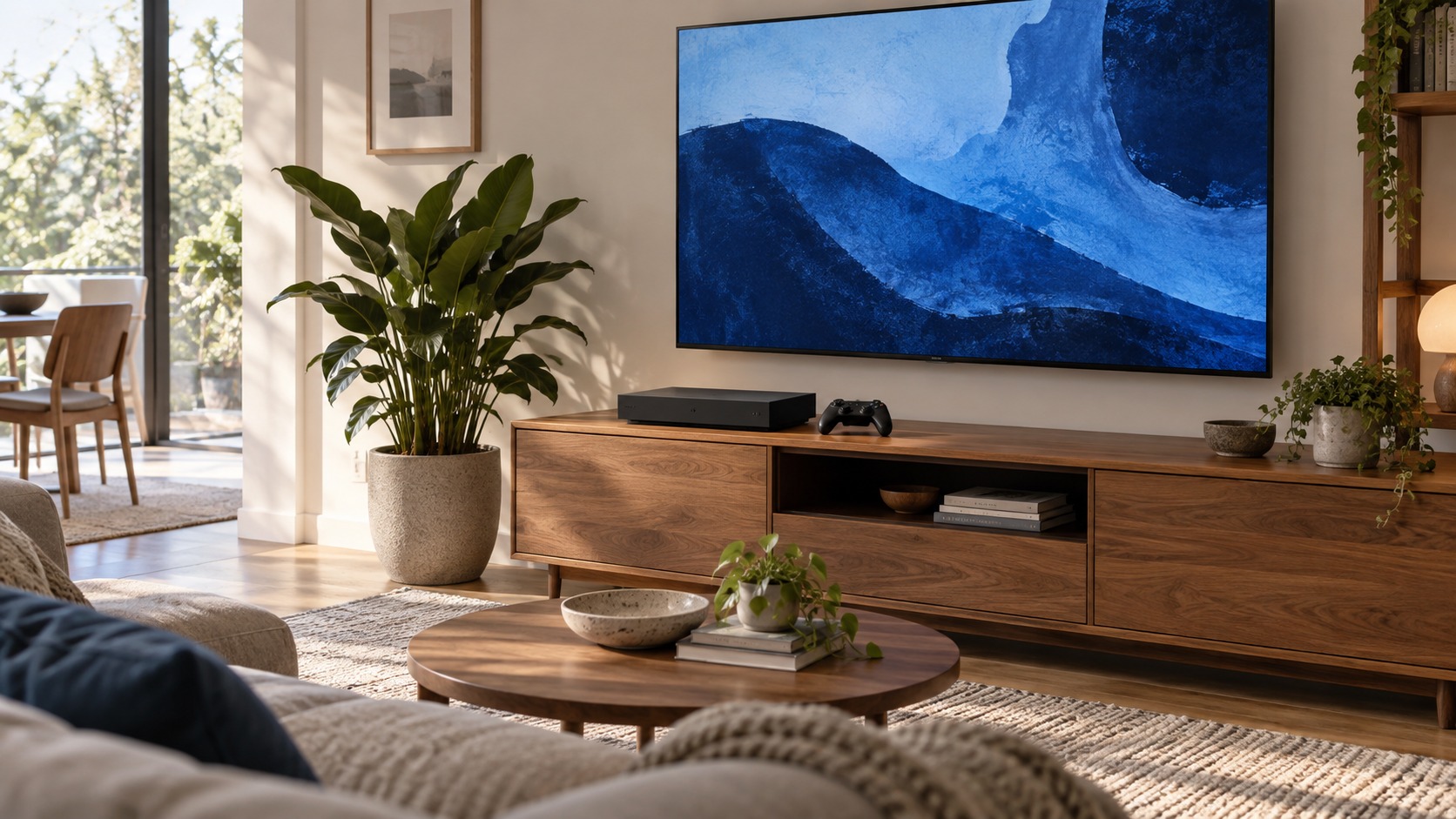
Image credit: two AI-generated generic home-gaming illustrations, not photographs of listed consoles or accessories. Product details: Amazon and Target listings, with official PlayStation setup guidance. No console or accessory performance tests were performed for this guide. This post contains affiliate links; we may earn a commission on qualifying purchases at no extra cost to you.
The responses below are not provided, commissioned, reviewed, approved, or otherwise endorsed by any financial entity or advertiser. It is not the advertiser’s responsibility to ensure all posts and/or questions are answered.